 Givebear
Givebear vs Givebutter. Kiosks, fees and funds, side by side.
Compare Givebutter with Givebear for campaigns, donation pages, events, donor records, receipts, and in-person giving. See the side-by-side comparison, where Givebutter still fits, and how to migrate to Givebear without breaking donation links.
Rather talk it through? Book a demo
Get a comparison plan.
Tell us what you are comparing with Givebutter. We will reply with the costs, workflow, and next step that fit your organization.
No obligation and no forced sales call.
Side by side.
| Capability | Givebear | Givebutter |
|---|---|---|
| Hardware Donation Kiosks | Yes | No |
| Faith-Specific Workflows | Yes | No |
| Hosted Donation Portals | Yes | Yes |
| Event Registration | Yes | Yes |
| Automated donor receipts | Yes | Yes |
When Givebutter is the better fit
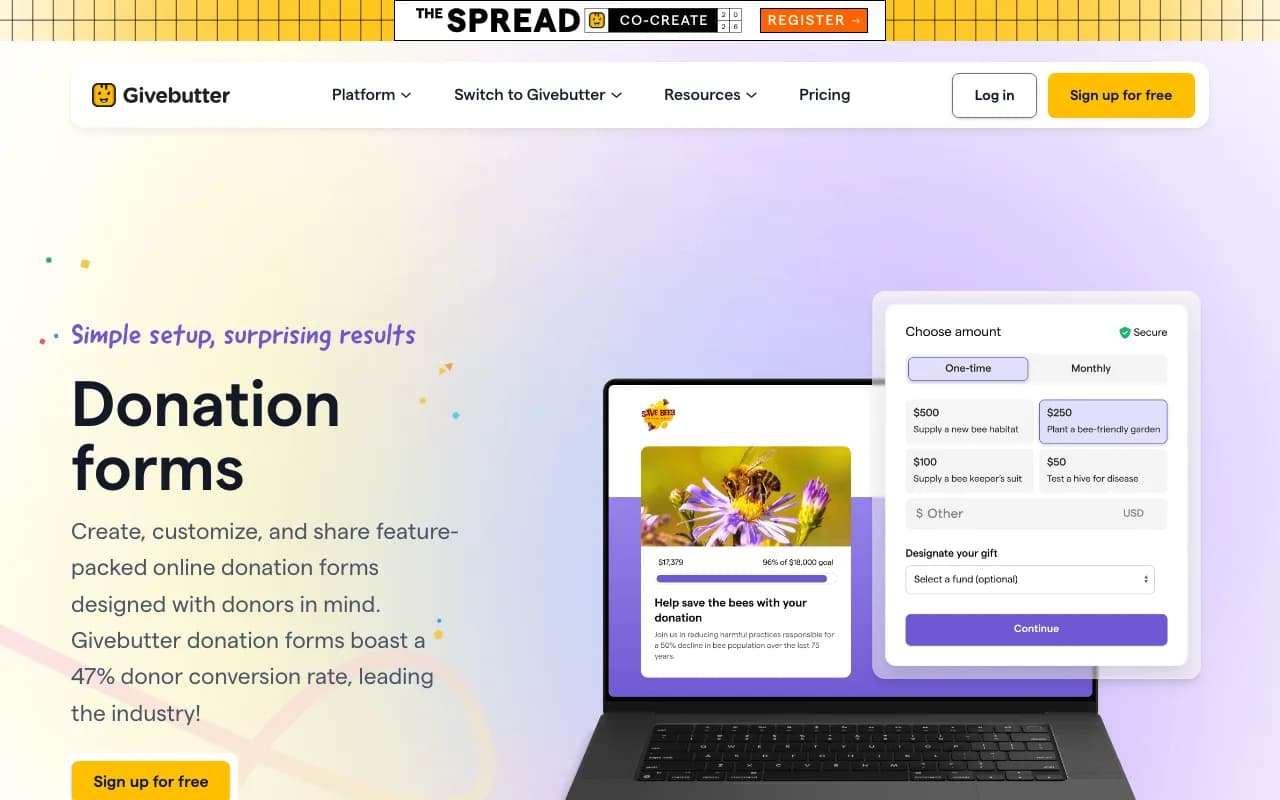
Givebutter fits teams that raise mostly online through peer-to-peer and campaign pages and are comfortable with a fee model funded by donor tips.
Run your own numbers
The kiosk cost calculator and the platform fee calculator work from your device count and giving volume.
After the gift. Where each one lands.
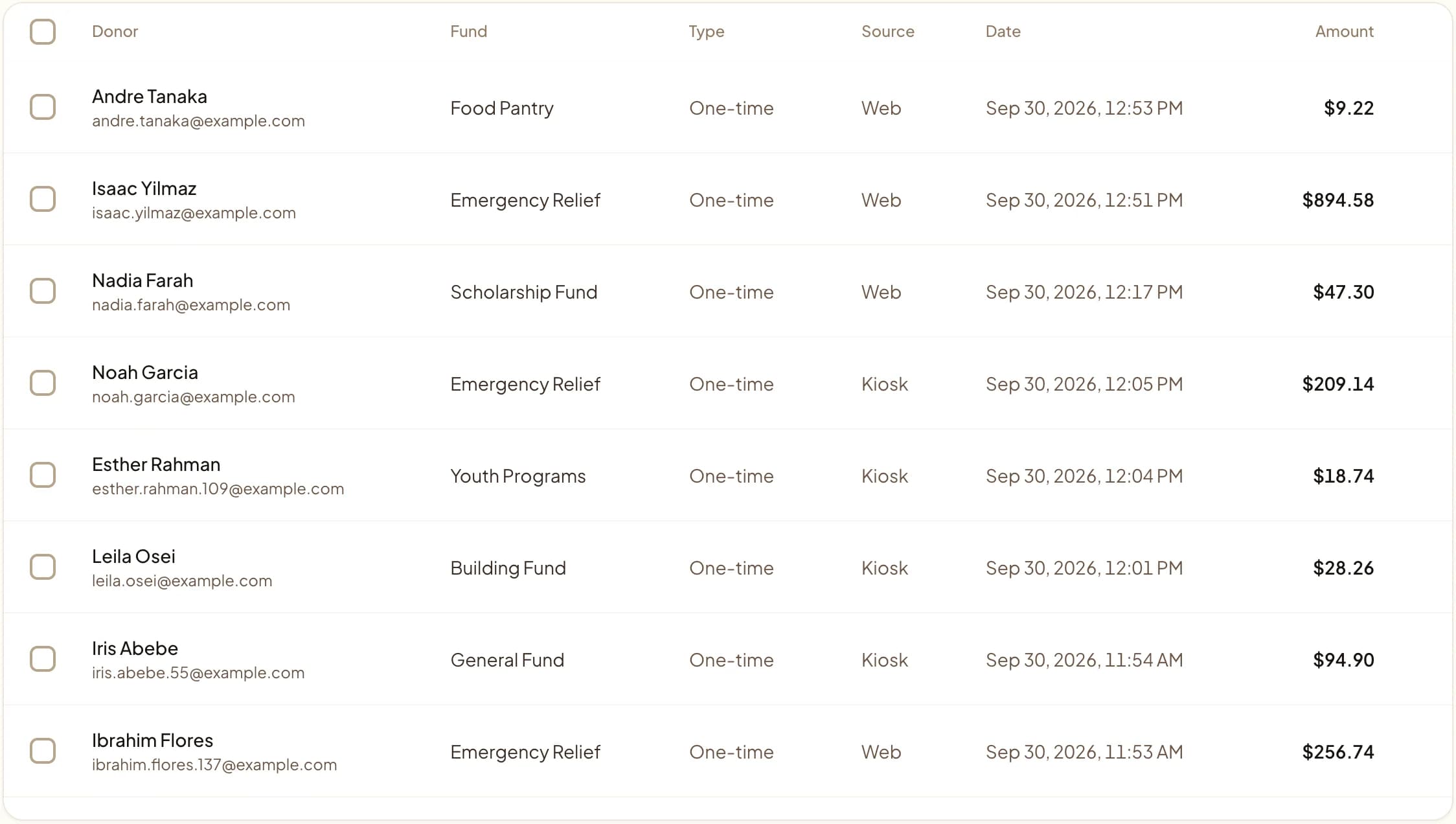
The full comparison.
Last updated June 2026
Quick answer
Givebutter is an online fundraising platform: no platform fee when donors leave a tip, published flat fees when tips are off, and a CRM tier, Givebutter Plus, priced by contact count from $29 to $129 a month (verified June 2026). Its only in-person hardware is a $99 handheld card reader. Givebear sells a lobby donation kiosk, charges a flat platform fee with no tip prompt, and supports faith fund workflows. Givebutter suits teams running peer-to-peer and online campaigns.
Key takeaways
- TINA.org flagged in June 2026 that a pre-checked default tip turned a $500 Givebutter gift into $590.
- A dedicated Givebutter kiosk has been an open feature request since January 2023.
- Map campaign URLs, recurring donors, event pages, and any live peer-to-peer campaigns before switching.
Who this is for: Nonprofits comparing modern fundraising platforms; Development directors and finance leads who answer to a board for every restricted gift and every receipt, weighing Givebutter against Givebear
Givebutter is a nonprofit fundraising platform. In the comparison below, the gap is faith-specific workflows: Givebear includes it and Givebutter does not.
Where Givebutter is the better choice
Givebutter fits teams that raise mostly online through peer-to-peer and campaign pages and are comfortable with a fee model funded by donor tips.
Where Givebear is different
Givebear fits organizations that need a donation kiosk in the building as well as online giving, with campaign pages, events, receipts, and donor records in one account and fund setups that suit mosques, churches, and synagogues.
Compared with Givebutter, Givebear's kiosk for a lobby or event entrance is a 21.5-inch touchscreen with a built-in Stripe card reader, sold once at $999 to $1,099 (wall mount or battery floor stand) with no per-kiosk software subscription.
What to test before you decide
Score both platforms on donation kiosk and in-person giving support, campaign pages and donation portal structure, event registration and attendee follow-up, receipt automation and donor records, and admin workload after each campaign. Use your last year-end appeal as the test case: set up the same funds and receipt wording in a free Givebear account and check whether it produces the report your board asked for from Givebutter.
How do you switch from Givebutter to Givebear?
Before switching, map public campaign URLs, recurring donors, donor exports, event pages, receipt history, and any peer-to-peer campaigns that need to remain live.
Givebear imports contacts and past gifts from a CSV, so the Givebutter export is the first step. Create your funds in Givebear before importing the Givebutter file, since fund names in it do not create funds on their own. Saved cards move only if Givebutter and Stripe support a transfer; otherwise recurring donors restart their gift on your new page, so announce the change a few weeks ahead.
Before cutover, list every place a donor can reach Givebutter: website buttons, email footers, printed QR codes, and event pages. Repoint the ones you control; a printed code that sends donors to Givebutter keeps working only as long as Givebutter keeps that page up.
Practical use cases
- Choose Givebear if you need hardware donation kiosks, which Givebutter does not offer.
- Choose Givebear if you need faith-specific workflows, which Givebutter does not offer.
- Keep Givebutter for online giving and add a Givebear kiosk for walk-up gifts, then decide after a season of both.
Common questions
Does Givebutter support donation kiosks?
What is the best Givebutter alternative?
Is Givebear actually free like Givebutter?
Can I import my donors from Givebutter?
What does switching from Givebutter to Givebear cost?
Givebear covers donation portal, donation kiosks, campaign pages, event registration, automated receipts, donor records.
See Givebear next to Givebutter.
Book a 30-minute walkthrough. Bring what you run on Givebutter today and we will show the same setup in Givebear: funds, kiosk, receipts and reports.
- Your funds, set up the way your treasurer reports them
- Where a kiosk would go, and what it costs
- The reports your board will actually see
Rather set it up yourself? Start free
Loading available times
Or open the booking page