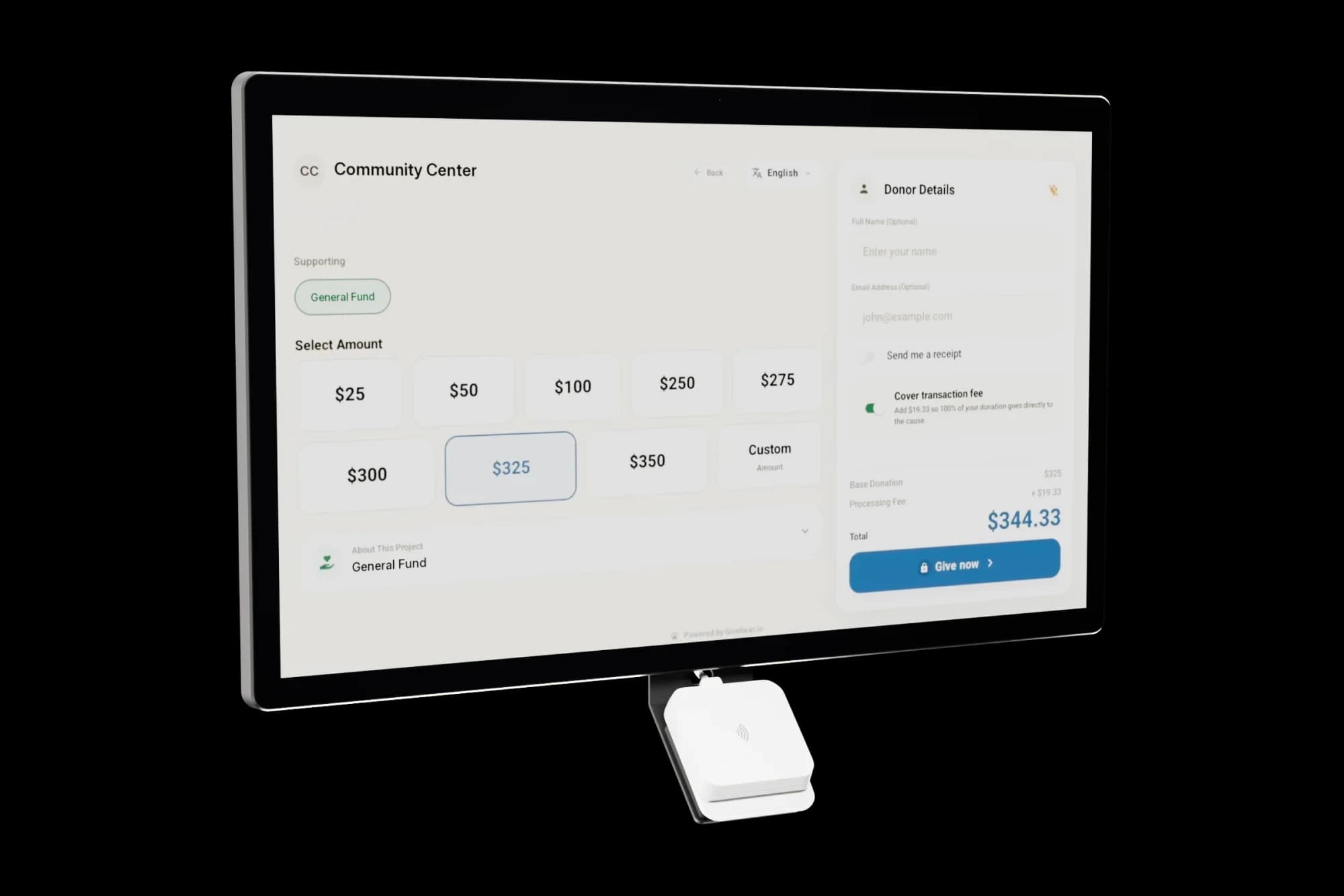
One-time hardware price. No monthly software fee.

The donation kiosk you buy once.

A 21.5" tap-to-donate kiosk for churches, mosques, schools, and nonprofits. Software, dashboard, receipts, and warranty included: no subscription, no contract.

Questions? Call +1 (847) 220-8043

From $999, one-time

The hardware price is the whole price. No leases, no setup fees, no contract.

Free US shipping

Arrives pre-configured for your organization and ready to plug in.

365-day performance guarantee

If your kiosk does not collect more than its price in donations within 365 days, send it back for a full refund.

No subscription

Giving software, dashboard, warranty, and updates are all included.

ISOM, Mount Prospect, IL

What changed at one masjid near Chicago.

30%

Jumuah giving increase

50+

Recurring donors enrolled

20

Hours monthly admin time saved

We stopped guessing where donations belonged. Zakat goes to Zakat, the building fund goes to the building fund, and our board sees it all in one report. And the congregation actually gives more because tapping a card after Jumuah is easier than finding cash.
Fatih U., Board Member · ISOM
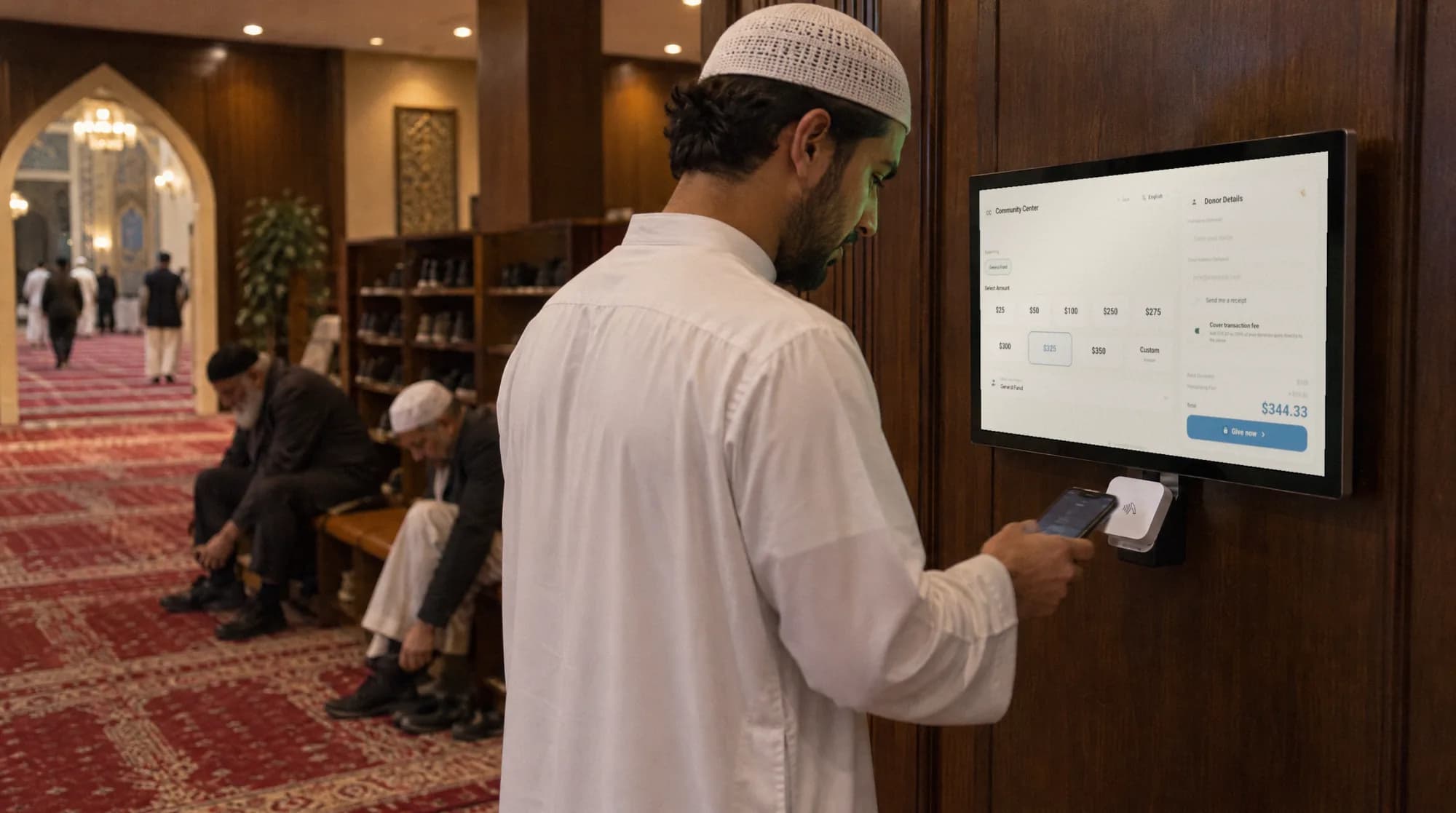
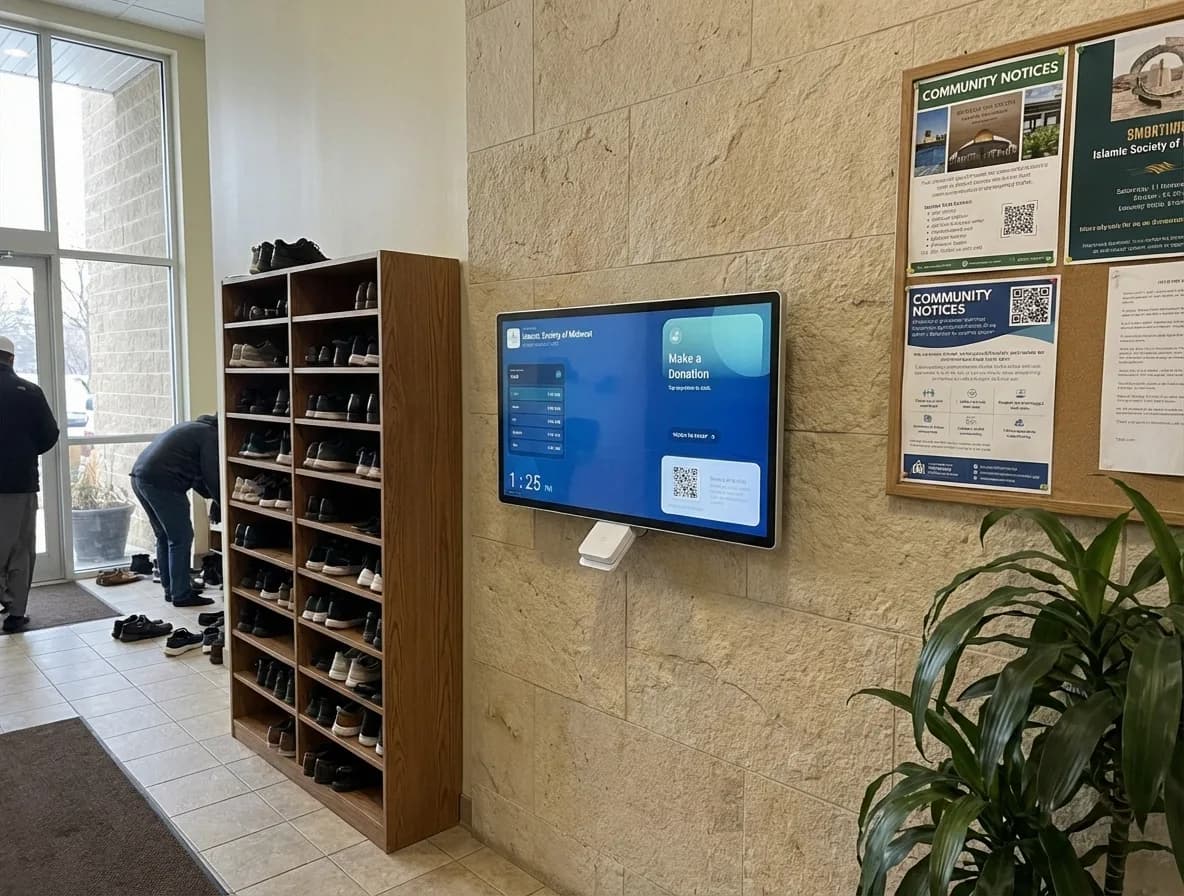
Wall-mounted Givebear donation kiosk inside a mosque lobby for zakat and sadaqah giving
The donor experience

Three taps and the gift is done.

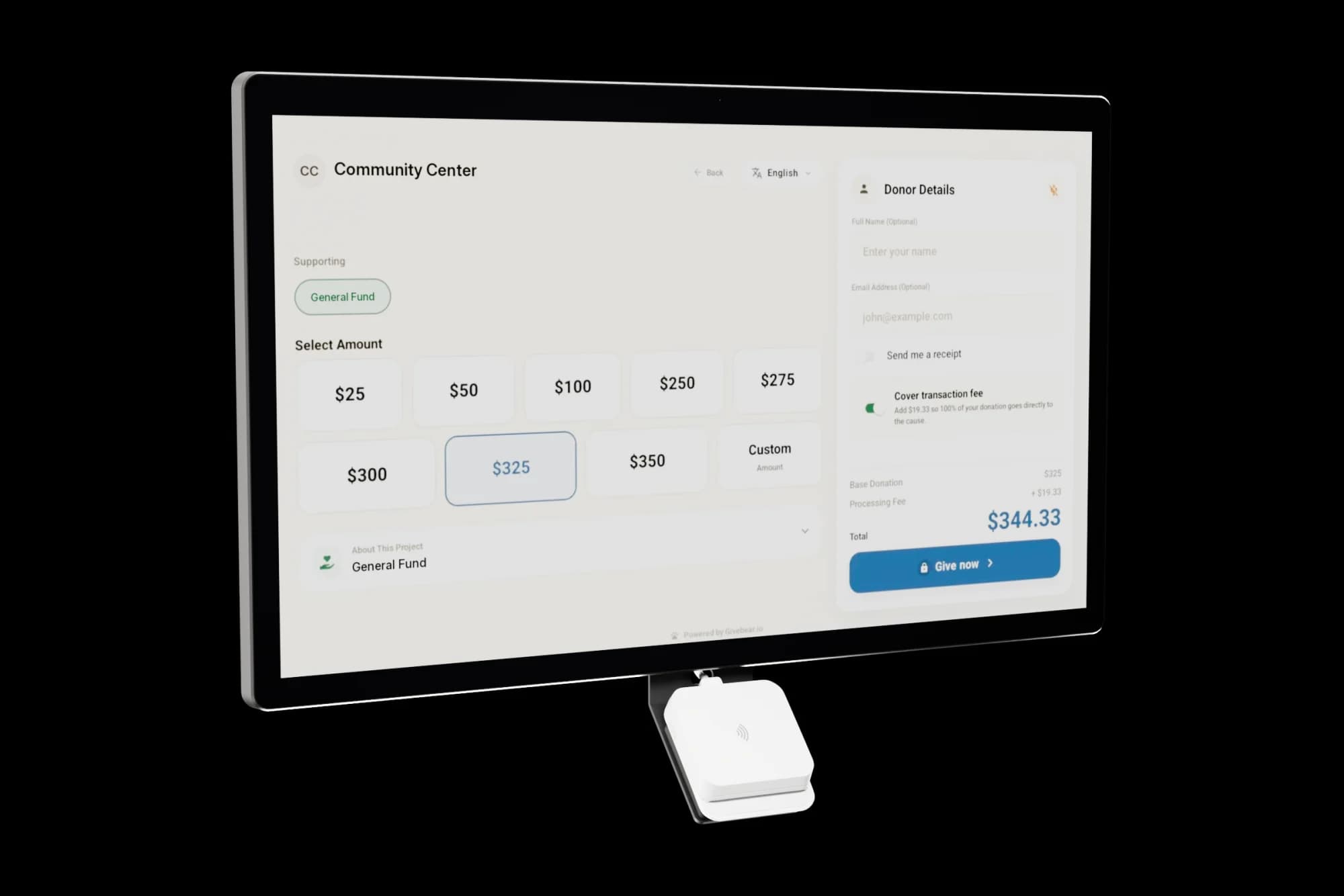
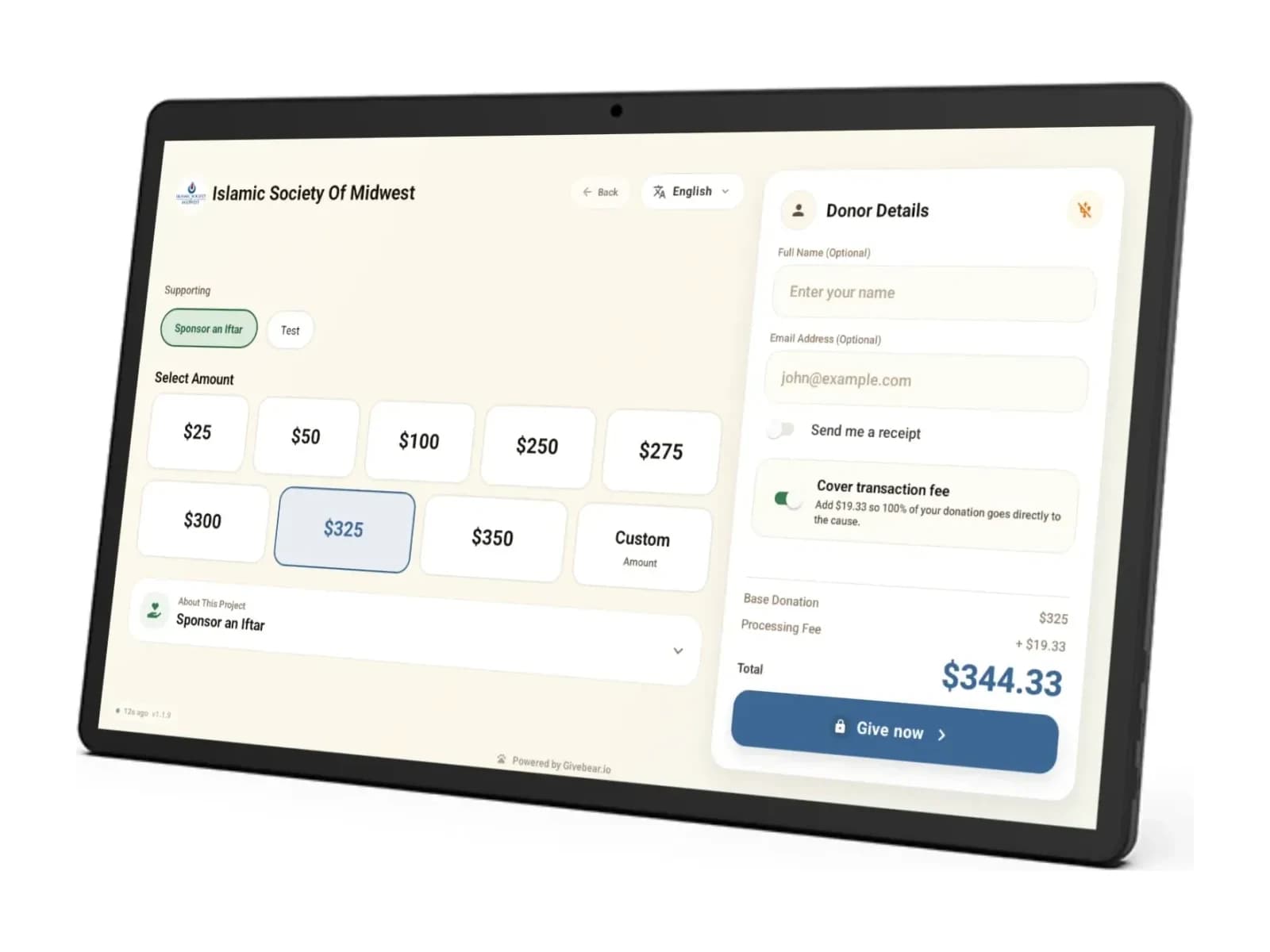
Pick a fund, tap a phone or card, walk away with a receipt. No logins, no app, no lines.

  • Funds you configure: zakat and sadaqah, tithes and offerings, or a school campaign
  • A recurring toggle turns one tap into a monthly gift
  • Automatic email receipts formatted for 501(c)(3) requirements
  • Donor screens in English, Arabic (right to left), Spanish, and Turkish

More on how mosques and churches run it.

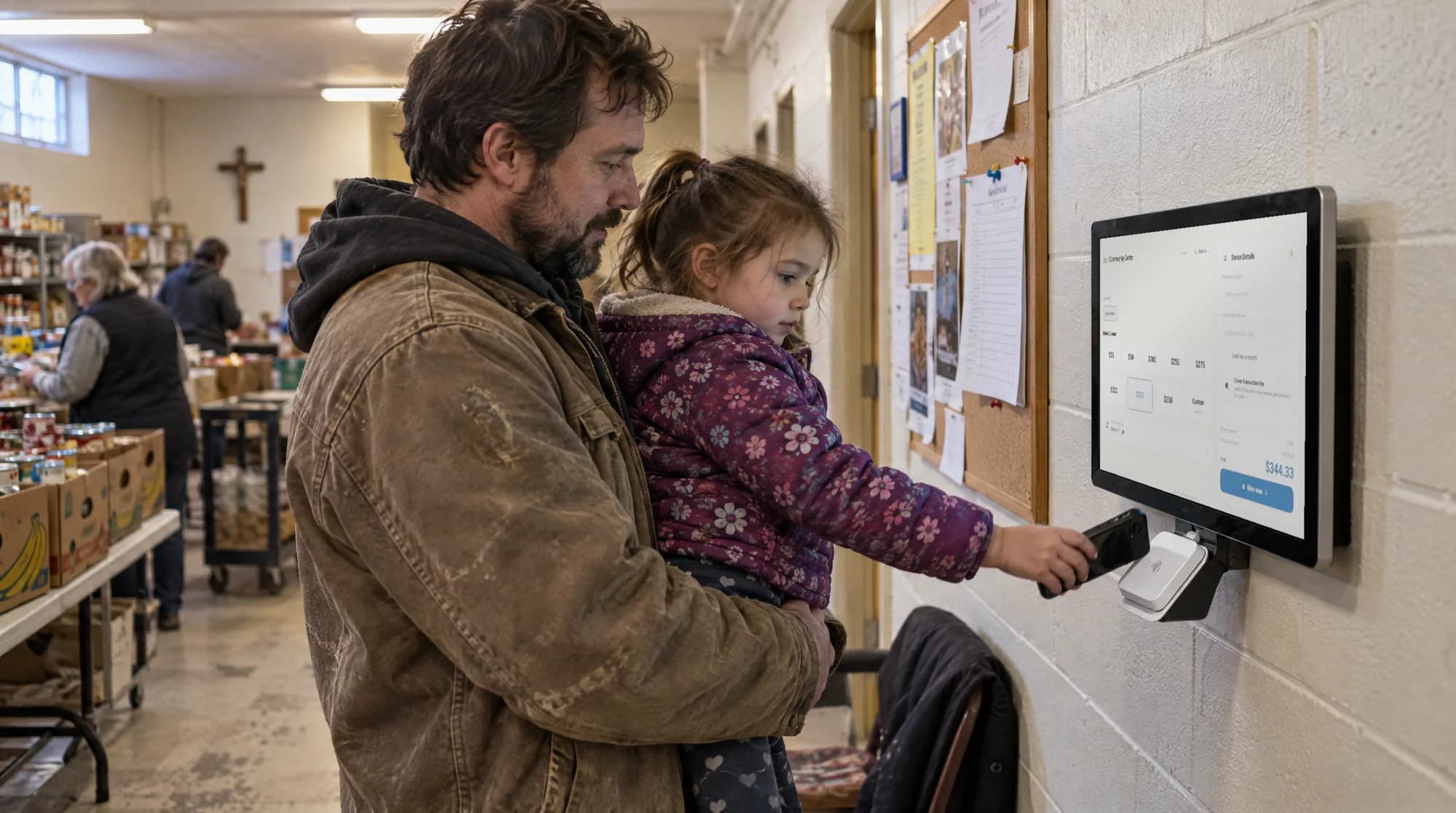
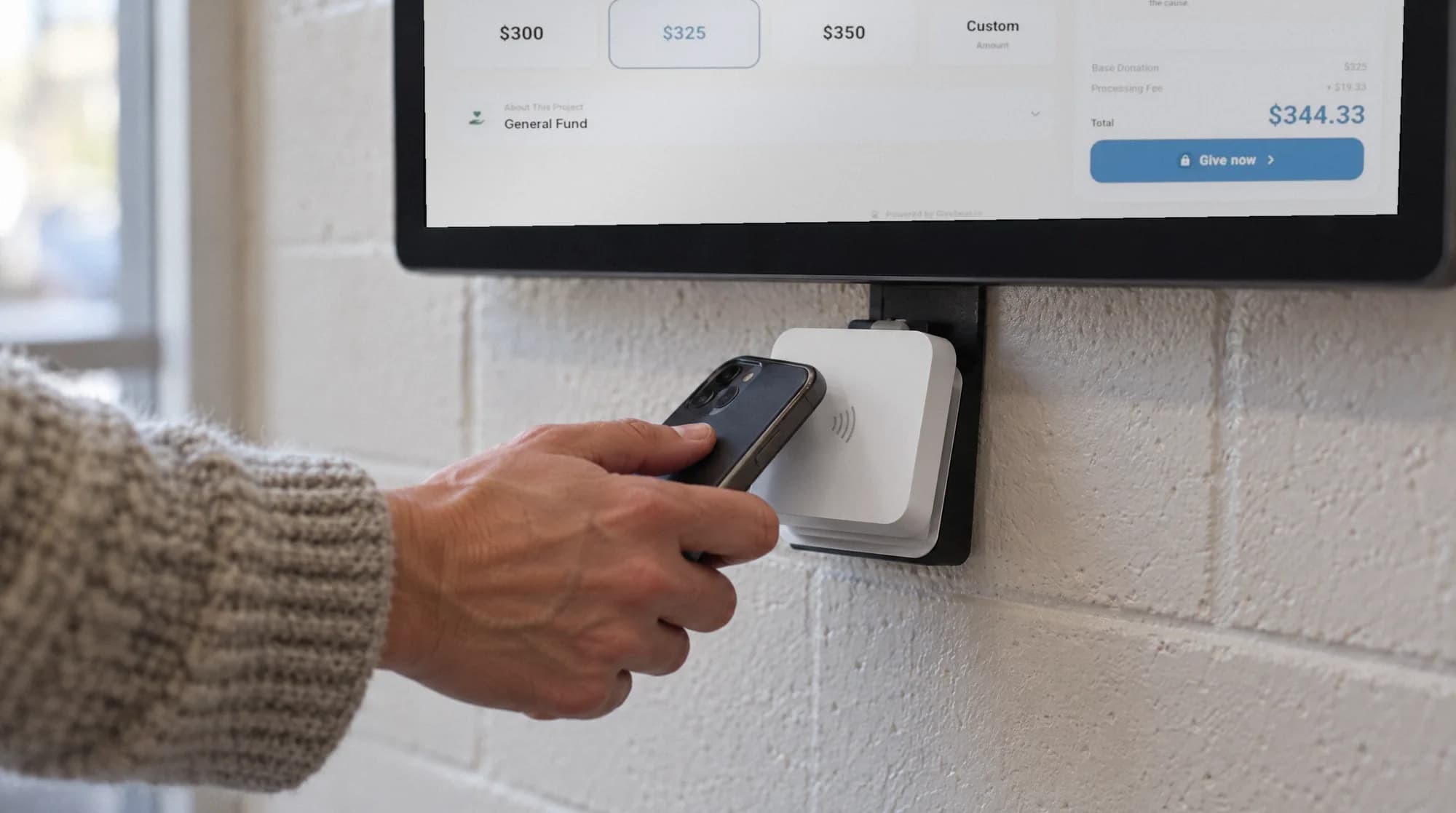
Givebear donation kiosk taking tap-to-pay gifts on a community center reception wall
Payments

Tap to pay, even when the Wi-Fi drops.

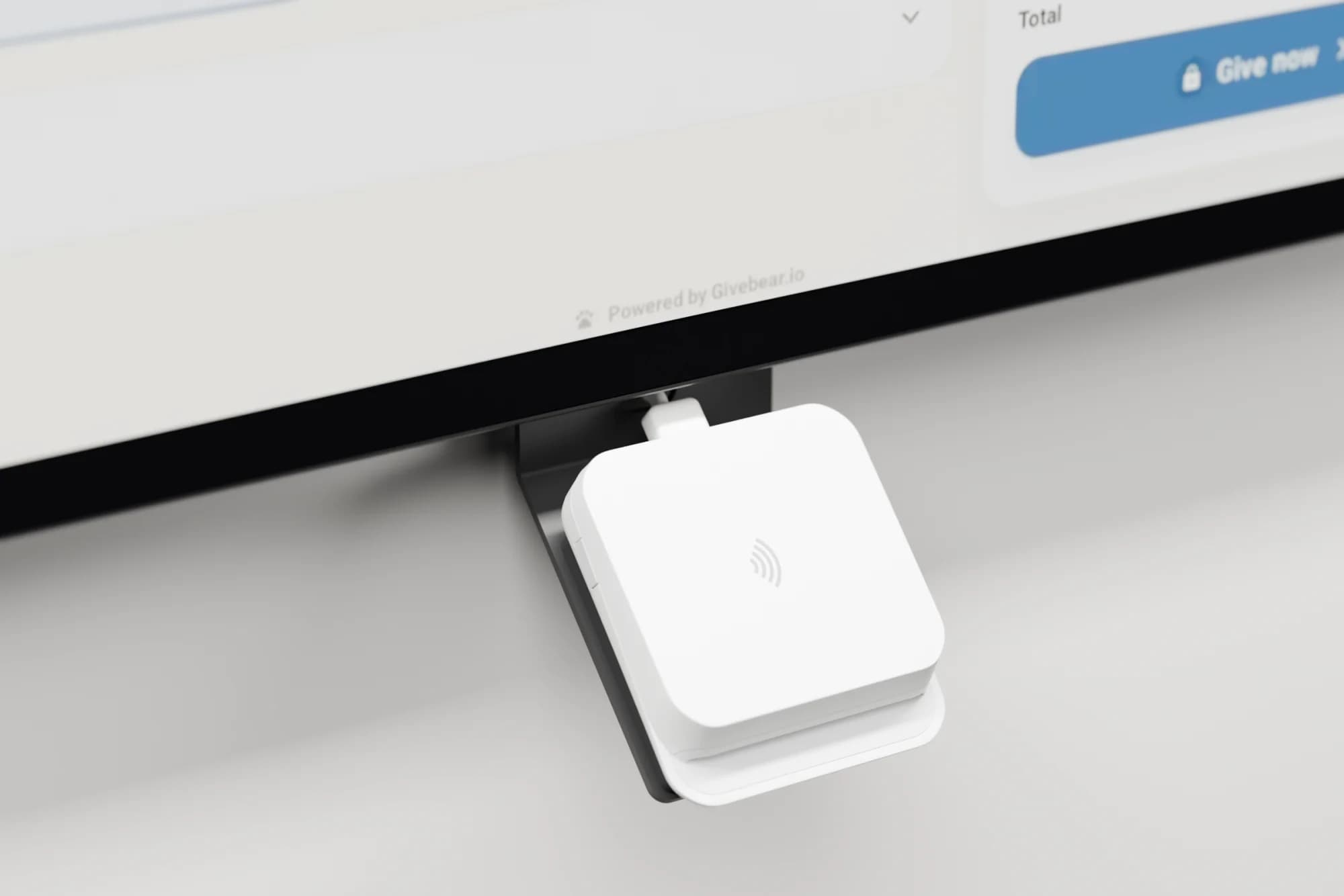
The built-in reader runs on Stripe Terminal and takes Apple Pay, Google Pay, and contactless cards.

  • Offline mode keeps one-time gifts flowing through internet outages
  • PCI DSS Level 1: card data travels encrypted from the reader to Stripe
  • Gifts settle in your organization's own Stripe account

Secure payments through Stripe. Read how we protect data.

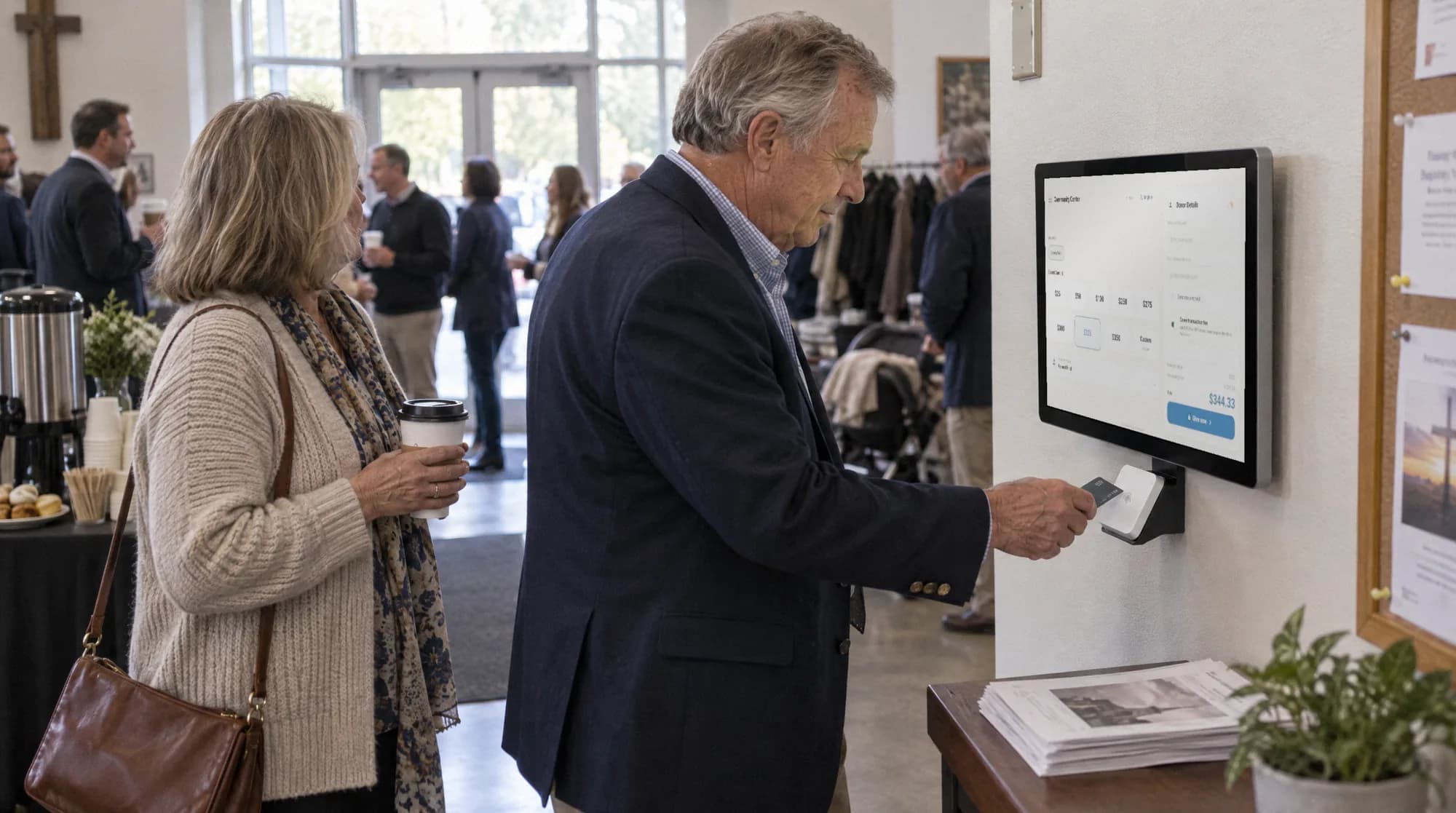
Freestanding Givebear donation kiosk in a church hallway
Setup and upkeep

Preconfigured for a quick launch. Updates ship themselves.

It arrives pre-configured: mount it or stand it, plug it in, join the Wi-Fi.

  • Wall plate or weighted anti-theft stand and a 10ft concealed cable in the box
  • Funds, welcome screen, and receipts managed from the web dashboard
  • Hardware support and warranty coverage for normal use
What it costs

One-time price. No monthly software fee.

Most kiosk vendors add a per-device monthly software fee on top of the hardware; Givebear doesn't. The ongoing cost is the per-gift platform fee, shown beside every competitor's below.

Compare three-year subscription costs

Recurring subscription fees only, with each vendor's per-gift rate beside it.

PlatformHardware (one-time)Kiosk softwarePer giftSubscription fees over 3 years
Givebear$999 to $1099 one-timeNone: giving software is included1.9% to 5.9% platform fee by plan + Stripe in-person 2.7% + $0.05$0
Donorbox Live KioskNot published (contact sales)$80/mo first kiosk ($50/mo on Premium), $15/mo each additionalStripe in-person 2.7% + $0.05 (4.45% + $0.05 combined)$2,880
Kind Kiosk$299 to $599 per device$49/mo Community ($19/mo extra devices) or $149/mo GrowthStripe 2.7% (5.7% combined on cards)$1,764
SecureGive$1,199 to $5,799 per kiosk$149/mo Basic or $299/mo PremiumIn-person kiosk credit 2% + $0.30 (debit 1.5% + $0.30)$5,364

Competitor software and per-gift figures: Donorbox Live Kiosk, verified Jul 2026; Kind Kiosk pricing, verified Jul 2026; SecureGive pricing, verified Jul 2026. Three-year totals multiply each vendor's entry software tier by 36 months and exclude transaction fees. Donorbox kiosk hardware bundles have no published price; their site says to contact sales.

Software included on every plan

The kiosk software, dashboard, and updates ship with the free $0/month plan.

Transparent per-gift cost

2.7% + $0.05 card processing plus a 5.9% platform fee (1.9% on Growth). Donors can cover both at the screen.

The price on the page is the price you pay

No code and nothing to negotiate. Tax-exempt organizations skip sales tax with a state exemption certificate. Compare plans.

Tech specs

Compare the two models.

Screen, mount, power, and what is in the box

Compare every specification for both models.

Wall mountSlim wall-mount, wired powerFloor standFreestanding with a 4-hour battery
Price$999 one-time$1099 one-time
AvailabilityIn stockPreorder, ships by February
Screen21.5" HD capacitive touchscreen, anti-glare21.5" HD capacitive touchscreen, anti-glare
MountSlim flush wall mount, cold-rolled steelWeighted anti-theft floor stand, cold-rolled steel
PowerWired power4-hour battery + wired power
PaymentsApple Pay, Google Pay, tap-to-pay credit & debitApple Pay, Google Pay, tap-to-pay credit & debit
StandardsNFC enabled, EMV certifiedNFC enabled, EMV certified
ConnectivityWi-Fi or ethernetWi-Fi or ethernet
In the boxKiosk, slim wall plate, power adapter, 10ft concealed cableKiosk, weighted floor stand, power adapter, 10ft concealed cable
SoftwarePre-installed Givebear giving software, over-the-air updatesPre-installed Givebear giving software, over-the-air updates
ShippingFree US shipping, arrives pre-configuredFree US shipping, arrives pre-configured
Returns30-day return window30-day return window
Model codeGB-KIOSK-215WGB-KIOSK-215S

The 365-day kiosk guarantee

If your kiosk does not collect more than its price in donations within 365 days, send it back for a full refund.

Activate it with one email in your kiosk's first week of taking donations and keep Givebear as your main donation system. One guarantee per organization. Read the full terms.

Order yours

Bring tap-to-give into your community.

Tell us where the kiosk will live and which model you prefer. Every order includes free US shipping, Givebear hardware support, and the 365-day performance guarantee: If your kiosk does not collect more than its price in donations within 365 days, send it back for a full refund.

Let's make giving easier.

Tell us what you are trying to improve. We will route your request to the person best equipped to help.

Payments are processed securely by Stripe. Card numbers do not pass through Givebear servers.

Everything organizations ask before ordering.

How much does a donation kiosk cost?
The Givebear 21.5" wall-mount kiosk is $999 and the 21.5" stand with a built-in 4-hour battery is $1099. Both are one-time hardware prices that include the giving software, free US shipping, and a hardware warranty, with no monthly software fee. Most other kiosk vendors charge for hardware and then add a per-device monthly software subscription; the comparison table above shows their published figures, verified June 2026.
Is there a monthly fee for the kiosk software?
No. The $999 to $1099 one-time price covers the giving software, web dashboard, automatic over-the-air updates, and warranty. There is no per-device subscription, no contract, and no setup fee. The only per-donation costs are card processing and a small platform fee that donors can cover at the screen.
Can I get a discount on the kiosk?
The price on this page is the price you pay: $999 for the wall mount and $1099 for the stand, one-time, with free US shipping included. There is no code to enter and nothing to negotiate. Tax-exempt organizations can send a state sales-tax exemption certificate and we leave sales tax off the invoice.
How does the transaction fee work?
Stripe processes each gift at its in-person rate of 2.7% + $0.05, passed through at cost, and Givebear adds a 5.9% platform fee on the free plan (1.9% on Growth). Donors are asked at the kiosk whether they'd like to cover the costs so their full intended gift reaches your cause, and most choose to. Funds settle directly into your organization's own Stripe account, never a pooled platform account.
Do donation kiosks work offline?
Yes, for one-time gifts. The kiosk runs Stripe Terminal's offline mode: if the venue's internet drops, donors keep tapping, gifts are stored encrypted on the device, and everything forwards automatically once the connection returns. Recurring gifts need a live connection. We recommend Wi-Fi or ethernet day to day, with cellular options for galas and off-site events.
What card reader does the kiosk use?
The contactless reader is built into the kiosk and runs on Stripe Terminal, the same EMV-certified in-person payment infrastructure used by major retailers. It accepts Apple Pay, Google Pay, and tap-to-pay credit and debit cards. There is nothing to pair or charge separately: the reader is part of the unit and updates over the air.
Is the donation kiosk PCI compliant?
Payments are processed by Stripe, a PCI DSS Level 1 service provider. Card data travels encrypted from the certified reader to Stripe, and the kiosk and Givebear's servers never store raw card numbers. Your organization should still follow the payment-security responsibilities that apply to its Stripe integration.
Can donors set up recurring gifts at the kiosk?
Yes. A donor flips the recurring toggle on the amount screen, adds their name and email, and taps once: the gift then repeats monthly. Every charge sends an automatic email receipt formatted for 501(c)(3) requirements, with a link to manage or cancel the recurring gift online. Nobody has to come back to the kiosk.
Does it work for mosques, churches, and schools?
Yes. Fund names and the welcome screen are configured from your dashboard, so a mosque can present zakat and sadaqah funds, a church can present tithes, offerings, and a building campaign, and a school PTA can run a single named fundraiser. The donor flow stays the same three taps for everyone.
How long does setup take?
Setup is designed to be quick. The kiosk arrives pre-configured for your organization; mount the wall plate or place the stand, connect power and Wi-Fi or ethernet, then run a test donation before launch.
What happens if the kiosk breaks?
Hardware support and warranty coverage are included for normal use. If a kiosk fails, our support team will troubleshoot it and arrange the applicable warranty remedy, which may include a replacement.
Can I return the kiosk if it doesn't work?
Yes. If the kiosk arrives damaged, is defective, or does not work as it should, you can return it within 30 days of delivery, and warranty replacement covers failures in normal use after that. Returns are for problem cases, not change of mind; our support team will help troubleshoot first and ship a replacement when that is the faster fix.
What if it doesn't collect enough to justify the price?
Then you get your money back. If your kiosk does not collect more than its price in donations within 365 days, send it back for a full refund. Activate it by emailing us within 7 days of your kiosk's first donation and keep Givebear as your main donation system. One guarantee per organization; full terms are on our return policy page.
Can we export our data if we switch away later?
Yes. Donation and donor records export as CSV from the dashboard on every plan, and because gifts settle in your organization's own Stripe account, your payment history stays with you. There is no contract and nothing is held back if you leave.

Wall-mount kiosk

$999 one-time