 Givebear
Givebear vs Subsplash Giving. Kiosks, fees and funds, side by side.
Compare Subsplash Giving with Givebear for in-person donation kiosks, card and ACH rates, donor records, and running the two platforms side by side. See the side-by-side comparison, where Subsplash Giving still fits, and how to migrate to Givebear without breaking donation links.
Rather talk it through? Book a demo
Get a comparison plan.
Tell us what you are comparing with Subsplash Giving. We will reply with the costs, workflow, and next step that fit your organization.
No obligation and no forced sales call.
Side by side.
| Capability | Givebear | Subsplash Giving |
|---|---|---|
| Walk-up donation kiosk | $999 to $1,099 one-time | Not offered |
| Card reader hardware | Stripe Terminal, built into the kiosk | None in the product line |
| Card processing | Flat platform fee | 2.99% + $0.30 to 1.9% (GrowCurve) |
| Church app and media suite | No | Yes |
| Donor records for lobby gifts | Yes | Online channels only |
When Subsplash Giving is the better fit
Subsplash Giving fits churches already living in the Subsplash ecosystem: giving sits inside the same app members use for sermons and announcements, the platform itself costs $0/mo, card rates start at 2.99% + $0.30 and walk down toward 1.9% through GrowCurve as giving volume grows, and ACH runs 1% to 0.5%, per equip.subsplash.com/giving, verified June 2026. For online and in-app gifts those are competitive terms, and ripping out a platform the congregation already uses rarely makes sense.
Run your own numbers
The kiosk cost calculator and the platform fee calculator work from your device count and giving volume.
After the gift. Where each one lands.
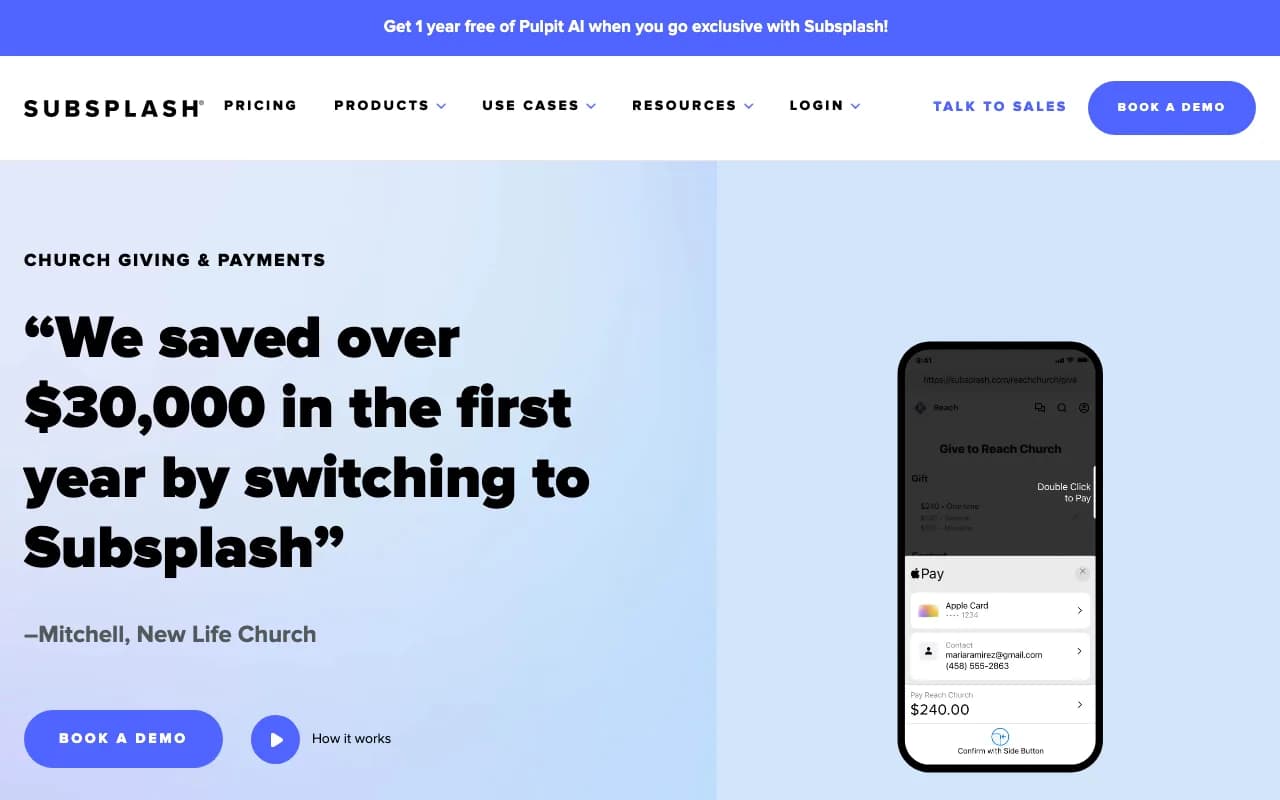
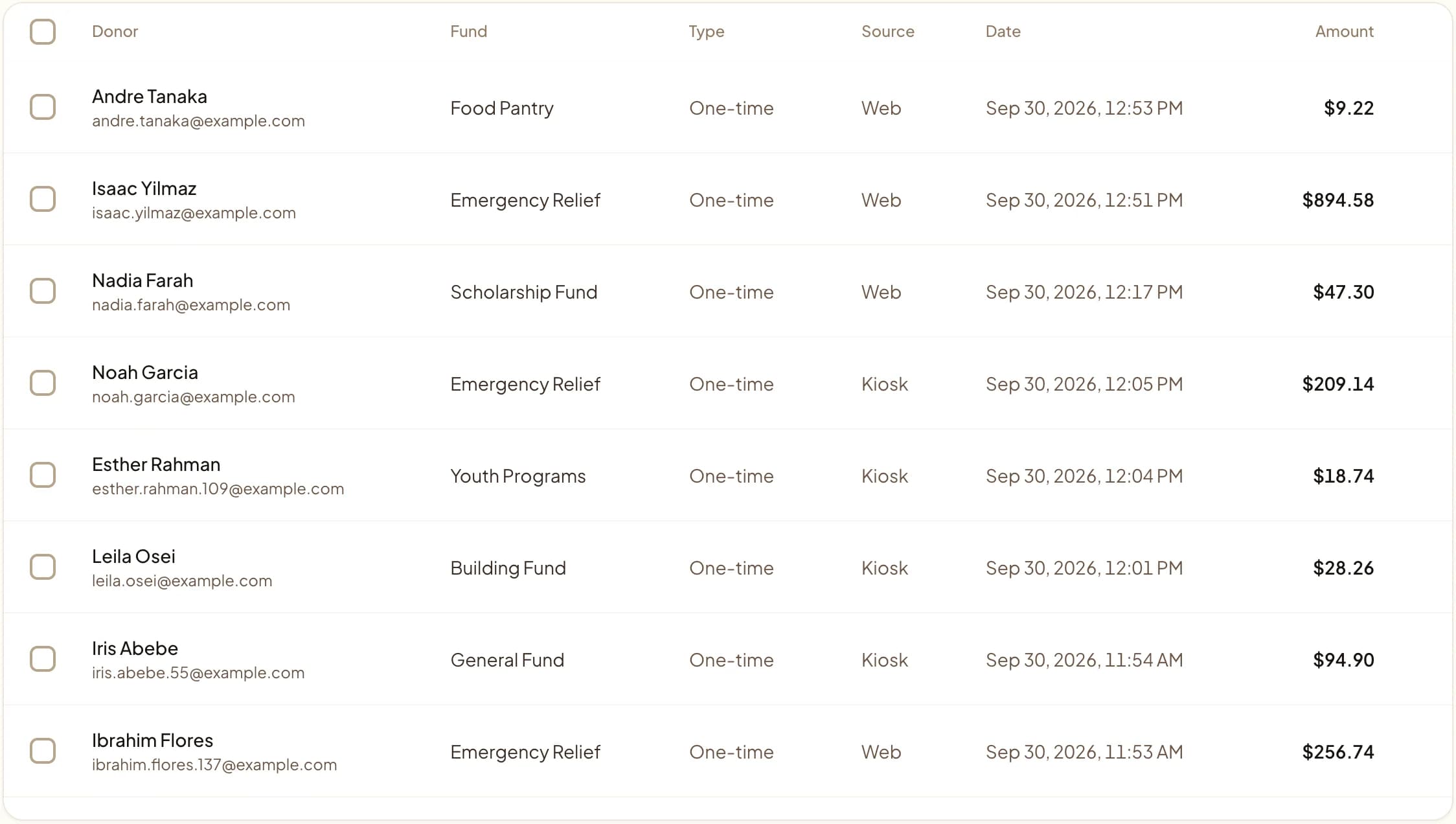
The full comparison.
Last updated June 2026
Quick answer
Subsplash Giving is digital only: there is no kiosk or card reader anywhere in its product line, so in-person gifts depend on members using the app or a QR code. Givebear sells a walk-up donation kiosk that can stand in the lobby while Subsplash keeps running the app, online giving, and recurring gifts. Churches starting fresh can also run online giving and events on Givebear.
Key takeaways
- Subsplash Giving costs $0/mo, with cards from 2.99% + $0.30 falling toward 1.9% through GrowCurve and ACH at 1% to 0.5% (verified June 2026).
- Name kiosk funds exactly as they are named in Subsplash so the monthly close is a merge on fund name.
- Year-end statements will come from two systems unless online giving moves too.
Who this is for: A church tech lead happy with Subsplash for online giving who needs a walk-up tap-to-donate kiosk for the lobby that Subsplash does not sell; Church treasurers, executive pastors, and finance volunteers who reconcile weekly offerings, building funds, and year-end giving statements, weighing Subsplash Giving against Givebear
Subsplash Giving is a digital church giving platform. In the comparison below, Subsplash Giving has the edge on church app and media suite, and the rest comes down to cost and how in-person giving is handled.
Where Subsplash Giving is the better choice
Subsplash Giving offers church app and media suite, and Givebear does not. If staff use that every week, leaving Subsplash Giving means replacing it with another tool or going without.
Where Givebear is different
Givebear covers the part of giving Subsplash does not: the lobby. Subsplash sells no kiosk or card-reader hardware anywhere in its product line, so a church that wants walk-up tap to donate can add a Givebear kiosk (a one-time purchase with no per-device subscription) and keep Subsplash running as it is. Churches starting fresh, or consolidating later, also get online giving pages, events, receipts, and donor records in the same system as the kiosk.
Compared with Subsplash Giving, Givebear's kiosk for the church foyer is a 21.5-inch touchscreen with a built-in Stripe card reader, sold once at $999 to $1,099 (wall mount or battery floor stand) with no per-kiosk software subscription.
What to test before you decide
Score both platforms on in-person and kiosk giving hardware, card and ACH processing terms, whether the two platforms can run side by side, church app, media, and engagement tools, and donor records across online and lobby gifts. Use last Easter or an ordinary Sunday as the test case: set up the same funds and receipt wording in a free Givebear account and check whether it produces the report your board asked for from Subsplash Giving.
How do you switch from Subsplash Giving to Givebear?
For most Subsplash churches this is an addition, not a migration: keep the app, online giving, and recurring gifts where they are, and put the kiosk in the lobby. Name kiosk funds identically to your Subsplash funds so monthly reconciliation is a merge rather than a translation, and plan for year-end statements to come from two systems unless online giving moves too. A later full switch means exporting donor records and re-enrolling recurring donors on the new processor.
Givebear imports contacts and past gifts from a CSV, so the Subsplash Giving export is the first step. Create your funds in Givebear before importing the Subsplash Giving file, since fund names in it do not create funds on their own. Saved cards move only if Subsplash Giving and Stripe support a transfer; otherwise recurring donors restart their gift on your new page, so announce the change a few weeks ahead.
Before cutover, list every place a donor can reach Subsplash Giving: website buttons, email footers, printed QR codes, and event pages. Repoint the ones you control; a printed code that sends donors to Subsplash Giving keeps working only as long as Subsplash Giving keeps that page up.
The hardware gap in Subsplash's giving line
On its published terms, Subsplash Giving is competitive for digital giving: the platform costs $0/mo, cards start at 2.99% + $0.30 with GrowCurve walking the rate down toward 1.9% as giving volume grows, and ACH runs 1% to 0.5%, per equip.subsplash.com/giving, verified June 2026. What the product line does not contain, anywhere, is hardware: no kiosk, no card reader, no tap-to-donate device. In-person giving on Subsplash means a member pulling out a phone, opening the app or scanning a QR code, and completing the gift on their own screen. Regulars with the app installed manage fine. Visitors, holiday crowds, and the member whose phone is in the car do not, and the lobby moment passes.
A walk-up kiosk closes that gap without touching the Subsplash stack. Givebear's kiosk is a wall mount or floor stand at $999 to $1,099 one-time with no per-device subscription. It runs Stripe Terminal for tap to donate and stands unattended in the lobby: a visitor picks a fund, taps a card or phone, and leaves with an emailed receipt if they want one. Nothing about it requires an app install or an account anywhere. For the church's biggest in-person moment, the ten minutes after the service ends, the kiosk turns "download our app" into a tap on the way out.
Running a Givebear kiosk alongside Subsplash
Nothing on the Subsplash side has to change. Giving links in the app, recurring gifts, and the church's media stay exactly where they are; the kiosk processes its own gifts through Stripe Terminal and records them in Givebear's donor records, where the platform side is a flat platform fee from 1.9% to 5.9% depending on plan (one rate online, at kiosks, and on memberships), plus Stripe card processing at cost, with no setup fee and no monthly minimum. The one setup decision that matters is fund naming: create the kiosk's funds (general, missions, building) with exactly the names the bookkeeper uses in Subsplash, so the monthly close becomes two exports merged on fund name instead of a mapping exercise. Receipts for kiosk gifts go out automatically when the donor enters an email at the kiosk, and in-person totals export cleanly alongside the Subsplash year-end statement run.
The budget conversation is shorter than with any church kiosk incumbent because there is no recurring line to defend. The incumbents price the lobby as a subscription: SecureGive's kiosks run $1,199 to $5,799 per device plus $149/mo or $299/mo in software, per securegive.com/pricing, verified June 2026, and Kind Kiosk pairs $299 to $599 hardware with a $49/mo Community plan, per kindkiosk.com/pricing, verified June 2026. A Givebear kiosk is the hardware receipt and nothing else: $999 to $1,099 one-time with no per-device monthly fee, so the finance committee weighs a single purchase against expected lobby giving instead of adding a new monthly line to the budget.
Practical use cases
- Stay with Subsplash Giving if your team depends on church app and media suite.
- Keep Subsplash Giving for online giving and add a Givebear kiosk for walk-up gifts, then decide after a season of both.
Common questions
Does Subsplash Giving support donation kiosks?
What is the best Subsplash Giving alternative?
Does Subsplash have a giving kiosk?
How much does Subsplash Giving cost per transaction?
Can I import my donors from Subsplash Giving?
What does switching from Subsplash Giving to Givebear cost?
Givebear covers donation portal, donation kiosks, campaign pages, event registration, automated receipts, donor records.
See Givebear next to Subsplash Giving.
Book a 30-minute walkthrough. Bring what you run on Subsplash Giving today and we will show the same setup in Givebear: funds, kiosk, receipts and reports.
- Your funds, set up the way your treasurer reports them
- Where a kiosk would go, and what it costs
- The reports your board will actually see
Rather set it up yourself? Start free
Loading available times
Or open the booking page