Secure WordPress donation forms and giving portals
Add a secure, high-converting donation form or donation portal link to your WordPress website while keeping automatic donor receipts and donor profiles connected.
Your campaign
Community fund
67% funded
Choose an amount
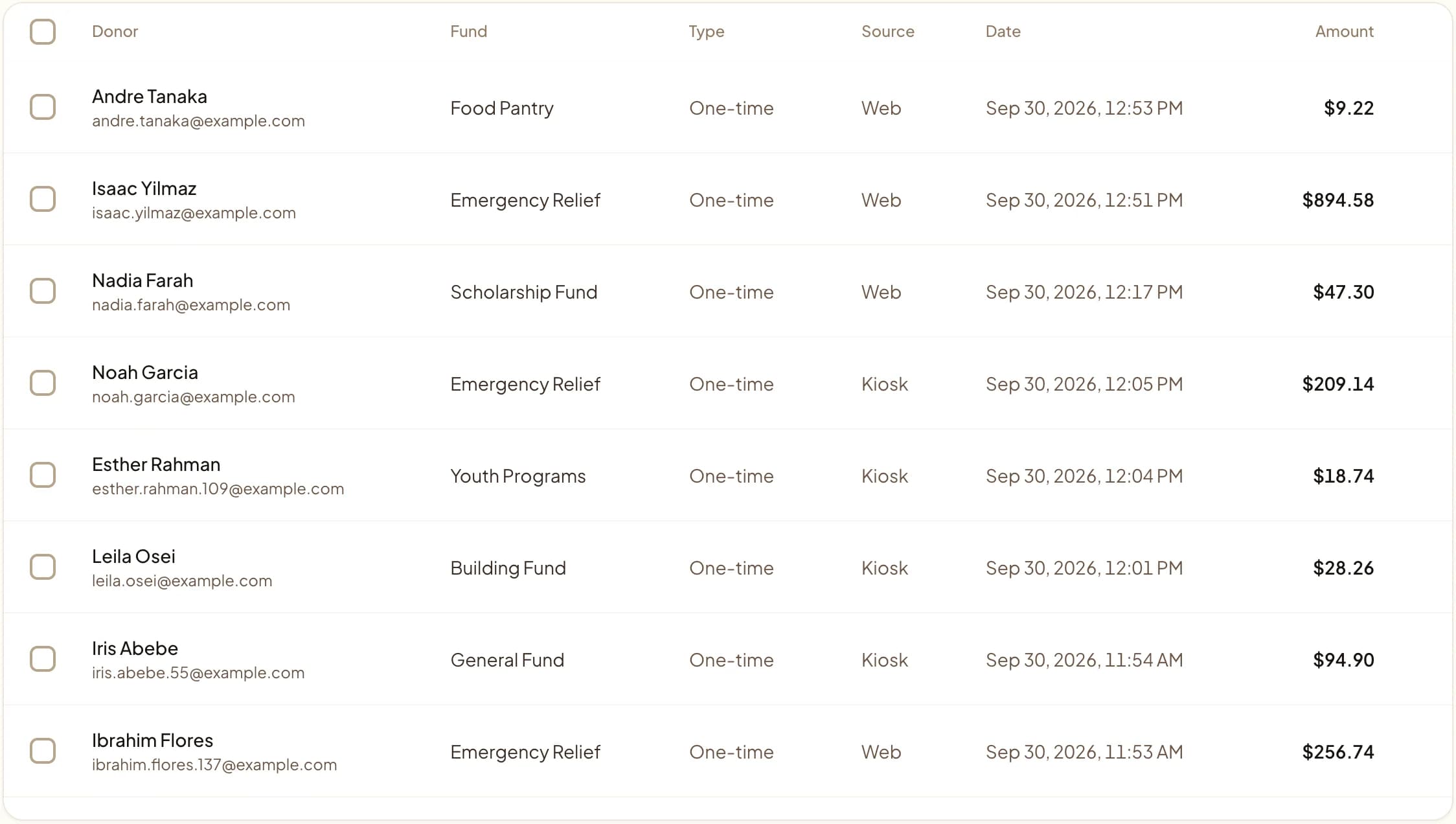
Web, kiosk, and QR gifts land in one dashboard.
Last updated July 2026 by Akif
Quick answer
There are two ways to take donations on WordPress with Givebear. Link a button to a hosted Givebear donation page, which is quickest to set up and needs no upkeep, or embed the form on a WordPress page with one script tag so donors never leave your site. Both feed the same donor records and receipts, you can use both at once, and neither needs a donation plugin.
Key takeaways
- Fewer plugins means fewer update conflicts on the page that handles money.
- Test the full flow, including the receipt, on a phone before launch.
- Embed a separate form per campaign when each needs its own fund.
Who this is for
- Churches, mosques, schools, and nonprofits whose website runs on WordPress and whose donation plugin needs more upkeep than anyone has time for
- The volunteer or agency who maintains the site and wants giving to survive the next theme or plugin update
- Treasurers who want website gifts in the same donor records as kiosk and event gifts
Should you use a hosted donation page or embed the form in WordPress?
Link to the hosted page when you want the least maintenance: it runs entirely on Givebear, so a WordPress update cannot affect it. Embed the form when the page around it does the persuading, such as a campaign story with photos, and you want the donor to give without leaving it.
Many sites use both: a hosted page linked from the main menu and QR codes, and embedded forms on two or three campaign pages. Both write to the same funds and donor records.
Givebear adds giving to a WordPress site with one script tag, not a plugin. Paste the snippet into a Custom HTML block (or the equivalent widget in Elementor or Divi) and choose a shape: an inline form, a Donate button that opens a checkout window, or a card with suggested amounts. If you would rather not embed anything, link a menu item to your hosted Givebear giving page.
Checkout, receipts, refunds, recurring billing, and donor records all run on Givebear and Stripe, so nothing payment-related lives in your WordPress database. A theme update or a plugin conflict can break the look of a page, but it cannot take down the checkout or lose a gift.
What is donation plugin sprawl, and why is it risky on WordPress?
Plugin sprawl is the pile-up of separate plugins for the form, the payment gateway, recurring billing, PDF receipts, and the donor list. Each one updates on its own schedule, and the checkout depends on all of them working together.
With Givebear the only thing on the WordPress side is a script tag. Payment capture, receipts, and the donor database live outside WordPress, so you can deactivate the old donation plugins once their history is exported.
How do you test your WordPress donation flow before going live?
Run five test gifts before you announce the form: a one-time gift, a monthly recurring gift, a gift to a restricted fund, a gift where you open and read the receipt, and a full checkout on a phone. Each test catches a different mistake: a fund that is not mapped, a receipt that goes to the wrong reply-to address, or a form squeezed by a narrow theme column.
How do you secure your WordPress checkout against card testing fraud?
Card testing is bots running stolen card numbers through a donation form in small amounts. Self-hosted plugin forms are a common target because they post to your own server. A Givebear embed sends the payment straight to Stripe, whose fraud screening applies to every attempt, so the bot traffic never reaches your WordPress install.
Practical use cases
- Put a Donate button in the WordPress header menu that opens checkout without leaving the page.
- Embed a building fund form inside the post that tells the building story, tagged to that fund with data-fund-id.
- Link from the site to the donor portal, where recurring donors change their card or amount themselves.
- Print a QR code on the bulletin that opens the same hosted giving page the website links to.
Key features
- One script for an inline form, a modal button, or a suggested-amount card
- data-fund-id and data-campaign-id to point each embed at one fund or campaign
- Button text and accent color set with data attributes
- Cards, Apple Pay, and Google Pay through Stripe
- Email receipts and donor records created automatically
- Hosted giving page as a no-code fallback

Common questions
Should I embed the donation form on WordPress or link to a hosted page?
Do I need to install a WordPress plugin?
Can I embed different forms for different fundraising campaigns?
Do Givebear WordPress widgets support mobile wallets like Apple Pay?
What happens to donors from my old WordPress plugin?
Related reading
See it with your own funds.
Book a 30-minute walkthrough. No slides and no hard sell: we set Givebear up around how your organization already gives.
- Your funds, set up the way your treasurer reports them
- Where a kiosk would go, and what it costs
- The reports your board will actually see
Rather set it up yourself? Start free
Loading available times
Or open the booking page