Synagogue donation kiosks for the High Holy Days.

Make Tzedakah easy before Shabbat, after Havdalah, and throughout the High Holy Days. Members tap, choose the General Fund, building campaign, or Aliyot pledge, and receive a statement-ready receipt.

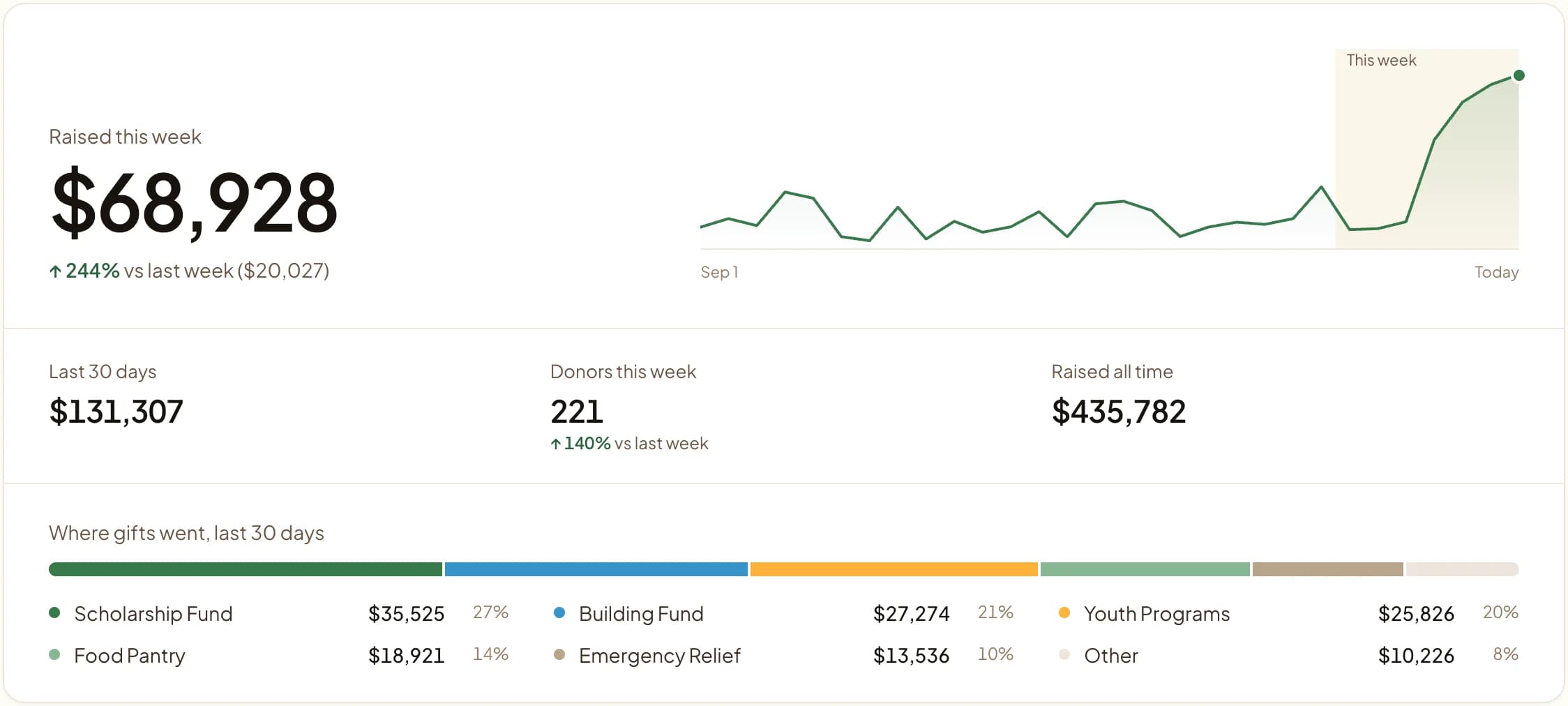
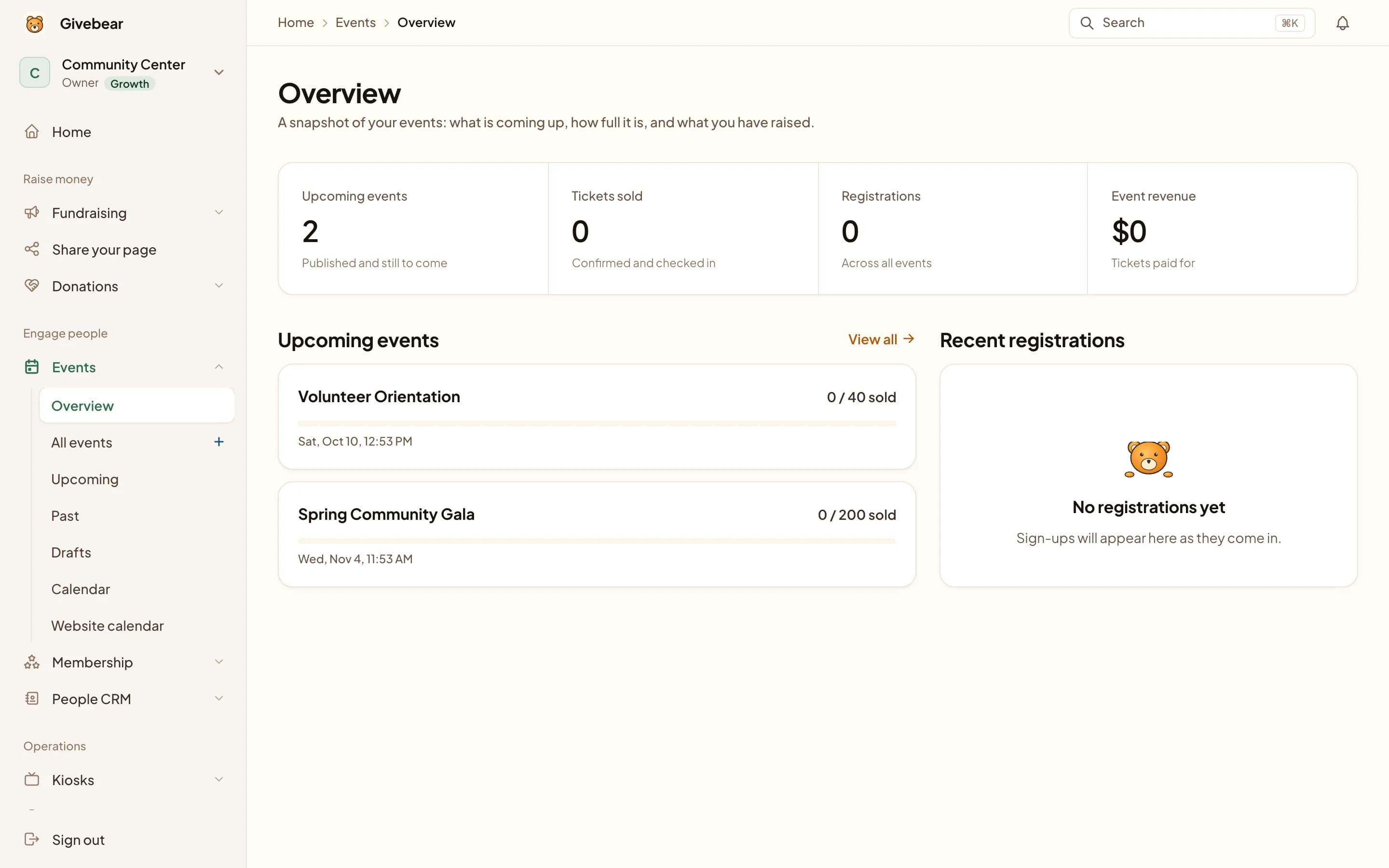
Givebear Management Panel for Synagogues
Tap to Pay Givebear Kiosk
Fund-level Tzedakah
Post-Shabbat giving
High Holy Days volume
Member statements

Why Congregations Choose Givebear

Equip your Synagogue with tools that make giving Tzedakah effortless, while saving your administrative team hours of manual work.

Lobby and event kiosks

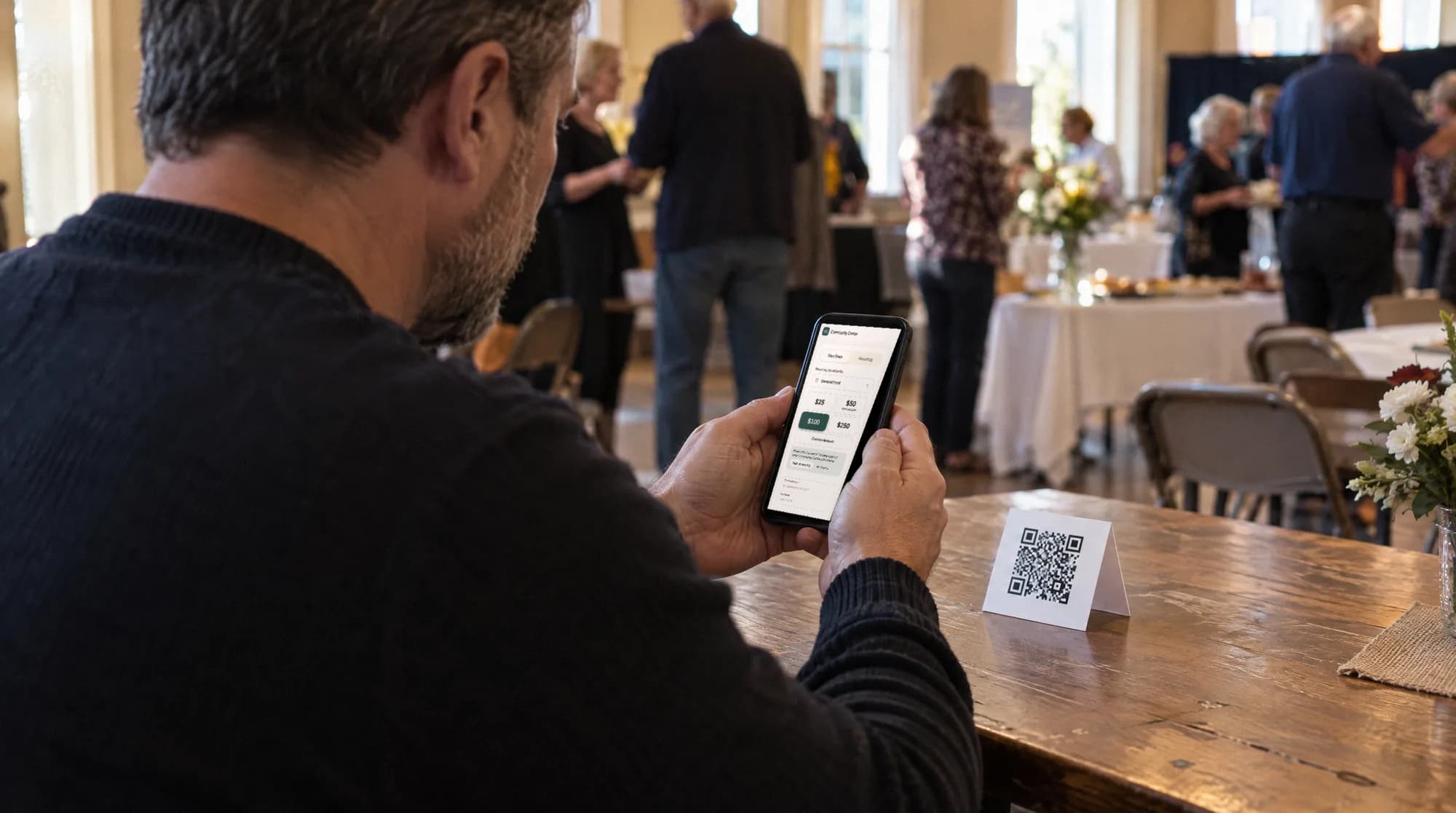
Place beautiful tap-to-pay kiosks in your lobby for post-Shabbat giving or special events. Processes Apple Pay and cards in under five seconds.

Fund designations

Allow your congregation to designate gifts to the General Fund, Sisterhood, or Youth Programs right on the touchscreen.

High Holy Days

Manage the influx of generosity efficiently. High-volume, secure processing perfect for large congregational gatherings.

Tax statements

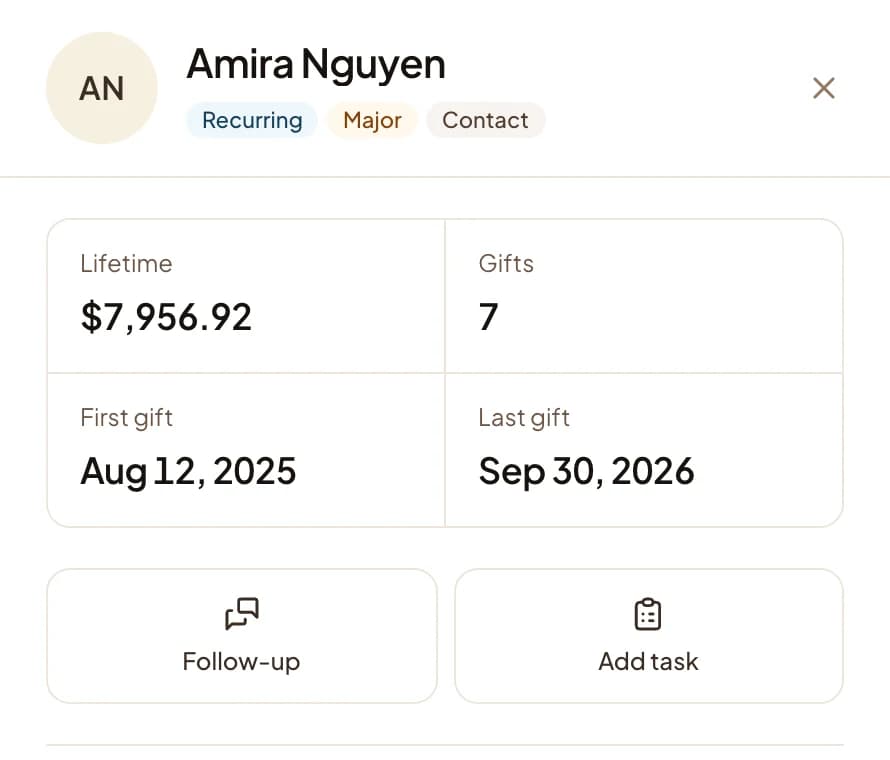
Save your financial team the year-end headache. Instant digital receipts and automated annual giving statements.

Tzedakah year-round, from Kol Nidre to a yahrzeit

The kiosk and the giving page show the same named funds (General Fund, Sisterhood, Youth Programs, the rabbi's discretionary fund, the building campaign), and a member chooses one before paying, so the finance committee reads fund-level totals without recoding a thing. During the Days of Awe, the Kol Nidre appeal can be answered from the seats or a lobby kiosk, with suggested amounts that pre-fill from last year's gift.

Ideas members reach for, each running on the same account:

  • Chai giving with one-tap $18, $36, and $180 presets alongside a custom amount.
  • Recurring yahrzeit and memorial gifts attached to a loved one's name and fund, renewing each year.
  • Lobby Tzedakah collected by tap-to-pay before candle lighting and after Havdalah.
  • Ticketed galas, a Purim carnival, or a concert with add-on gifts and sponsorships at checkout.
  • A building-fund capital campaign that tracks each pledge and shows the remaining balance on every receipt.

Kiosks move between the lobby and event spaces, their fund list updates remotely, and a QR code in the machzor insert or the Shabbat bulletin gives members a third way to give.

Questions congregations ask us

How does a giving kiosk work around Shabbat observance?
Most congregations use the kiosk outside Shabbat itself: before candle lighting, after Havdalah, during weekday programs, and at community events. Members who prefer not to handle payments on Shabbat can set up recurring gifts or scheduled pledge payments in advance from the giving page.
Can gifts be designated to the General Fund, Sisterhood, or Youth Programs?
Yes. The kiosk and the online giving page show the same named funds, and the donor chooses one before paying. Each fund reports separately, so the finance committee sees exactly what came in for each purpose without recoding transactions.
Can the kiosk handle High Holy Days volume?
Yes. A contactless tap completes in seconds, and multiple kiosks can run under one account with the same funds and reporting. Congregations typically add a second unit near the social hall for Rosh Hashanah and Yom Kippur traffic and manage both remotely from one dashboard.
Do members receive statements for their giving?
Yes. Every gift triggers an automatic email receipt, and year-end giving statements combine kiosk, online, and event gifts into one document per member. Aliyot pledges and special appeals appear under their own funds.

Upgrade your synagogue today

One payment for the hardware, no kiosk subscription after it. Talk to our team and we'll ship your first kiosk out next week.

Let's make giving easier.

Tell us what you are trying to improve. We will route your request to the person best equipped to help.

Payments are processed securely by Stripe. Card numbers do not pass through Givebear servers.