Apple Pay and Google Pay donations.
Donors give with the card already in their phone or watch. Nothing to type, no account to make, and a receipt by email.
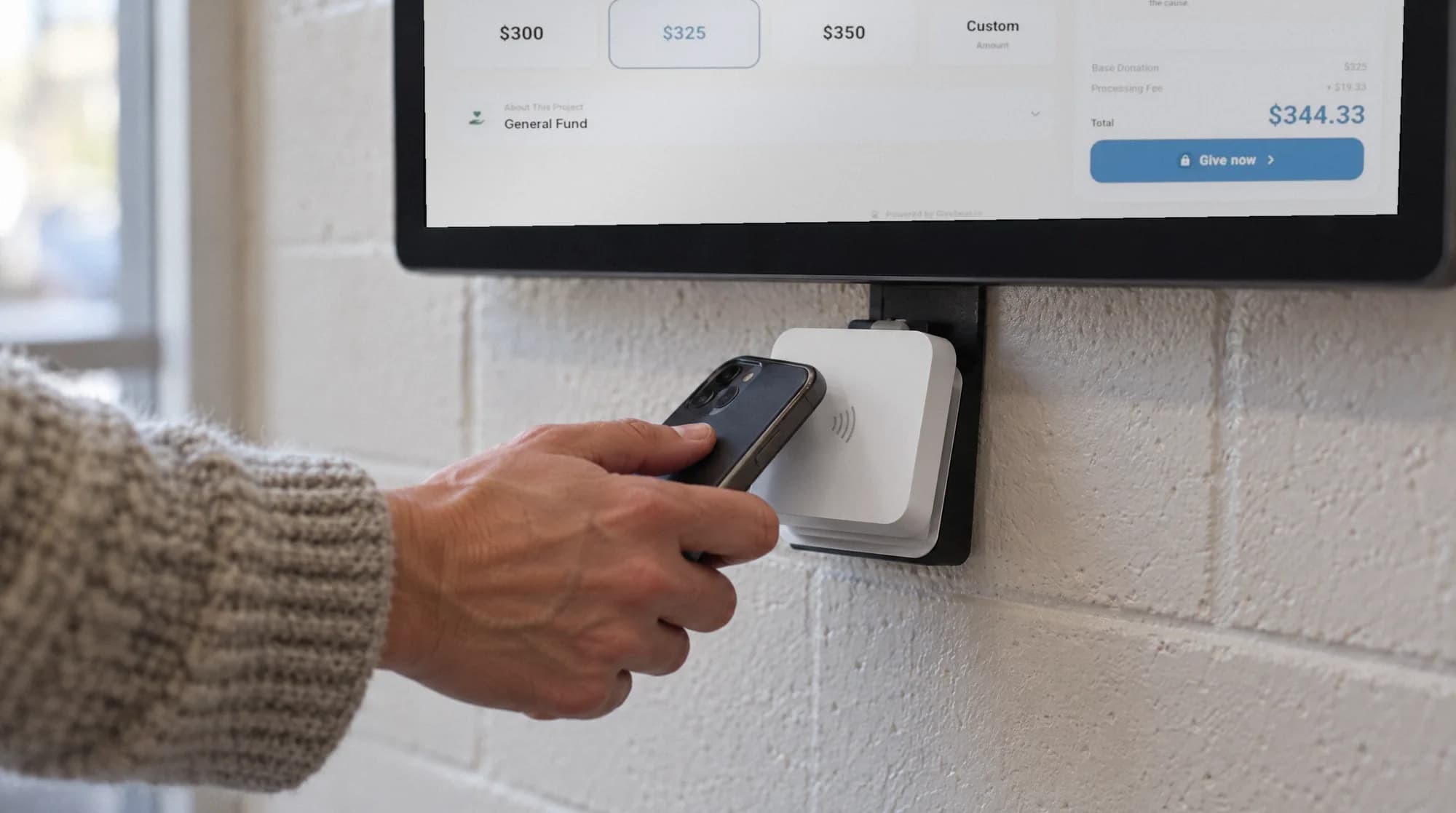
Tap at the kiosk.
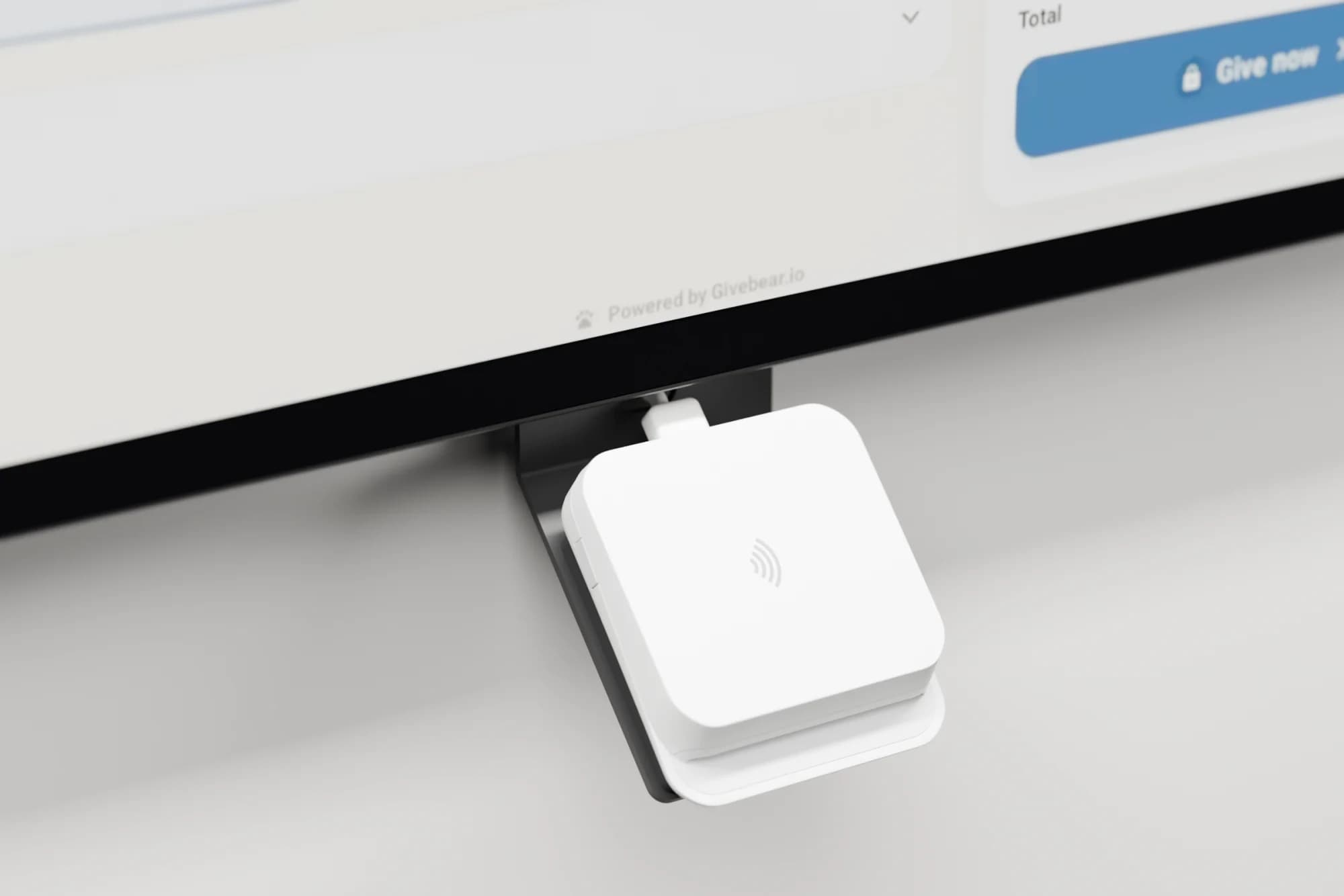
The reader under the screen takes a phone, a watch or a contactless card. The gift is done in a couple of seconds.
Tap online.
On a phone or browser that supports it, the wallet button sits at the top of your giving page and your embedded form.
Give to the community fund
Hosted giving page, on a phone
- Fund
- Community fund
- Frequency
- One time
- Gift
- $50.00
Or continue with a card
Same fund. Same ledger.
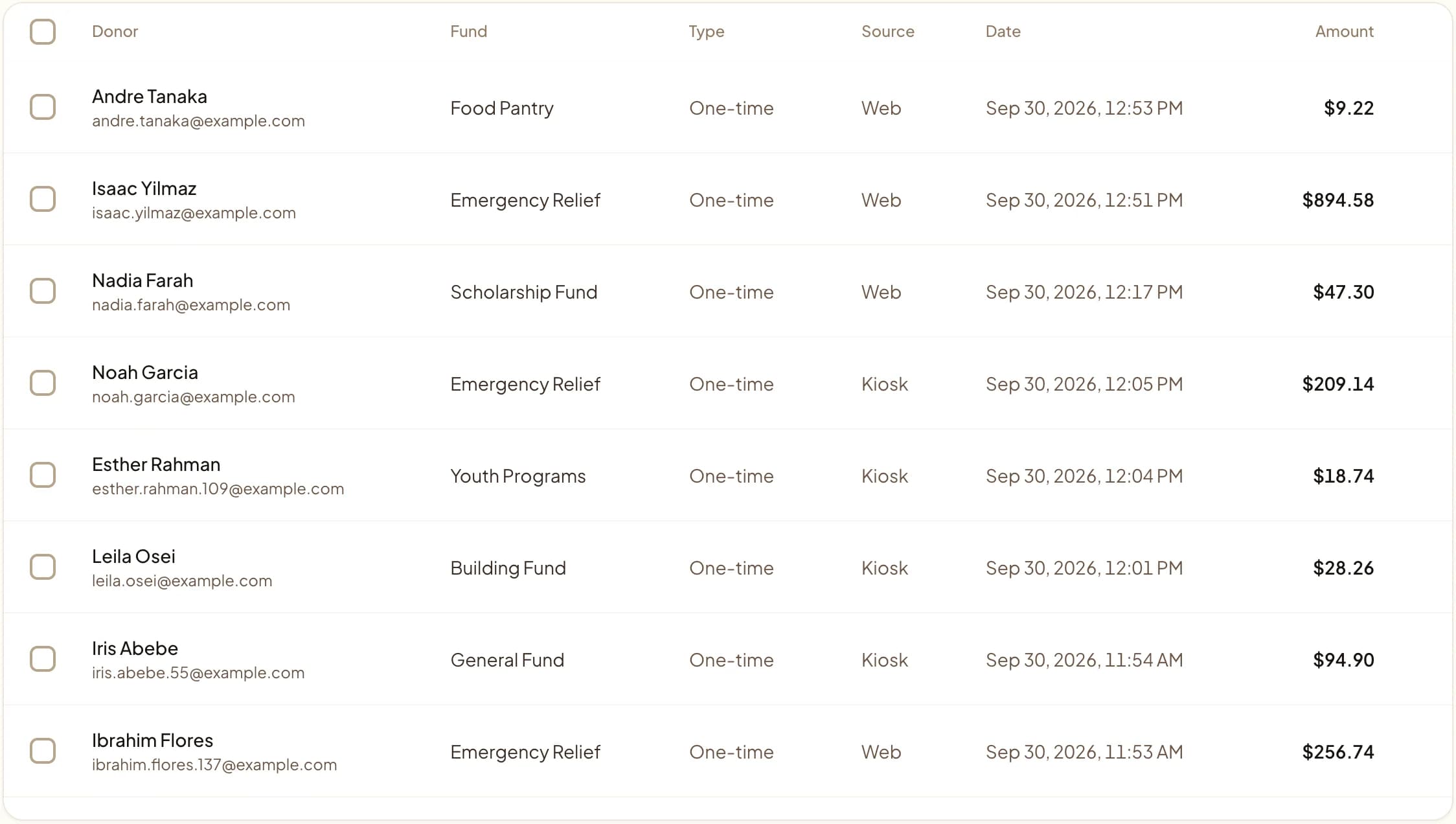
A wallet gift keeps its fund, its schedule and its receipt, like any card gift. It lands in Transactions next to everything else.
Also part of wallet giving.
- The donor's own card
- Apple Pay and Google Pay use a card the donor already holds, processed by Stripe. Not a PayPal or Venmo balance.
- Recurring and designated
- A wallet gift can be monthly and go to one fund, like any card gift.
- Donors can cover the fees
- The cover-the-fees option works on wallet gifts too.
- One donor record
- Online and in-person wallet gifts land on the same donor.
Digital wallet giving questions
Is this the same as accepting PayPal or Venmo?
How do wallet payments work on the in-person kiosk?
Will accepting digital wallets increase donations?
Explore more
How to accept Apple Pay donations
A step-by-step guide to enabling Apple Pay giving online and on the kiosk.
Embed a donation form
Add the donation widget to your site; wallet buttons appear automatically.
Donation kiosk
Tap-to-pay kiosks that take phone and watch wallets in person.
Pricing
Every plan's monthly price and per-gift fee, side by side.
See it with your own funds.
Book a 30-minute walkthrough. No slides and no hard sell: we set Givebear up around how your organization already gives.
- Your funds, set up the way your treasurer reports them
- Where a kiosk would go, and what it costs
- The reports your board will actually see
Rather set it up yourself? Start free
Loading available times
Or open the booking page