QR code donations from any sign or screen.
Your giving page comes with its own QR code. Put it on a bulletin, a slide or a table tent, and one scan opens the page.
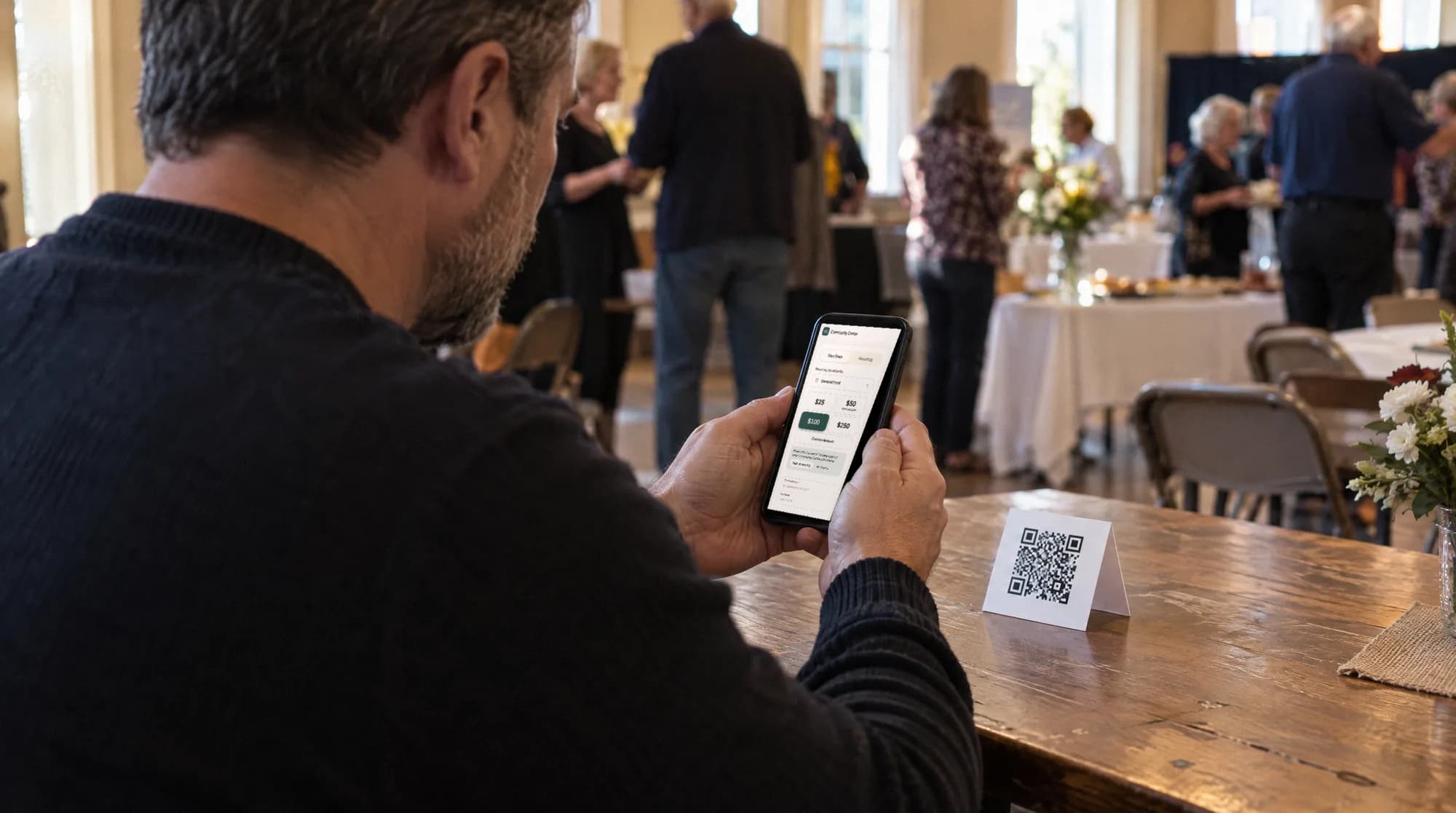
Put it where people sit.
Pews, dinner tables, the back of the bulletin. The scan opens your page on their own phone, with Apple Pay or Google Pay where the phone supports it.
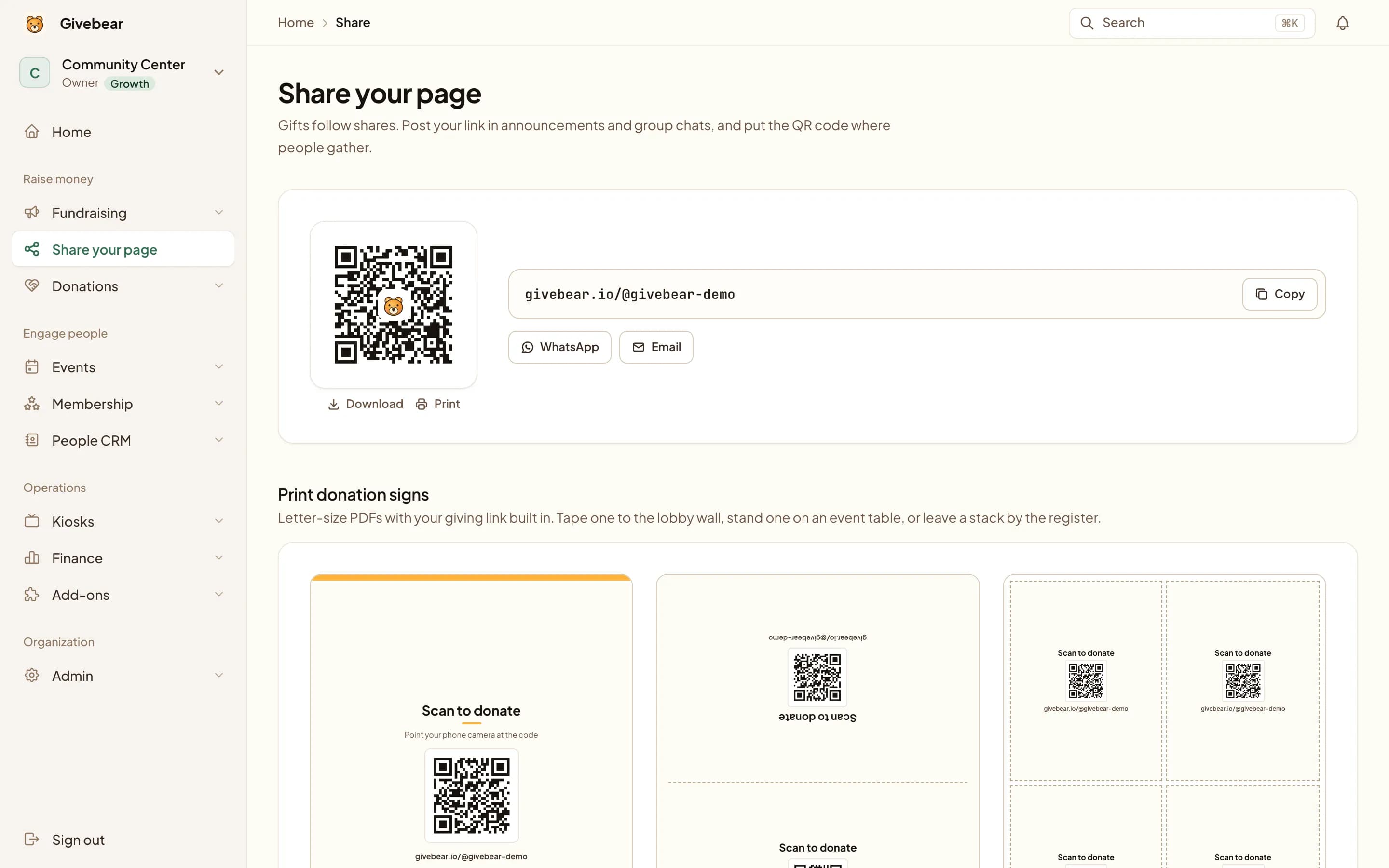
A sign, ready to print.
A full-page sign, a folding table tent and 4-up hand-out cards. Letter-size PDFs with your link already in the code.
No account yet? Make one with the free QR code sign templates.
Scan to donate
Point your phone camera at the code
Sample sign
Signs for the few. A kiosk for the line.
A code suits ones and twos in quiet hours. When a crowd leaves a service at once, a tap-to-pay kiosk by the door moves faster.

Also part of QR giving.
- A link that survives a rebrand
- The permanent by-id address redirects to wherever your page lives now, so printed signs keep working.
- The full checkout
- Fund choice, one-time or recurring, cover the fees, and a receipt by email.
- One ledger
- A scanned gift sits beside kiosk and online gifts, with its fund and donor.
- On the kiosk, too
- The kiosk home screen can show your code for donors who prefer their own phone.
QR code giving questions
Do donation QR codes expire?
Are QR codes a replacement for a donation kiosk?
Is QR code giving the same as text-to-give?
Explore more
See it with your own funds.
Book a 30-minute walkthrough. No slides and no hard sell: we set Givebear up around how your organization already gives.
- Your funds, set up the way your treasurer reports them
- Where a kiosk would go, and what it costs
- The reports your board will actually see
Rather set it up yourself? Start free
Loading available times
Or open the booking page