Security your board can understand.
Where card numbers, donated funds, and donor records go when someone gives, and who controls each one.
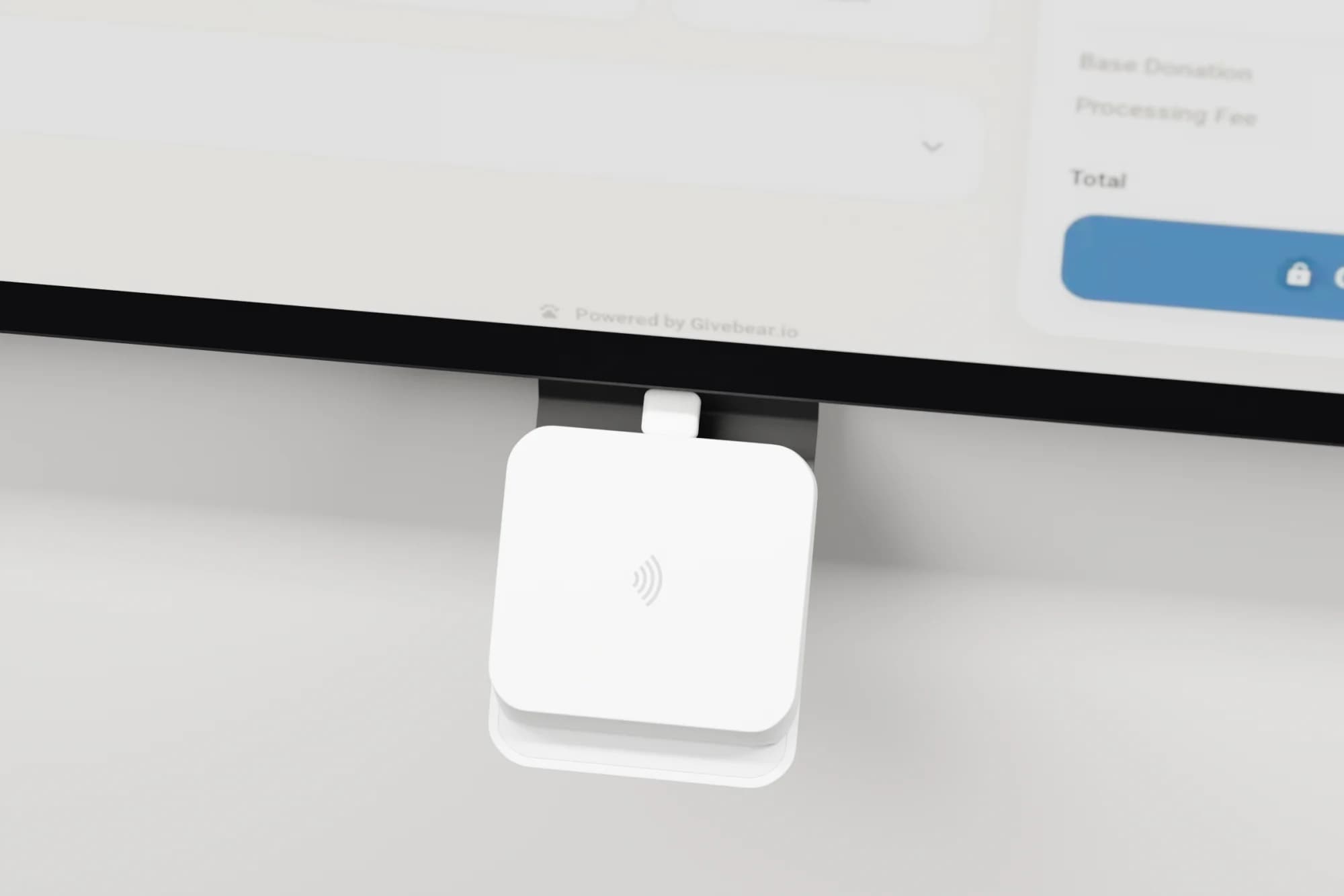
- Card details
- Encrypted and processed by Stripe.
- Donated funds
- Settled to your own Stripe account.
- Donor records
- Controlled by your organization.
A card number never reaches Givebear.
1
The donor taps or enters a card
Online, the card goes into a Stripe form. At a kiosk, a certified Stripe Terminal reader encrypts it at the tap. The kiosk app never sees the card number.
2
Stripe processes it
Stripe is a PCI DSS Level 1 service provider, audited every year. Givebear stores a token, never the card, so there is no card database to breach. Your organization keeps the responsibilities that apply to its own Stripe account.
3
Your account receives the funds
The gift settles in a Stripe account your organization owns, not a pooled Givebear account, and pays out on Stripe's schedule. Givebear never holds your funds.
PCI DSS Level 1 is Stripe's certification. Givebear never receives card numbers, so there are none on our servers to lose.
Locked doors on every account.
Dashboard accounts can see donor records and issue refunds, so sign-in is where we put the most care.
- Passkeys
- Sign in with your device's fingerprint, face unlock or a security key instead of a password.
- Two-factor authentication
- Six-digit codes from an authenticator app, with ten backup codes in case a phone is lost.
- Required for the whole team
- An admin can require two-factor for every member. Anyone without it is asked to set it up before they reach the dashboard.
- Breached passwords refused
- A password that appears in a known data breach is rejected, with a prompt to choose another.
- Sign in without a password
- A one-time code by email that expires after ten minutes, or your Google account.
- Repeated attempts slowed down
- Sign-in, sign-up and password reset are rate limited, so guessing a password does not scale.
Your team decides who sees what.
Roles that match the work
Owners, admins and members, plus custom roles your admins define. A treasurer can see reports without editing campaigns, and a volunteer can check in guests without seeing gift amounts.
An activity log your board can read
Refunds, donation edits, role changes, donor data exports and settings changes are recorded with who did it and when.
Kiosks locked to giving
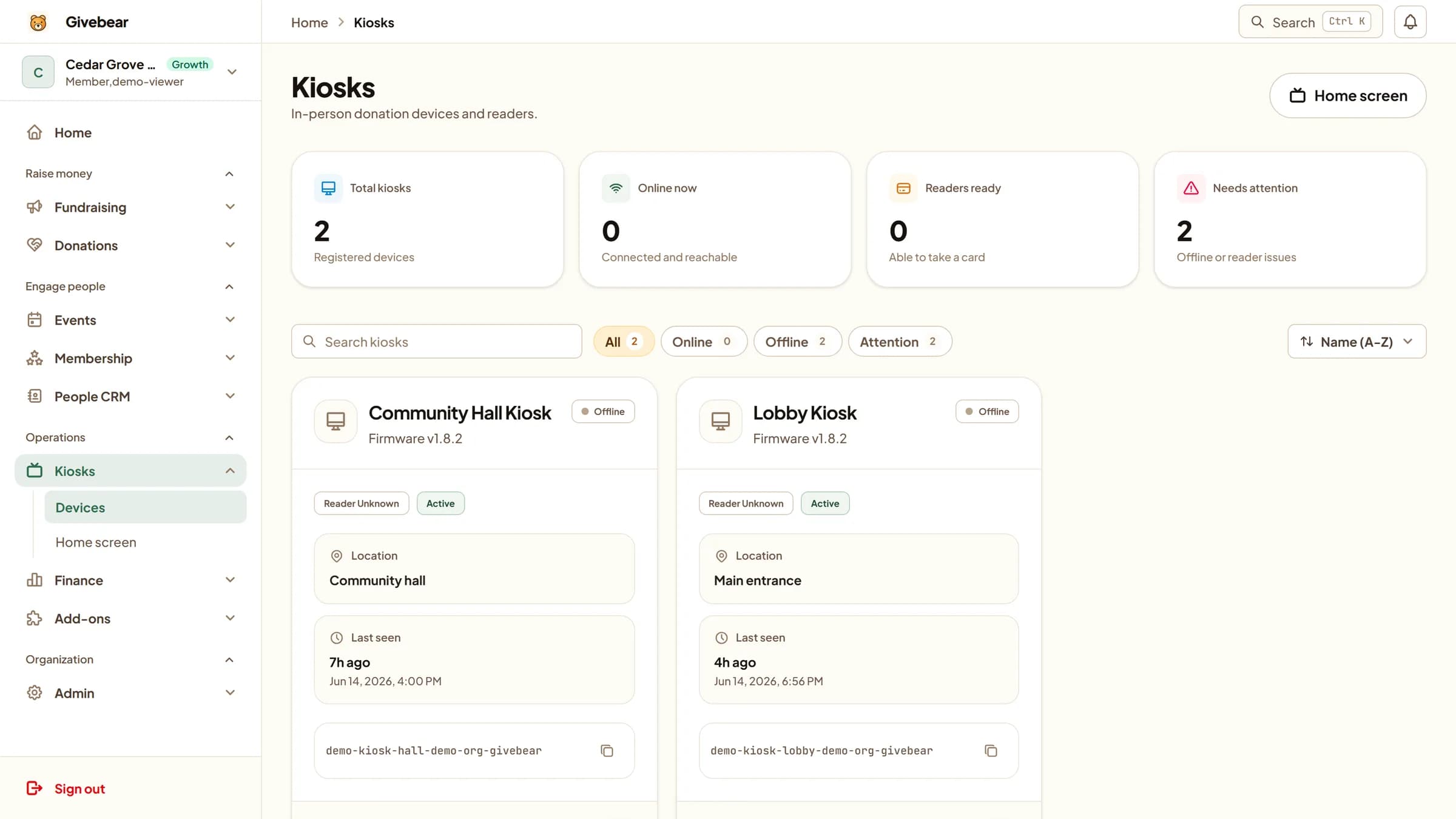
Enclosures are tamper-resistant, and a lost or stolen kiosk can be deactivated remotely. Kiosk volunteers need no dashboard account at all.
No lock-in
Donor records, gifts, fund reports and registrations export as CSV at any time. Your transaction history stays in your own Stripe account if you ever leave.
Have a vendor questionnaire? Send it to our team.
See it with your own funds.
Book a 30-minute walkthrough. No slides and no hard sell: we set Givebear up around how your organization already gives.
- Your funds, set up the way your treasurer reports them
- Where a kiosk would go, and what it costs
- The reports your board will actually see
Rather set it up yourself? Start free
Loading available times
Or open the booking page