Wall mounted donation kiosk: installation, placement, and day-one setup
How to anchor a wall mounted donation kiosk to drywall or masonry, route wired power, check WiFi, meet ADA reach height, and go live in about five minutes.
Last updated July 2026 by Akif
Quick answer
Before drilling, settle four things: which wall, what anchors, where the power comes from, and whether Wi-Fi reaches the spot. On drywall, fasten into studs or use rated snap toggles; on masonry or block, use sleeve anchors. Mount the screen within ADA reach range. Givebear's wall-mount kiosk ships pre-configured, so after hanging it you connect power and Wi-Fi and run one test gift.
Key takeaways
- A wall mount is the hardest format to steal: there is no tablet to lift and no stand to carry off.
- Choose a wall people pass on the way out of the foyer or lobby.
- With the wall, anchors, power, and Wi-Fi settled beforehand, plan on about 45 minutes for the install.
Who this is for
- Facilities managers, office administrators, and handy volunteers who own the physical install: wall selection, anchoring, power routing, and network checks
- Church and masjid boards choosing between a wall unit and a freestanding stand for a lobby where floor space, sightlines, or egress width is tight
- Nonprofit operations leads who want a giving point in a reception area without surrendering floor space or assigning a staff member to supervise a device
- Treasurers who need kiosk gifts to land in the same donor records and fund reports as online giving, not in a separate processor export
How do you anchor a donation kiosk to drywall, masonry, or block?
Most lobby walls in US buildings are drywall over wood or metal studs, and a donation kiosk on drywall must anchor to the studs, not the drywall itself. Run a stud finder across the planned spot, mark the stud centers, and position the mounting plate so at least two fasteners drive into framing. Where the plate's holes miss the studs, use rated toggle bolts: snap toggles hold far more than plastic expansion plugs, which have no business carrying a touchscreen that gets pressed hundreds of times a week. The load is not just the unit's weight; every tap adds a small pull on the top fasteners, so anchor for repeated force, not for a picture frame.
Older church and masjid buildings often hide brick, block, or plaster-over-masonry behind the paint, and a regular drill bit that suddenly stops biting is the usual tell. Switch to a hammer drill with a masonry bit and use sleeve anchors or concrete screws. In hollow block, drive into the solid webs rather than the voids, or use toggle anchors made for hollow masonry. If the wall is historic plaster or you are not sure what is behind it, drill one small test hole where the plate will cover it. Twenty minutes of checking beats a unit hanging off cracked plaster during Friday prayers.
A facilities manager or weekend volunteer handed a wall mounted donation kiosk to install almost never chose the unit. The board approved tap-to-pay giving, and now someone stands in the lobby with a drill and four unanswered questions: which wall, what anchors, where the power comes from, and whether the WiFi actually reaches that corner. Getting those four answers right before drilling is the difference between an install that takes 45 minutes and a unit that gets remounted twice.
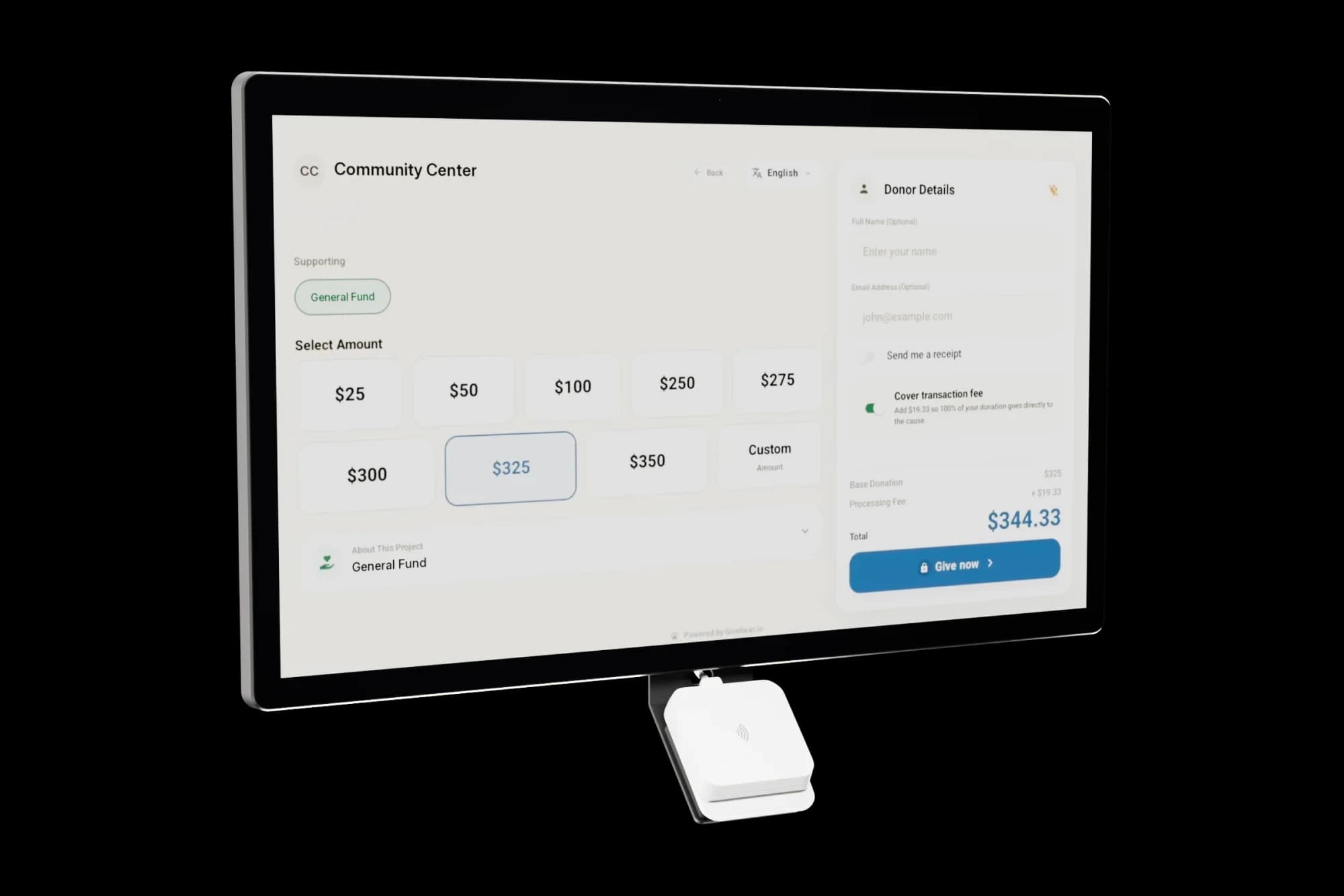
Givebear's wall-mount kiosk is a 21.5 inch anti-glare capacitive touchscreen with the payment reader built in, sold as a one-time purchase at the low end of the $999 to $1,099 hardware range. There is no per-kiosk software subscription; Givebear charges a flat platform fee from 1.9% to 5.9% depending on plan (one rate online, at kiosks, and on memberships), plus Stripe card processing at cost, with no setup fee and no monthly minimum. The unit ships pre-configured with your organization's funds, branding, and receipt settings already loaded, so the work that remains on delivery day is physical: anchor the plate, hang the unit, connect power and WiFi, and run one test donation.
A wall mount is also the most theft-resistant format a giving kiosk comes in. The unit bolts to the building structure through a slim mounting plate, so there is no tablet to lift out of a cradle, no stand to tip and carry, and no loose reader to pocket. Donors tap a card or phone against a sealed terminal; nothing about the transaction involves a drawer, a lockbox, or a volunteer standing guard. For organizations that have already lost an iPad or a cash box from the lobby, that matters.
Power and WiFi: run both checks before you drill
The wall unit uses wired power, so the mounting spot needs an outlet within reach of the power cable. The cleanest budget option is paintable surface raceway: a flat channel that covers the cable run from the unit down to the outlet, costs about $15 at a hardware store, and installs in ten minutes. For a fully concealed run, an electrician can add a recessed outlet directly behind the unit; in standard drywall over open stud bays that is typically an hour of work. Either way, plug the kiosk into a surge protector, because lobby circuits often share load with HVAC and AV equipment.
WiFi failures are placement failures. Before any drilling, stand at the exact wall position with a phone and run a speed test. A donation is a small encrypted exchange with Stripe, so raw speed barely matters, but the signal must be stable; masonry walls, metal fire doors, and corners far from the access point are the usual dead zones. Put the kiosk on a network without a captive login portal: guest networks that pop a terms page every 24 hours will silently take the kiosk offline. Card data never crosses your network unencrypted, since the payment hardware encrypts it before it leaves the device.
How high should a wall-mounted donation kiosk sit?
The 2010 ADA Standards put the operable parts of an unobstructed reach between 15 and 48 inches above the finished floor. For a touchscreen kiosk, that means the highest button a donor must touch should sit no higher than 48 inches, which in practice places the payment reader and primary controls around 40 to 44 inches: comfortable for a standing adult and reachable from a wheelchair. Leave a clear floor space of 30 by 48 inches in front of the unit, kept free of planters, sign stands, and coat racks.
The standards also limit how far a wall-mounted object may protrude: anything with a leading edge between 27 and 80 inches off the floor can extend a maximum of 4 inches into a circulation path, so that someone using a cane detects it. A slim flush mount helps, but placement matters more than depth: keep the unit off the direct travel path along a corridor wall, or set it in a natural alcove. One more practical rule: hang fund signage at standing eye level, about 60 inches, above the unit, so the kiosk is findable from across the lobby even though the screen itself sits lower.
Where should the kiosk go in a church foyer, masjid lobby, or nonprofit reception?
In a church foyer, the giving moment is the ten minutes after the service ends, so mount the kiosk on the wall people face as they exit the sanctuary, not beside the entry doors they pass at full speed on the way in. A spot near the welcome desk works well because a greeter can answer a first-time visitor's question without hovering over the screen. In a masjid lobby, the post-Jumuah flow runs from the prayer hall to the shoe shelves to the exit; the shoe area is the one place in that flow where everyone stops, which makes the wall beside it a strong spot for the kiosk.
A nonprofit reception area inverts the math: traffic is lower but intent is higher, because the people walking in (board members, volunteers, partner staff, program families) already have a relationship with the mission. Mount the unit on the wall facing the waiting seats rather than behind the reception desk, so giving never requires interrupting the receptionist. Across all three building types, the same two rules hold: donors give where they pause, not where they pass, and the screen should be visible from the spot where people naturally stand or sit, not hidden around a corner behind a sign that points to it.
What is in the box, and what does day one look like?
The box contains the 21.5 inch kiosk with its payment reader integrated, the slim wall mounting plate, the mounting hardware, and the power supply. The software side arrives finished: Givebear configures the unit before it ships, so your funds, suggested amounts, branding, and receipt settings are already on the device when you open the box. There is no app to install, no reader to pair, and no separate tablet or enclosure to source.
Day one is four steps: anchor the plate, seat the unit on it, connect power, and join the WiFi. Run a small real test donation, confirm the email receipt arrives and the gift shows in the dashboard under the right fund, and the install is done. Everything afterward happens remotely: switching funds for a seasonal campaign, adjusting preset amounts, and pulling reports all run from the dashboard without a ladder or a screwdriver. The hardware carries a warranty, plus a 30-day return window if the unit has a problem or does not work as it should.
Practical use cases
- Mount the kiosk on the wall worshippers face as they exit the sanctuary, where the post-service pause happens, rather than beside the doors they hurry through on arrival.
- Put the kiosk on the wall by the masjid's shoe shelves, where everyone stops on the way out.
- Add a giving point to a nonprofit reception wall facing the waiting area, where visiting board members, volunteers, and program families sit with time to give.
- Serve narrow vestibules and corridors where a floor stand would block egress: a flush wall unit keeps the required corridor width clear.
Key features
- 21.5 inch anti-glare capacitive touchscreen with Apple Pay, Google Pay, and contactless card support built in
- Slim flush wall mounting plate with mounting hardware included
- Configured before delivery: your funds, branding, and receipt settings are already on the unit when it arrives
- Wired power with a low-profile cable run (no battery to charge or swap)
- Remote fund and amount changes from the dashboard, so nobody touches the hardware after install day
- One-time hardware purchase with warranty coverage
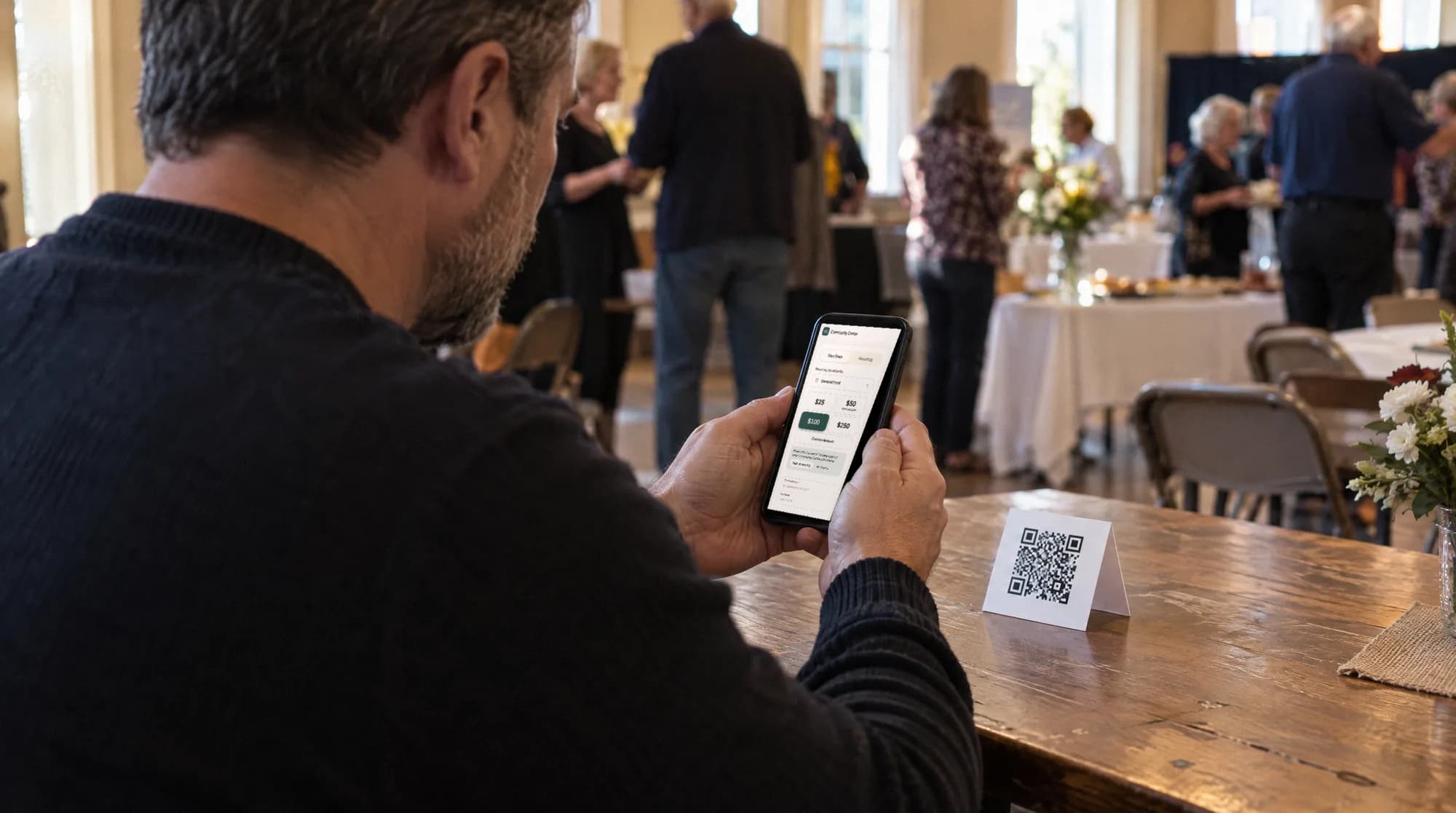
The kiosk. From $999, paid once.
A 21.5" touchscreen with a tap-to-pay reader, on a wall mount or a battery floor stand. Gifts on it carry your plan's platform fee and land in the same funds as online giving.
Common questions
How much does a wall mounted donation kiosk cost?
How high should a donation kiosk be mounted on the wall?
What do I need to install a wall mounted kiosk myself?
Does a wall mounted kiosk need WiFi to take donations?
See it with your own funds.
Book a 30-minute walkthrough. No slides and no hard sell: we set Givebear up around how your organization already gives.
- Your funds, set up the way your treasurer reports them
- Where a kiosk would go, and what it costs
- The reports your board will actually see
Rather set it up yourself? Start free
Loading available times
Or open the booking page