What is recurring giving? The nonprofit guide to sustained donations
Recurring giving is a donor commitment to contribute on a set schedule. Learn how recurring gift programs work, how nonprofits set them up, and how to increase recurring donor retention.
Last updated July 2026 by Fatih
Quick answer
Recurring giving is a donation that repeats automatically on a set schedule, usually monthly, after the donor sets it up once with a saved card or bank account. For the nonprofit it means predictable income; for the donor it removes the need to remember. Programs grow by offering monthly as a clear option on every giving form, choosing the default amount with care, and keeping donors past the first year by recovering failed payments.
Key takeaways
- Neon One found recurring donors were retained at 79.11% in 2025, compared with 32.41% for one-time donors.
- M+R found 64% of nonprofits still default their main donation page to a one-time gift.
- On Givebear, donors can start a monthly gift at the kiosk or a daily, weekly, or monthly gift online, and manage it themselves.
Who this is for: Development directors building a monthly giving program; Treasurers who want a steadier base of income than one-time appeals; Mosques and churches moving regular givers from the plate or box to a monthly gift
Recurring giving is a gift the donor sets up once and that repeats on a schedule, usually monthly, until the donor stops it. The organization charges the saved card or bank account each period without the donor doing anything.
For the organization it turns one decision into a year of income that can be planned for. The hard part is not the sign-up but keeping the gift going: cards expire and banks decline charges, so the platform has to retry and tell the donor when a payment fails.
How do recurring gifts process differently from one-time donations?
A one-time gift is a single charge. A recurring gift saves the payment method and creates a schedule; each period a new charge is made against it. On Givebear this runs on Stripe subscriptions in the organization's own Stripe account.
When a charge fails, Stripe retries it on later days. Givebear emails the donor that the payment failed, when it will be tried again, and a link to update the card, so a gift does not quietly stop because a card expired.
Setting the right default ask amount for recurring gifts
Do not reuse the one-time amounts for the monthly ask. Someone who would give $100 once may not commit to $100 a month but may commit to $25, which is $300 over a year.
Show the monthly option next to the one-time option, not on a later screen. A donor who has to look for it rarely finds it.
Retaining recurring donors past the first year
The first months decide whether a recurring donor stays. Send a welcome email that names the fund they chose, a short update partway through the year about what that fund did, and a year-end statement with their total.
Make changes easy. A donor who can lower or pause the gift in the donor portal is more likely to come back than one who has to email the office and decides to cancel instead.
How does recurring giving work at a donation kiosk?
After choosing a fund and an amount, the donor can switch the gift to monthly on the kiosk. The email they enter for the receipt is used to set up the recurring gift and send the confirmation.
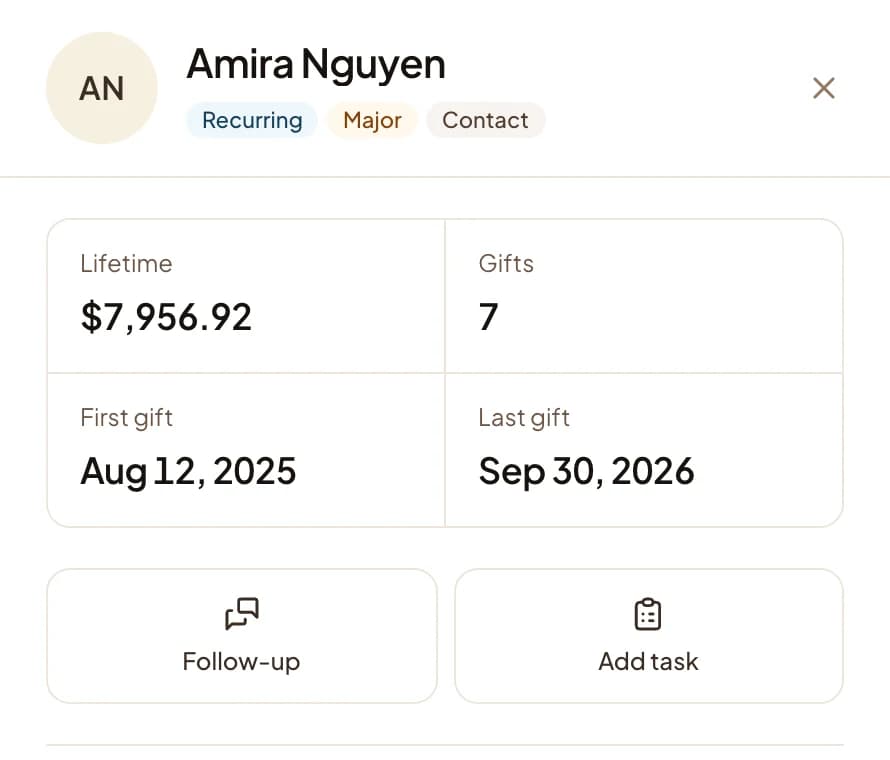
Kiosk recurring gifts appear in the same donor record as online ones, so the team sees each donor's full commitment whichever channel it started in.
Practical use cases
- Offer "make it monthly" on the kiosk after the donor picks an amount.
- Invite a first-time online donor to give monthly in the thank-you email a few days later.
- Set up a daily gift for the last ten nights of Ramadan that ends on its own.
- Show the board how much of next year's income is already committed.
Key features
- Daily, weekly, monthly, and yearly schedules
- Optional end after a set number of payments
- Card or, where enabled, bank account (ACH) payments
- Email to the donor when a payment fails, with a link to update the card
- Reminder email before an upcoming renewal
- Donor portal to change, pause, or cancel the gift
Common questions
How often can a recurring gift repeat?
How do I reduce recurring gift cancellations?
Can donors set up recurring gifts at a donation kiosk?
What happens when a recurring gift fails?
Can recurring gifts be paid by bank account instead of card?
More in Glossary
See it with your own funds.
Book a 30-minute walkthrough. No slides and no hard sell: we set Givebear up around how your organization already gives.
- Your funds, set up the way your treasurer reports them
- Where a kiosk would go, and what it costs
- The reports your board will actually see
Rather set it up yourself? Start free
Loading available times
Or open the booking page