Embed a donation form on your website with one script tag
Embed a donation form on your website with one div and one script tag. Copy-paste walkthroughs for WordPress, Squarespace, Wix, Webflow, and hand-built sites.
Your campaign
Community fund
67% funded
Choose an amount
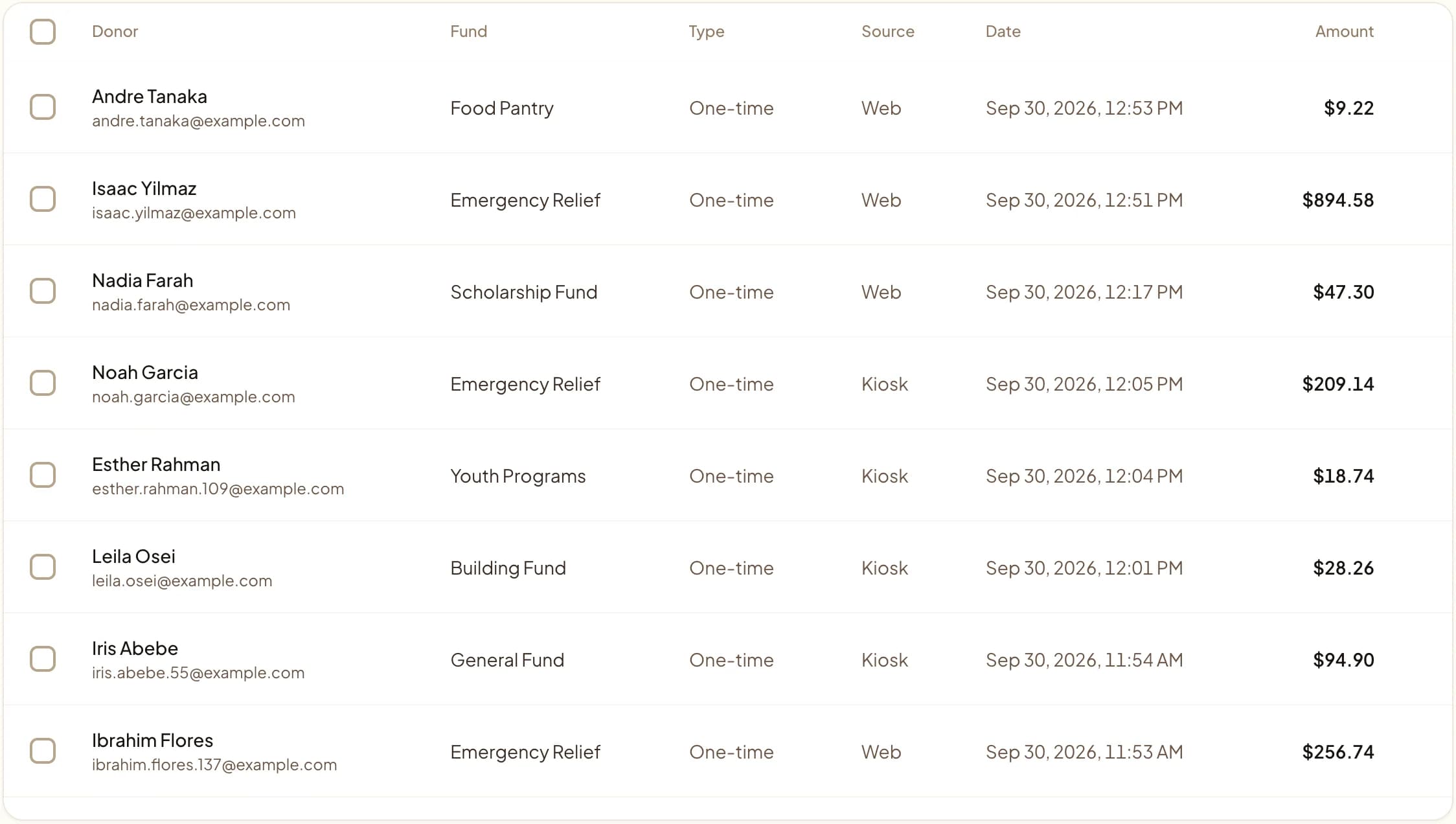
Web, kiosk, and QR gifts land in one dashboard.
Last updated July 2026 by Akif
Quick answer
To embed a donation form on your website, paste two lines of HTML: a div where the form should appear and the Givebear script tag. The same two lines work on WordPress, Squarespace, Wix, Webflow, or a hand-built site. Donors stay on your page instead of being sent to another site, and gifts from the form are recorded with your kiosk and QR code gifts.
Key takeaways
- No plugin or developer is needed.
- Make a test gift on a phone before you publish.
- If your site builder blocks custom code, link a button to your hosted Givebear giving page instead.
Who this is for
- Nonprofit ops leads and communications managers who own the website and need the donate button to stop sending supporters to a page that looks nothing like the site they just redesigned
- Freelance designers and agencies building Squarespace, Wix, Webflow, or WordPress sites for nonprofit clients, who need a giving form that survives theme changes and platform updates
- Treasurers and finance volunteers who currently reconcile website gifts, kiosk taps, and QR code donations across separate monthly exports
- Organizations stuck on a heavy iframe embed that slows page loads, breaks on phones, or clashes with the site's typography and colors
The two lines of HTML that do the whole job
The complete install is two lines. First the mount point: <div data-givebear-embed data-organization-id="YOUR_ORG_ID"></div>. Then the loader: <script src="https://givebear.io/sdk/givebear.js" async></script>. Replace YOUR_ORG_ID with the UUID from your Givebear dashboard (Settings, at the bottom of the General section), publish the page, and the inline donation form mounts exactly where the div sits.
Swapping data-givebear-embed for data-givebear-button renders a compact donate button that opens the giving flow in a modal, and data-givebear-card renders a richer card with suggested amounts. Optional attributes adjust each widget without writing code: data-button-text="Give now" changes the label, data-accent-color="#1a5c8a" matches your palette, and data-fund-id or data-campaign-id locks the widget to one fund or campaign. The script tag can sit anywhere on the page, because mounting waits for the DOM to finish loading.
The nonprofit ops lead who finally shipped the website redesign usually finds one thing the redesign could not fix: the donate button still bounces supporters to a third-party page wearing someone else's branding, and the analytics show donors dropping off at exactly that handoff. To embed a donation form on your website instead, Givebear needs two lines of HTML: a div carrying data-givebear-* attributes and a script tag that loads givebear.js. No plugin to install, no iframe builder, no developer ticket.
Keeping the gift on your own page is not a cosmetic preference. The drop-off your analytics show at the donate-button handoff has a mechanical cause: a redirect adds a page load, a context switch to unfamiliar branding, and a beat of hesitation about whether the new domain is legitimate. An embedded form removes all three, so the donor completes the gift inside the story that prompted it.
Because the embed runs on the same Givebear organization account as everything else, a gift made through the website form lands in the same ledger as a tap on the lobby kiosk and a scan of the QR code on an event flyer. The supporter who gives $50 through the embedded form in March and taps $20 at the kiosk in June is one donor record with one year-end statement, and the treasurer reconciles one export instead of three.
Platform walkthroughs: WordPress, Squarespace, Wix, Webflow, hand-built
On WordPress, add a Custom HTML block in the block editor (or an HTML widget in Elementor or Divi), paste both lines, and update the page: there is no plugin to install or keep patched. On Squarespace, add a Code block where the form should appear and paste the same two lines; Squarespace runs script embeds on paid plans above Personal, so a site on the Personal plan should point its donate button at the hosted Givebear giving page instead.
On Wix, use the Embed HTML element and paste both lines into the same element: Wix sandboxes embeds in an iframe, so the widget renders inside the element's bounds, which makes the inline form (sized to fit the element) a better choice there than the modal button. On Webflow, drop an Embed element into the layout, paste the snippet, and publish: Webflow runs custom code only on the published site, never inside the Designer canvas, so test on the staging domain. On a hand-built site, place the div where the form belongs and load the script once before the closing body tag; one script load mounts every widget on the page.
How do embedded gifts join kiosk taps and QR scans in one ledger?
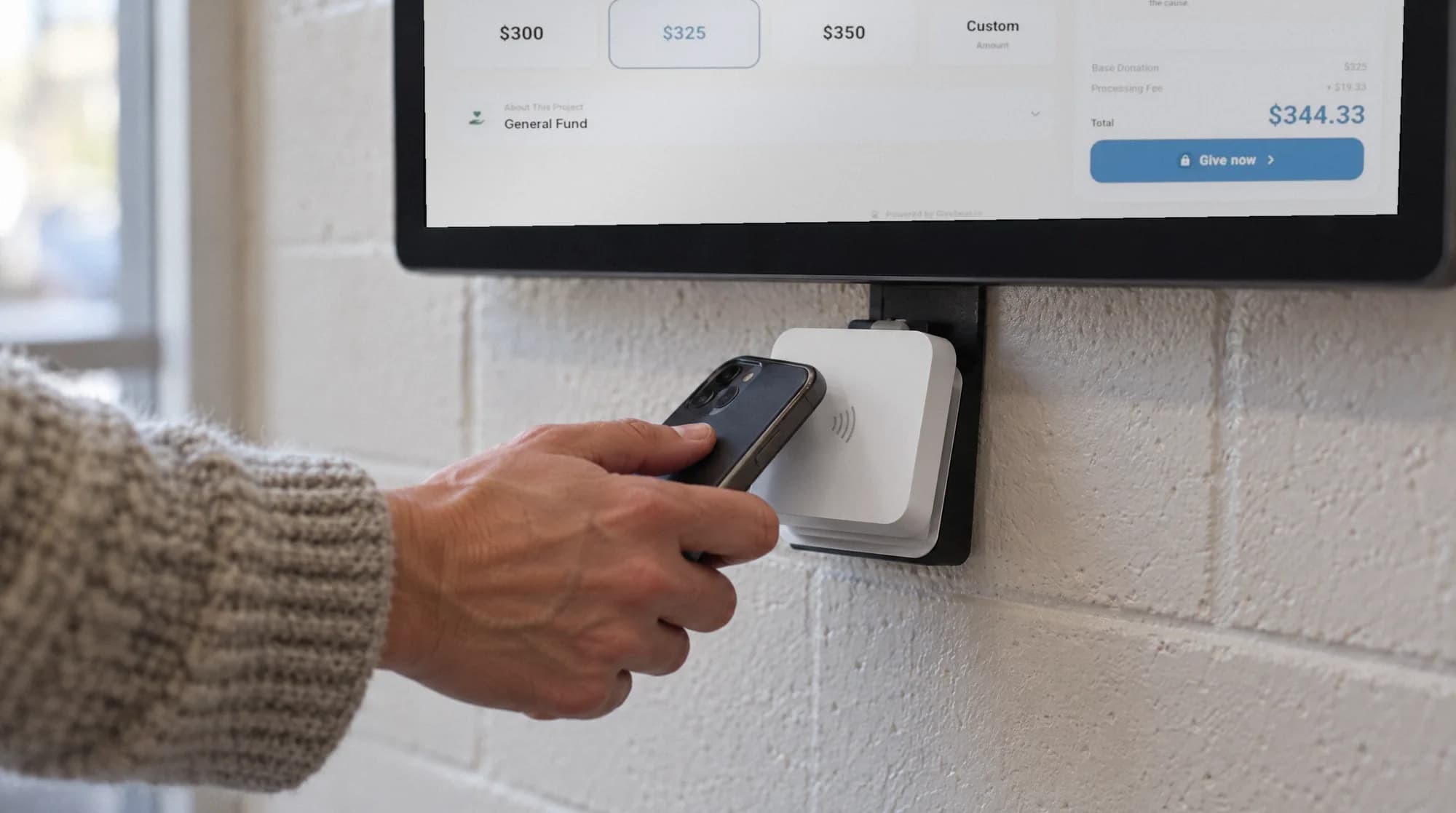
Givebear's embed runs on the same organization account as the lobby kiosk (a one-time $999 to $1,099 purchase with no per-kiosk subscription) and every QR code, so each channel writes to the same funds, campaigns, and donor records the moment a payment clears. The alternative is a silo: a donation form bolted onto a website usually keeps website gifts in one export, kiosk gifts in another, QR campaign gifts in a third, and a treasurer merging CSVs every month to answer how the building fund is actually doing.
That single ledger changes the reporting rhythm. A campaign thermometer counts the $50 embedded-form gift and the $20 kiosk tap in the same total in real time. The donor behind both appears as one record with a complete giving history, and their year-end statement covers every channel in one document. The treasurer reconciles one export against one deposit stream instead of untangling three platforms with three fee structures.
A five-minute test plan before donors find the form
Most embed failures trace to three configuration mistakes, all visible before launch. The organization ID must be the UUID from the dashboard (a slug or organization name in data-organization-id will not mount), the organization must be payment-ready with its Stripe account fully onboarded, and any fund or campaign referenced by data-fund-id or data-campaign-id must be published and active. The browser console reports each of these as a [Givebear] warning that names the specific problem.
With configuration confirmed, run one real test gift on a phone, not just a desktop, and check that the receipt email arrives and names the right fund. For visitors with JavaScript disabled and for search crawlers, pair the widget with a static fallback link (a data-givebear-fallback element pointing at your hosted giving page): the SDK removes the fallback automatically once the live widget mounts, so human visitors never see both.
Practical use cases
- Replace a redirecting donate button with an inline form (data-givebear-embed) on your /donate page, so the gift completes without ever leaving your domain.
- Drop a campaign-specific button into a story or blog post with data-campaign-id, so a reader moved by the appeal gives to that exact campaign in the same scroll.
- Embed a fund-locked form with data-fund-id on a building fund or scholarship page, so every gift from that page is classified to the restricted fund before checkout.
- Run several widgets on one page (a button near the header, a donation card in the sidebar): each mounts independently with its own fund or campaign target.
Key features
- Two-line install: one div with data-givebear-* attributes plus one async script tag
- Three widget shapes: donation button, donation card, and full inline form (data-givebear-embed)
- Fund and campaign targeting through data-fund-id and data-campaign-id
- data-button-text and data-accent-color for branding; widgets inherit the host page's fonts by design
- Async script loading that never blocks page render; widgets mount after the DOM finishes loading
- Automated email receipts and one donor ledger shared with kiosk, QR, and event gifts
Common questions
How do I embed a donation form on Squarespace?
Will an embedded donation form slow down my website?
How much does it cost to embed a donation form on my website?
Is an embedded donation form PCI compliant?
Related reading
See it with your own funds.
Book a 30-minute walkthrough. No slides and no hard sell: we set Givebear up around how your organization already gives.
- Your funds, set up the way your treasurer reports them
- Where a kiosk would go, and what it costs
- The reports your board will actually see
Rather set it up yourself? Start free
Loading available times
Or open the booking page