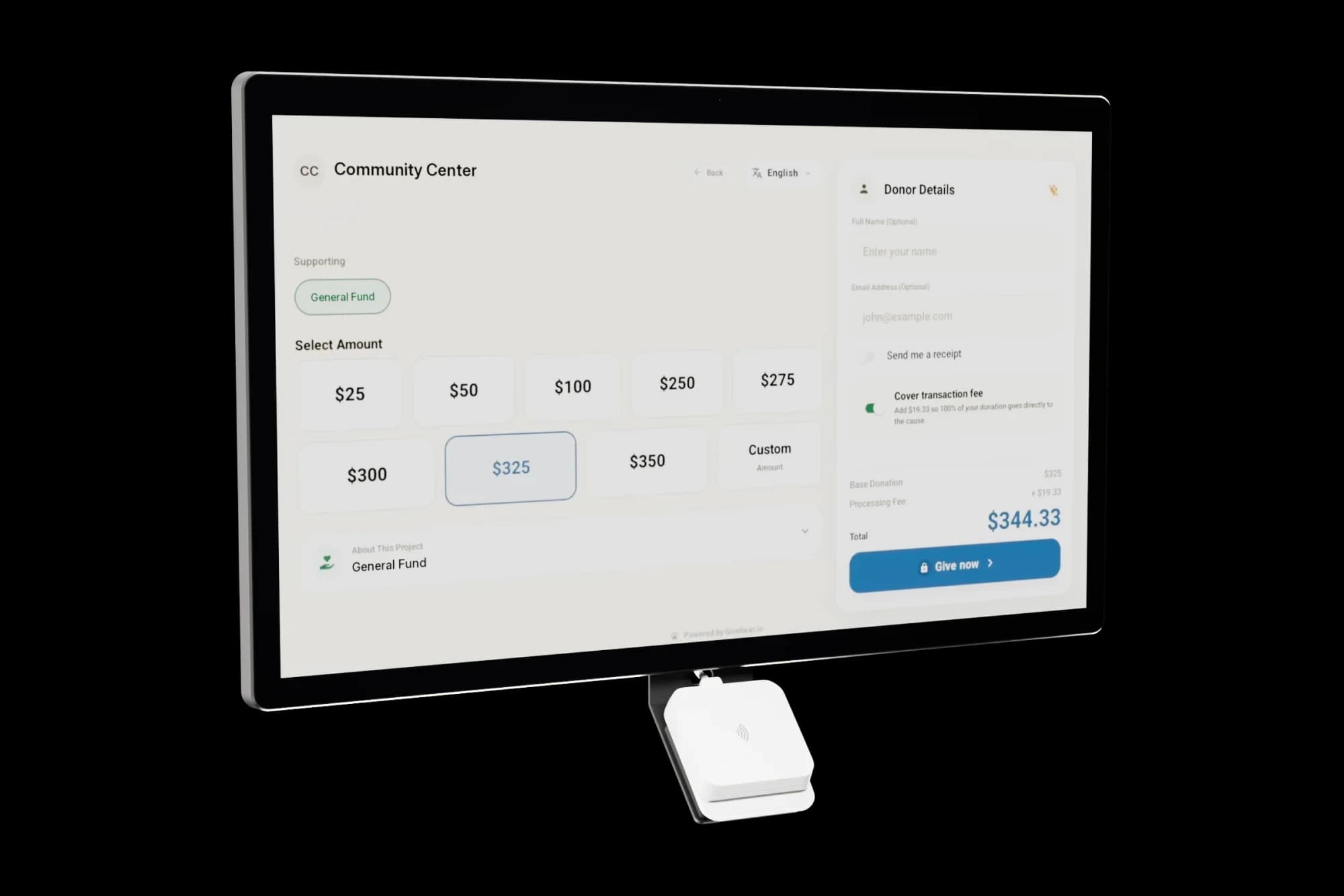
Givebear donation kiosk

A 21.5" tap-to-give screen for your lobby. Paid once, with no monthly kiosk fee.

From $999

The Givebear wall-mount kiosk showing its donation screen, with the tap-to-pay card reader under the screen

Built for the lobby. Not the checkout lane.

21.5"
HD anti-glare touchscreen, on both models.
Tap
Apple Pay, Google Pay and contactless cards.
Offline
One-time gifts keep going when the internet drops.
4
Donor languages: English, Arabic, Spanish and Turkish.
90 days
If your first kiosk does not collect more than its price, send it back for a full refund.

See how mosques and churches run it, and how we protect payment data.

How the kiosk works

Pick a fund. Tap. Done.

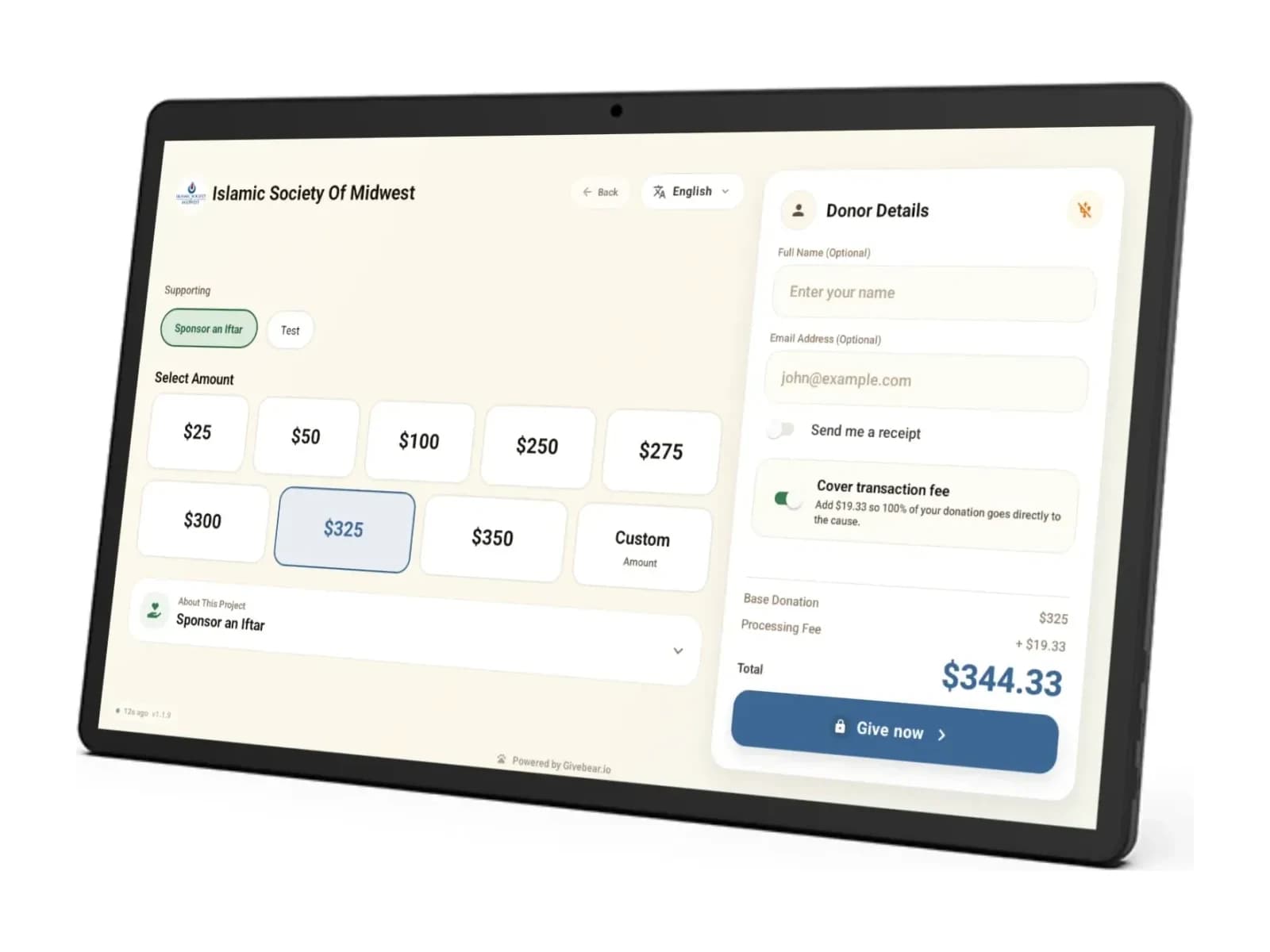
Donors choose a fund and an amount on the 21.5" screen, then tap a card or phone.
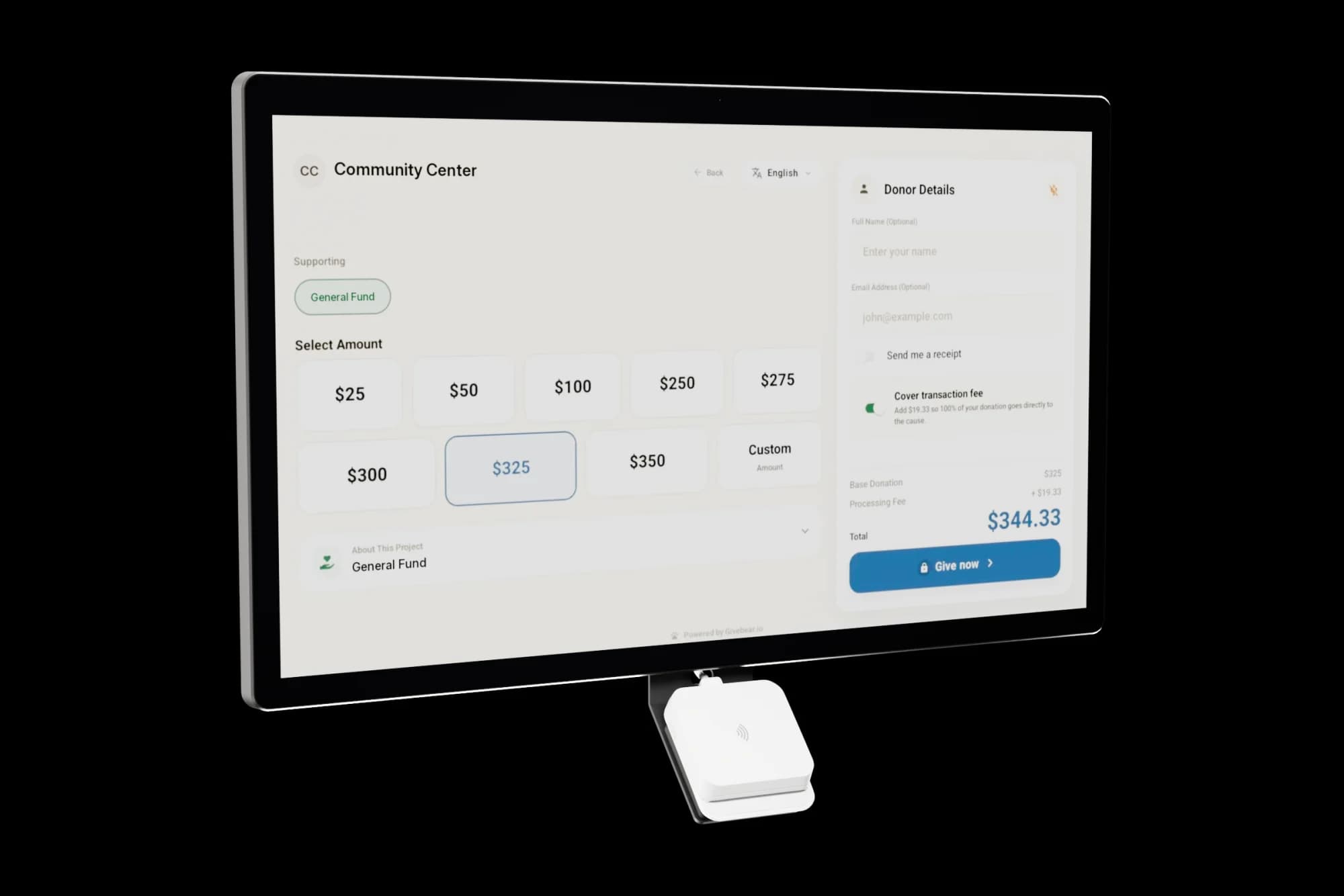
The Givebear wall-mount kiosk showing its donation screen

Tap to pay, built in.

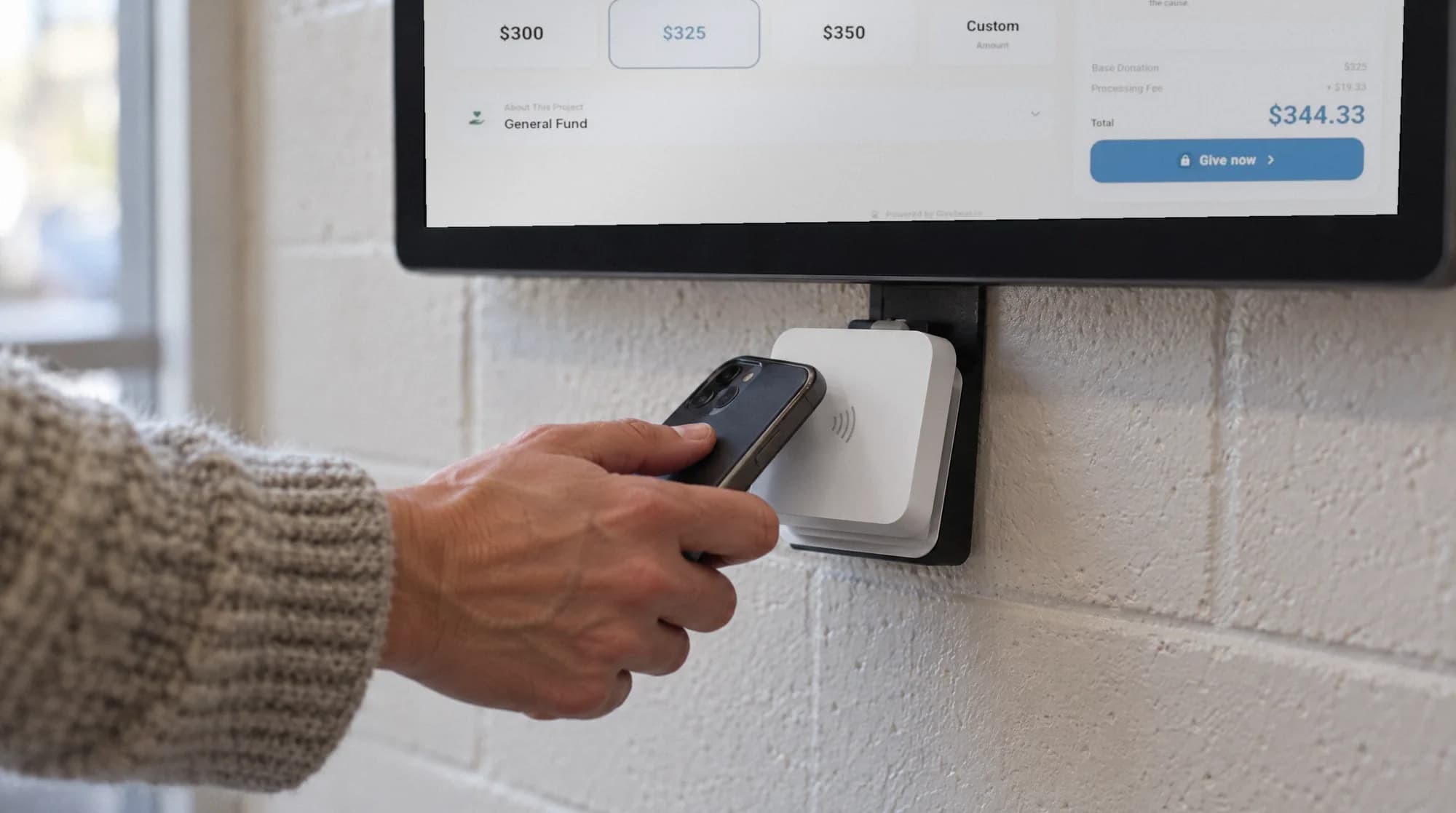
Apple Pay, Google Pay and contactless cards, on the reader mounted under the screen.
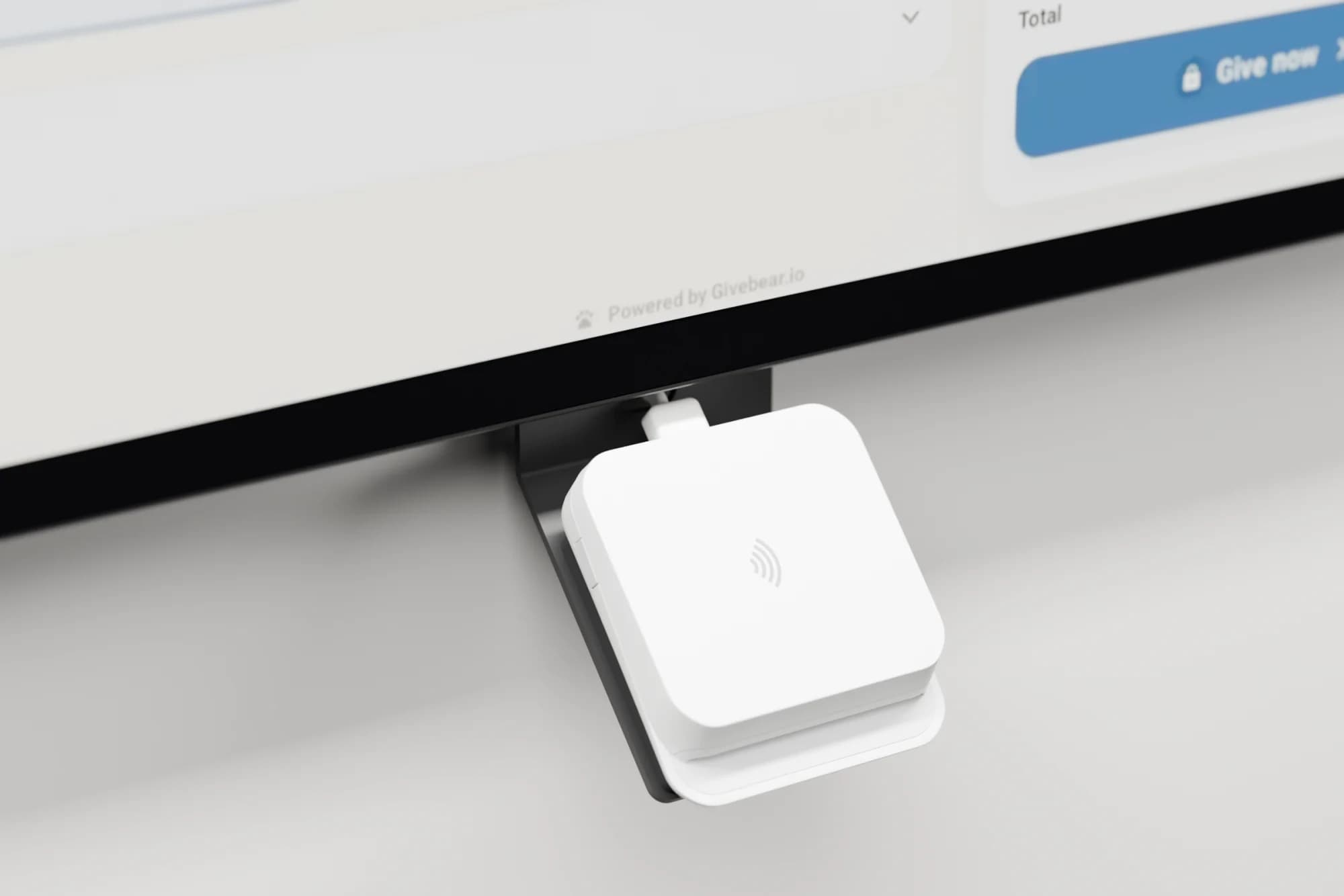
Close-up of the white tap-to-pay card reader mounted under the kiosk screen

Still giving when the internet drops.

One-time gifts keep going through offline, and donors can switch the screen to English, Arabic, Spanish or Turkish.
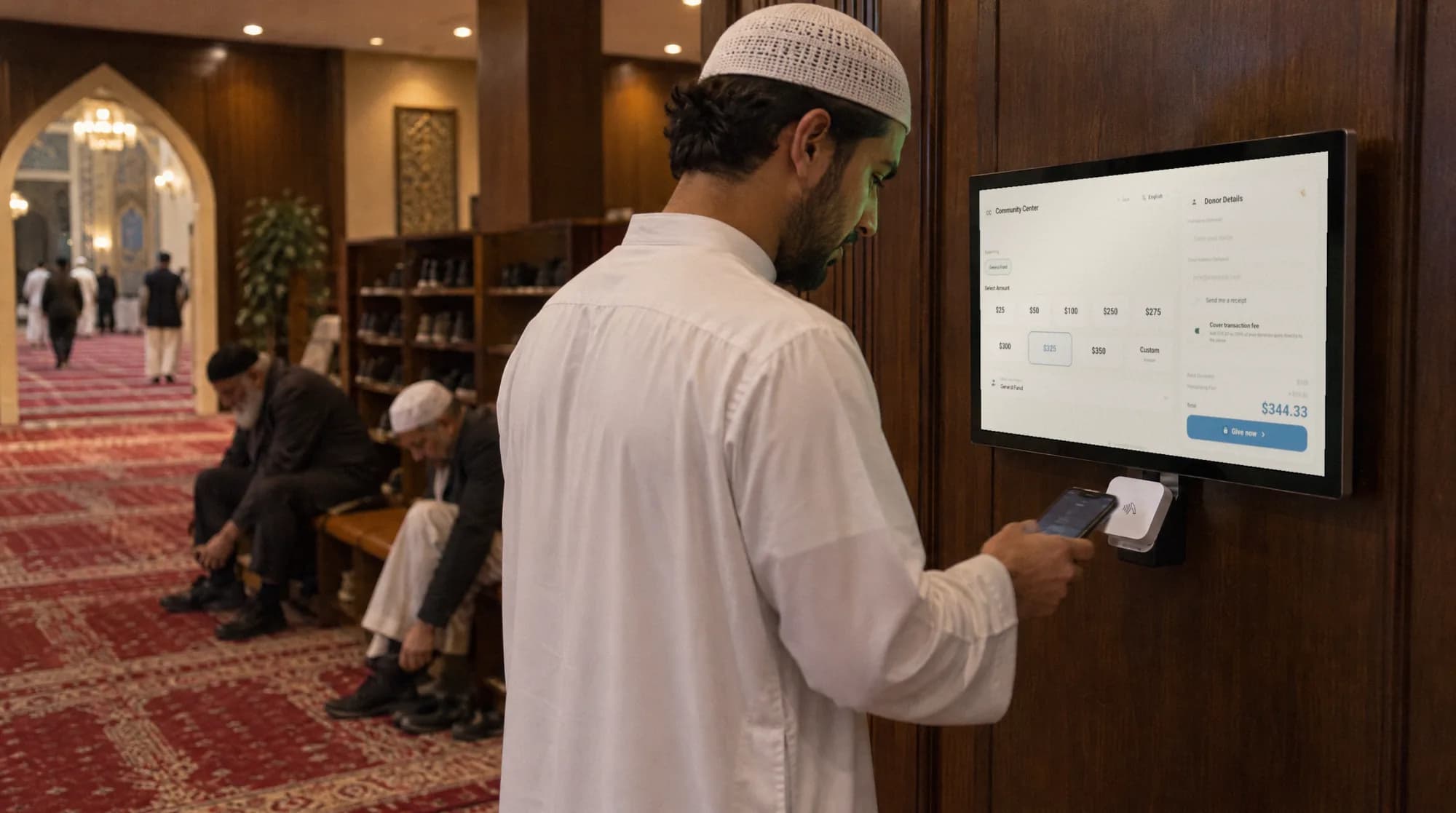
A man taps his phone on a Givebear kiosk in a masjid hallway

Made for the doorway. Wherever your people pass.

  • A woman in a green hijab taps her phone on the reader of a Givebear kiosk mounted beside a masjid entrance
    By the masjid door.
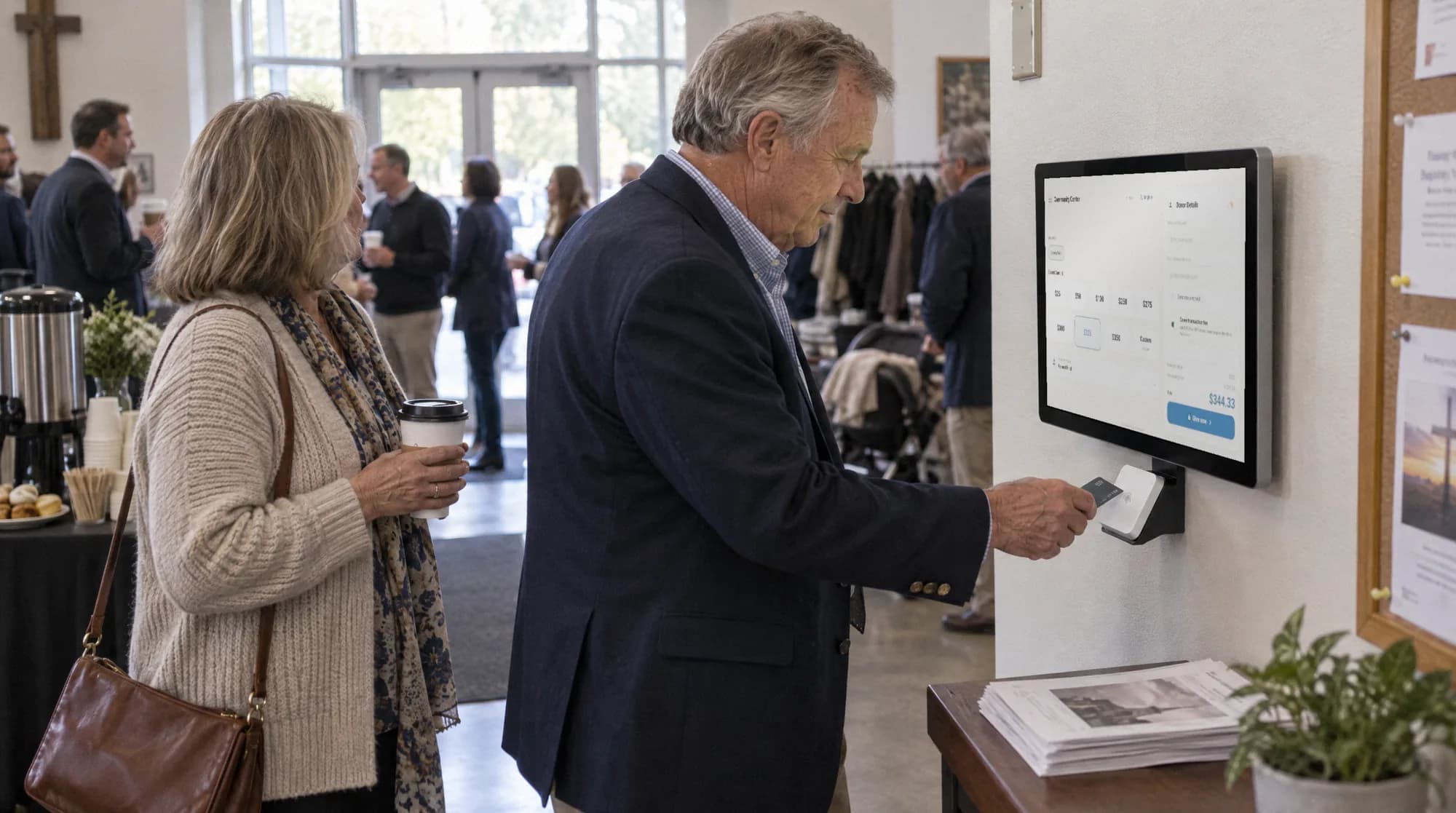
  • A man taps a card on a Givebear kiosk in a bright church lobby while others wait and talk
    In the church lobby.
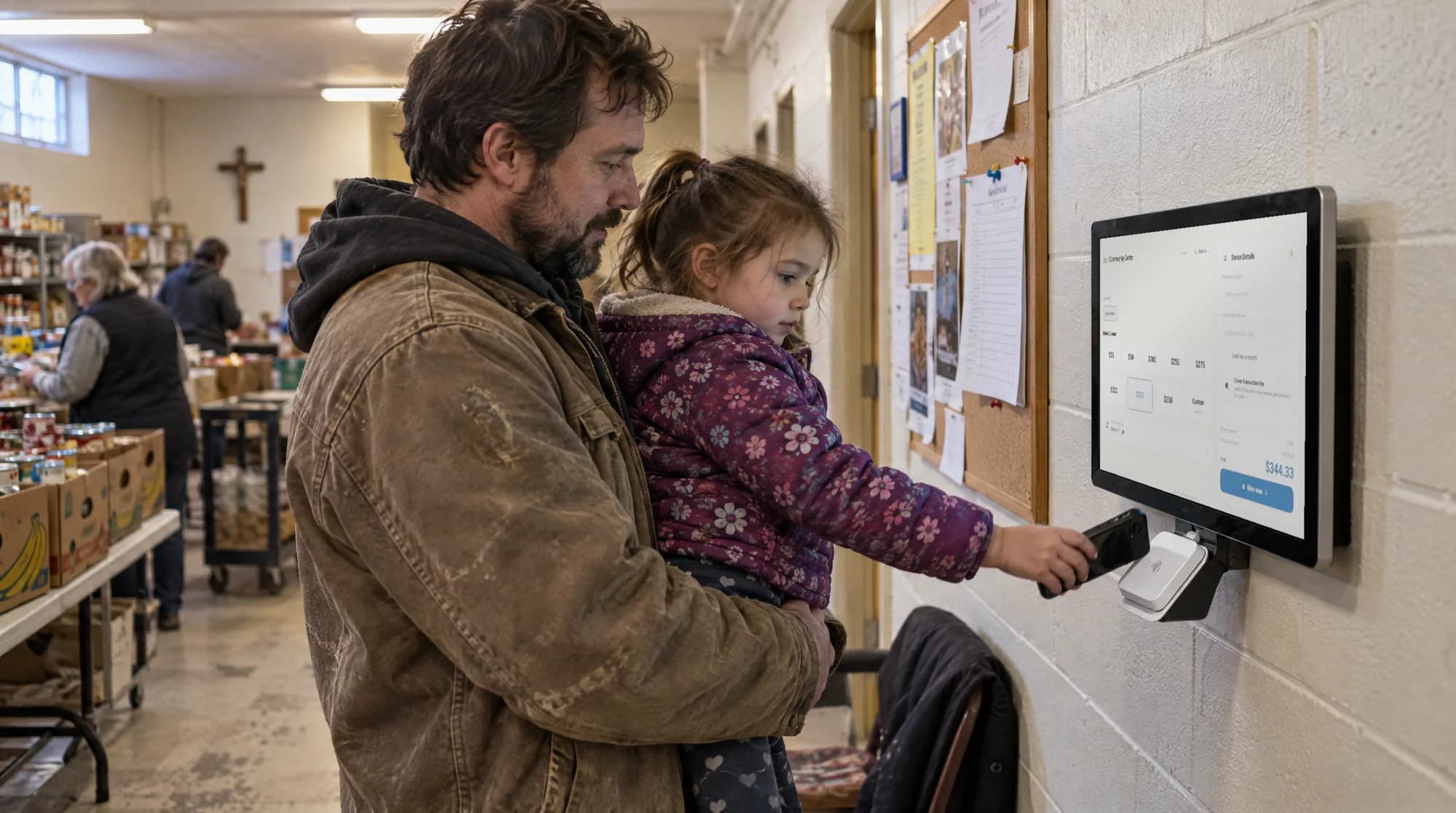
  • A father holds his daughter as she taps a phone on a Givebear kiosk at a community pantry
    At the community pantry.
  • Close-up of a hand tapping a phone on the card reader under the kiosk screen
    One tap, and the gift is in.
  • A man in a white thobe taps his phone on a Givebear kiosk in a wood-panelled masjid hallway in the evening
    After evening prayers.
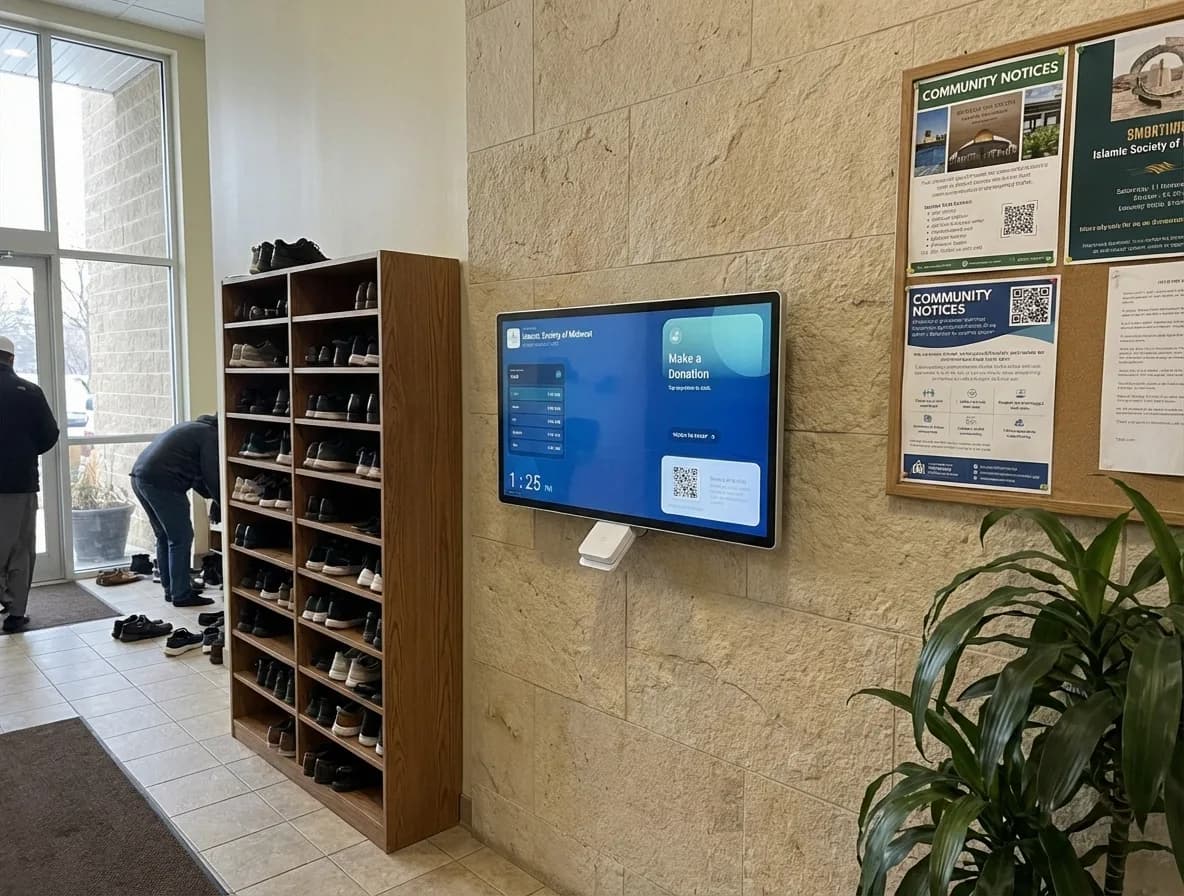
  • A Givebear wall-mount kiosk installed in a masjid hallway beside the shoe racks and a community notice board
    Installed in a masjid hallway.

Jumuah giving up 30% at one masjid near Chicago.

“We stopped guessing where donations belonged. Zakat goes to Zakat, the building fund goes to the building fund, and our board sees it all in one report. And the congregation actually gives more because tapping a card after Jumuah is easier than finding cash.”
Fatih U.Board Member

30%Jumuah giving increase

50+Recurring donors enrolled

20Hours monthly admin time saved

Read the full story

A masjid near Chicago, Illinois

Wall mount or floor stand.

Same screen, same reader, same software. The difference is where it lives.

The wall-mount kiosk: a 21.5 inch screen on a slim wall plate with the card reader below

Wall mount

Slim wall-mount, wired power

$999 one-time
Power
Wired power
Best for
Lobbies, vestibules, and hallways with an outlet nearby
Ships
In stock, free US shipping

Choose the Wall-mount kiosk

The stand kiosk screen, angled, showing the donation screen

Floor stand

Freestanding with a 4-hour battery

$1,099 one-time

Power
4-hour battery + wired power
Best for
Busy main lobbies, galas, and event placements
Ships
Preorder, ships by February

Choose the Stand kiosk

Full specifications

Wall mountSlim wall-mount, wired powerFloor standFreestanding with a 4-hour battery
Screen21.5" HD capacitive touchscreen, anti-glare21.5" HD capacitive touchscreen, anti-glare
MountSlim flush wall mount, cold-rolled steelWeighted anti-theft floor stand, cold-rolled steel
PowerWired power4-hour battery + wired power
PaymentsApple Pay, Google Pay, tap-to-pay credit & debitApple Pay, Google Pay, tap-to-pay credit & debit
StandardsNFC enabled, EMV certifiedNFC enabled, EMV certified
ConnectivityWi-Fi or ethernetWi-Fi or ethernet
In the boxKiosk, slim wall plate, power adapter, 10ft concealed cableKiosk, weighted floor stand, power adapter, 10ft concealed cable
SoftwarePre-installed Givebear giving software, over-the-air updatesPre-installed Givebear giving software, over-the-air updates

Paid once. No monthly kiosk fee.

Most kiosk vendors add a per-device monthly software fee on top of the hardware; Givebear doesn't. The ongoing cost is the per-gift platform fee, shown beside every competitor's below.

Software included on every plan

The kiosk software, dashboard, and updates ship with the free $0/month plan.

Transparent per-gift cost

2.7% + $0.05 card processing plus a 5.9% platform fee (1.9% on Growth). Donors can cover both at the screen.

The price on the page is the price you pay

No code and nothing to negotiate. Tax-exempt organizations skip sales tax with a state exemption certificate. Compare plans.

Three-year subscription costs, compared.

  • Givebear

    Hardware (one-time)
    $999 to $1,099 one-time
    Kiosk software
    None: giving software is included
    Per gift
    1.9% to 5.9% platform fee by plan + Stripe in-person 2.7% + $0.05
    Subscription fees over 3 years
    $0
  • Donorbox Live Kiosk

    Hardware (one-time)
    Not published (contact sales)
    Kiosk software
    $80/mo first kiosk ($50/mo on Premium), $15/mo each additional
    Per gift
    Stripe in-person 2.7% + $0.05 (4.45% + $0.05 combined)
    Subscription fees over 3 years
    $2,880
  • Kind Kiosk

    Hardware (one-time)
    $299 to $599 per device
    Kiosk software
    $49/mo Community ($19/mo extra devices) or $149/mo Growth
    Per gift
    Stripe 2.7% (5.7% combined on cards)
    Subscription fees over 3 years
    $1,764
  • SecureGive

    Hardware (one-time)
    $1,199 to $5,799 per kiosk
    Kiosk software
    $149/mo Basic or $299/mo Premium
    Per gift
    In-person kiosk credit 2% + $0.30 (debit 1.5% + $0.30)
    Subscription fees over 3 years
    $5,364

Competitor software and per-gift figures: Donorbox Live Kiosk, verified Jul 2026; Kind Kiosk pricing, verified Jul 2026; SecureGive pricing, verified Jul 2026. Three-year totals multiply each vendor's entry software tier by 36 months and exclude transaction fees. Donorbox kiosk hardware bundles have no published price; their site says to contact sales.

Buy your kiosk.

From $999, one-time. 90-day performance guarantee

A 21.5" tap-to-donate kiosk for churches, mosques, schools, and nonprofits. Software, dashboard, receipts, and warranty included: no subscription, no contract.

Givebear Donation Kiosk 21.5" Wall Mount product gallery

Free US shipping

It arrives set up for your organization: mount it or stand it, plug it in, join the Wi-Fi.

The 90-day kiosk guarantee

If your first kiosk does not collect more than its price in donations within 90 days, send it back for a full refund. Activate it with one email in your kiosk's first week of taking donations and keep Givebear as your main donation system. Full terms.

Hardware warranty

Includes Givebear hardware support and warranty coverage for normal use.

Questions before you order.

Is there a monthly fee for the kiosk software?
No. The $999 to $1,099 one-time price covers the giving software, web dashboard, automatic over-the-air updates, and warranty. There is no per-device subscription, no contract, and no setup fee. The only per-donation costs are card processing and a small platform fee that donors can cover at the screen.
How does the transaction fee work?
Stripe processes each gift at its in-person rate of 2.7% + $0.05, passed through at cost, and Givebear adds a 5.9% platform fee on the free plan (1.9% on Growth). Donors are asked at the kiosk whether they'd like to cover the costs so their full intended gift reaches your cause. Funds settle directly into your organization's own Stripe account, never a pooled platform account.
Do donation kiosks work offline?
Yes, for one-time gifts. The kiosk runs Stripe Terminal's offline mode: if the venue's internet drops, donors keep tapping, gifts are stored encrypted on the device, and everything forwards automatically once the connection returns. Recurring gifts need a live connection.
Is the donation kiosk PCI compliant?
Payments are processed by Stripe, a PCI DSS Level 1 service provider. Card data travels encrypted from the certified reader to Stripe, and the kiosk and Givebear's servers never store raw card numbers.
Can donors set up recurring gifts at the kiosk?
Yes. A donor flips the recurring toggle on the amount screen, adds their name and email, and taps once: the gift then repeats monthly. Every charge sends an automatic email receipt formatted for 501(c)(3) requirements, with a link to manage or cancel the recurring gift online.
What if it doesn't collect enough to justify the price?
Then you get your money back. If your first kiosk does not collect more than its price in donations within 90 days, send it back for a full refund. It covers your organization's first kiosk; the full terms are on our return policy page.

Not sure which kiosk fits?

Book a 30-minute call. Tell us where it will go and we will recommend the model that fits, and show you the dashboard behind it.

  • Your funds, set up the way your treasurer reports them
  • Where a kiosk would go, and what it costs
  • The reports your board will actually see

Rather set it up yourself? Start free

Loading available times

Or open the booking page

Wall-mount kiosk

$999 one-time