Fundraising and annual fund software for Christian schools
Christian school fundraising software for the annual fund, restricted gifts, and recurring donors. Lobby and chapel tap-to-pay kiosks, fund routing, and automatic tax statements in one giving dashboard.

Last updated July 2026 by Fatih
Quick answer
Givebear handles the fundraising side of a Christian school: the annual fund, scholarship and building gifts kept as restricted funds, monthly giving from families, and a donation kiosk for the lobby or chapel. It does not do tuition billing or student records. Receipts and year-end statements go out automatically.
Key takeaways
- Pickup, chapel services, and the Christmas program are the moments to have the kiosk out.
- Keep scholarship and building gifts in their own funds so you can report how each dollar was used.
- Show families the gap between tuition and the cost of educating each student when you ask for the annual fund.
Who this is for
- Development directors running an annual fund or tuition-gap campaign
- Business offices that must keep designated gifts apart from the general fund
- Parent associations raising for chapel, athletics, and classrooms
Closing the tuition-to-cost gap
Many parents do not know that tuition covers only part of what their child's education costs. An annual fund page that says so plainly, with suggested gift levels and a monthly option, gives them a reason and a way to help.
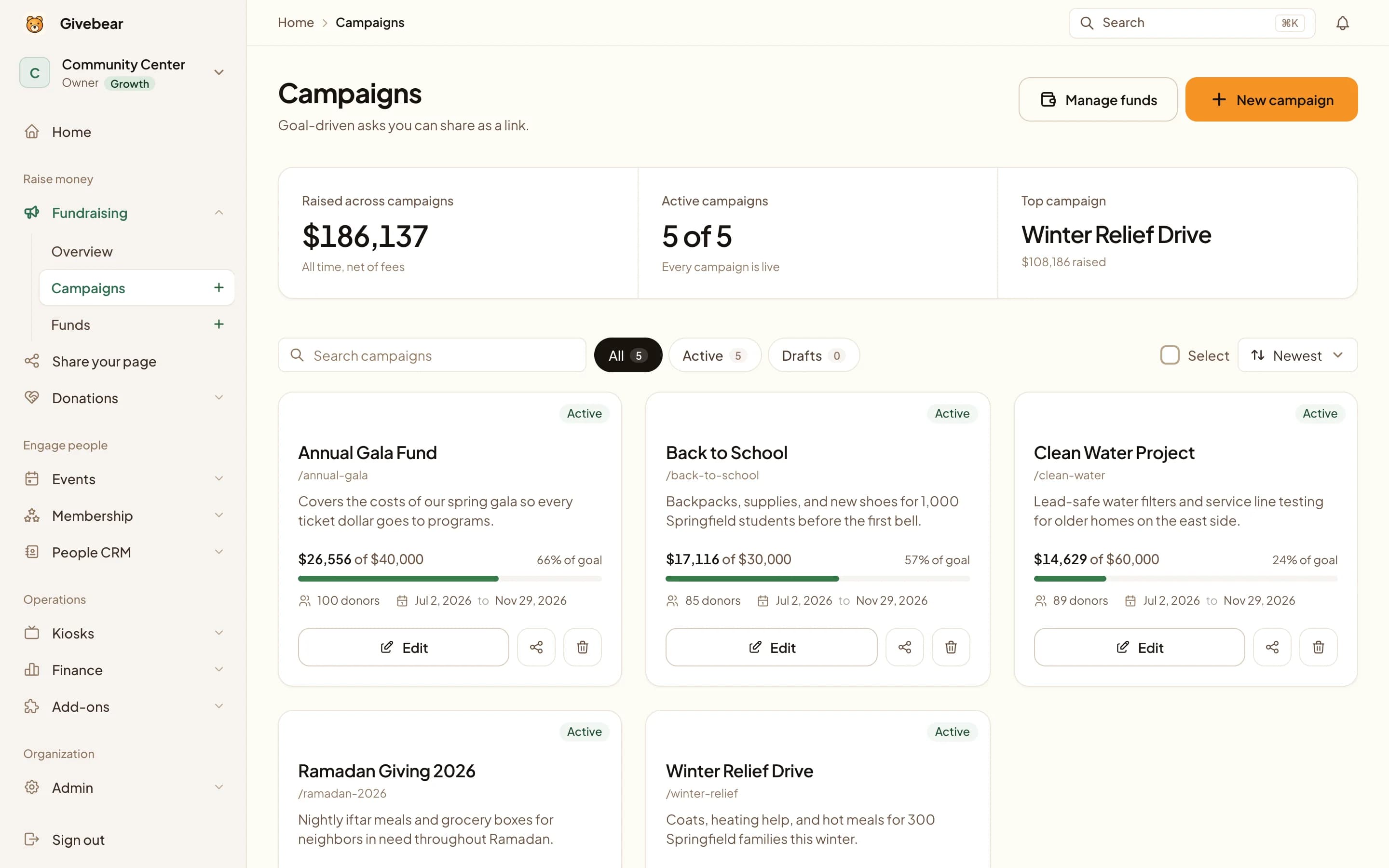
Because online, kiosk, and event gifts share one system, the team can see campaign progress at any time instead of combining exports from several tools.
Tuition rarely covers the full cost of a Christian education, and the gap lands on the development office every year. Givebear runs the annual fund, keeps restricted gifts restricted, handles monthly partners, and puts a kiosk in the lobby or by the chapel doors for parents, grandparents, and visitors.
A gift on the kiosk and a gift on the website land in the same fund and the same donor record, so the advancement team sees the whole campaign in one place. Scholarship, building, and campus ministry gifts are reported separately, so you can show donors how designated money was used.
Capture giving in the lobby and the chapel
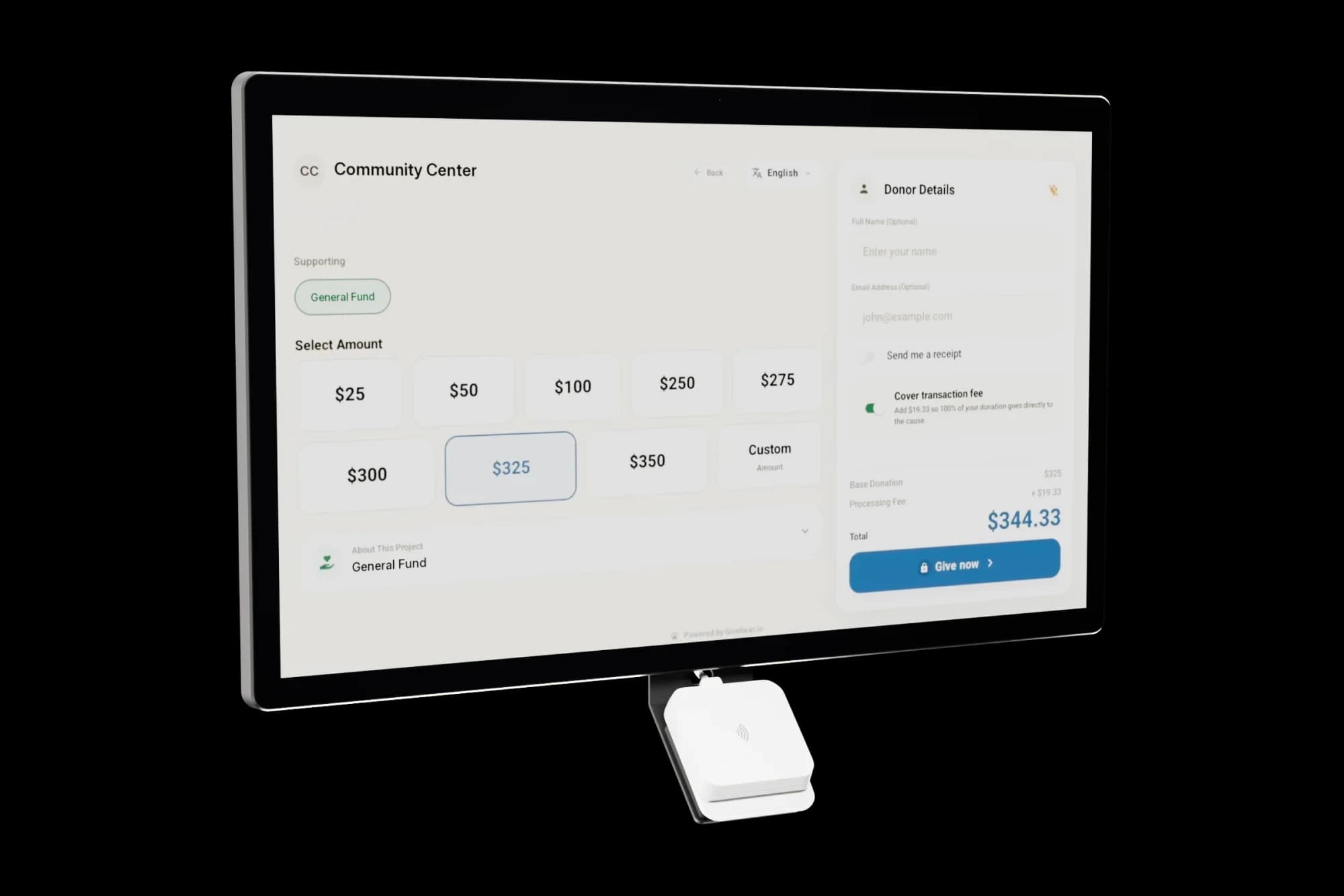
Wall-mount the kiosk in the lobby or use the battery floor stand at the gym door for a game or by the chapel for a service. A parent in the pickup line can give before the bell.
Kiosk gifts use the same funds, donor records, and receipts as online giving, so there is nothing extra to reconcile. One kiosk costs $999 to $1,099, with no monthly charge for the device.
Keep designated gifts honest
When a donor gives to the scholarship fund or the new building, that is where the money should go. Givebear reports each restricted fund on its own for the board and for donor stewardship.
Annual statements go out in January from the same records, without a spreadsheet pull.
Practical use cases
- An annual fund page with suggested gift levels and a monthly option.
- A kiosk by the chapel doors and at the gym entrance on game nights.
- Separate scholarship, building, and campus ministry funds.
- Grandparents' day and the Christmas program as giving moments.
Key features
- Lobby kiosk or battery floor stand
- Annual fund page with gift levels and an option for donors to cover fees
- Restricted funds reported separately
- Monthly partner giving
- Annual giving statements

The kiosk. From $999, paid once.
A 21.5" touchscreen with a tap-to-pay reader, on a wall mount or a battery floor stand. Gifts on it carry your plan's platform fee and land in the same funds as online giving.
Common questions
Is this tuition or student information software?
Can we track scholarship and building fund gifts separately?
Can we sell tickets to the gala or the Christmas program?
Can families give monthly to support the school?
Related reading
See it with your own funds.
Book a 30-minute walkthrough. No slides and no hard sell: we set Givebear up around how your organization already gives.
- Your funds, set up the way your treasurer reports them
- Where a kiosk would go, and what it costs
- The reports your board will actually see
Rather set it up yourself? Start free
Loading available times
Or open the booking page