Volunteer fire department fundraising software for the firehouse and the boot drive
Volunteer fire department fundraising software for open houses, pancake breakfasts, and boot drives. Tap-to-pay kiosks, recurring supporters, and equipment fund routing.

Last updated July 2026 by Fatih
Quick answer
Volunteer fire department fundraising software should take cards at the boot drive, the pancake breakfast, and the open house, sell event tickets, and keep equipment money apart from the general fund. Givebear does all three: a battery-powered kiosk (about four hours per charge) for the station or the curb, event ticketing, and separate funds such as new equipment and firefighter relief. A QR code on the boot lets passengers give from their own phones.
Key takeaways
- One-time taps keep working if the kiosk loses its connection, and they send when it reconnects.
- Sell breakfast and dinner tickets online ahead of time so the door table only checks people in.
- Receipt wording depends on your structure: 501(c)(3), a 501(c)(4) volunteer company, or a municipal department.
Who this is for
- Volunteer and combination fire departments raising for gear, apparatus, and training
- Auxiliaries and relief associations that run the events and keep the books
- Rescue squads and EMS units that fundraise alongside a fire company
Take the boot drive cashless
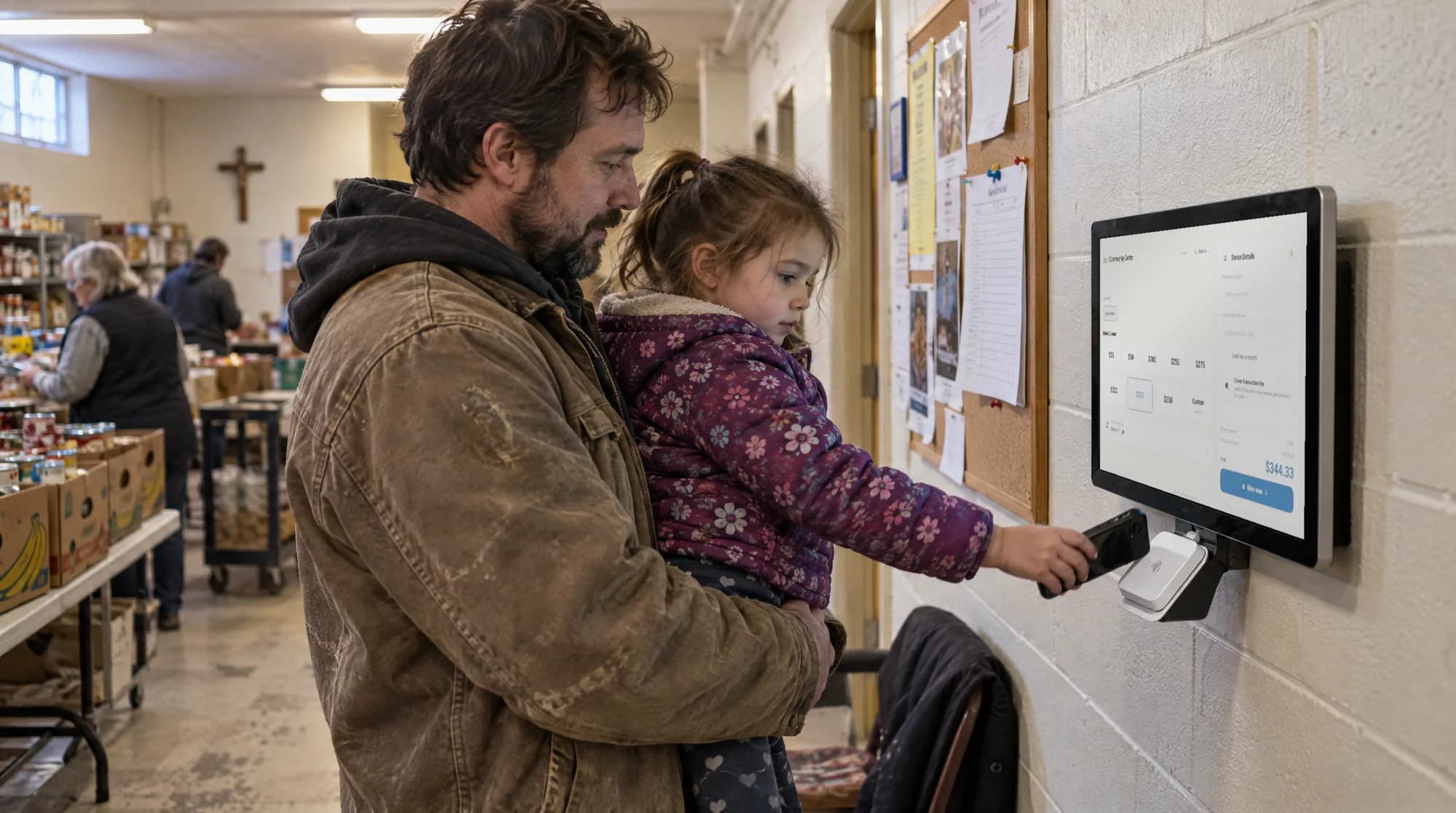
Bills in a boot mean a long night counting change and no record of who gave. A floor stand on the table records every tap with its fund.
The stand runs on its battery for about four hours. Bring a phone hotspot to the intersection; if the signal drops, one-time taps are held and sent when it returns. A QR code on the boot covers passengers who would rather give from their seat.
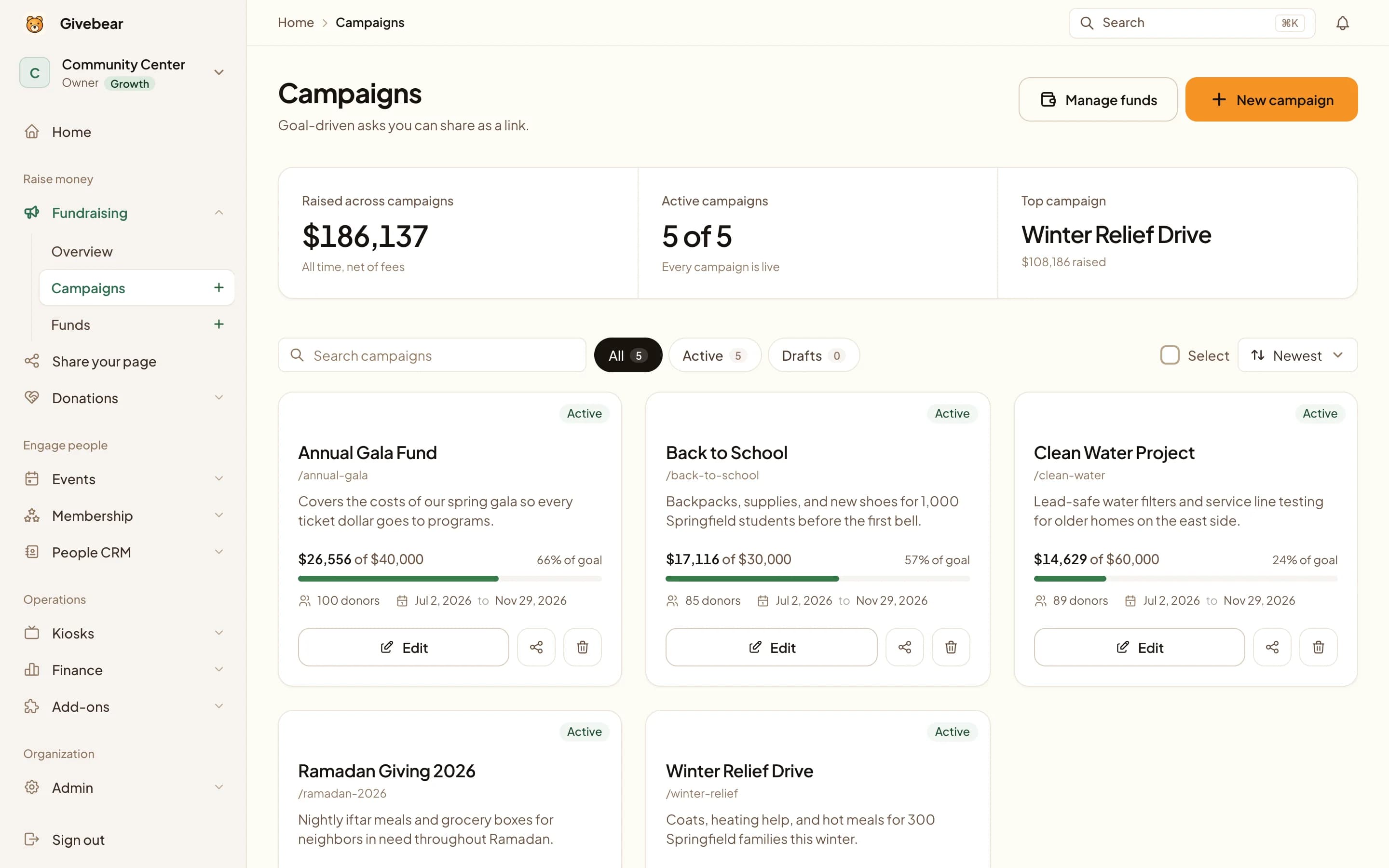
Volunteer fire departments raise money for gear, training, and the next apparatus one event at a time: the pancake breakfast in the bay, the open house with truck rides, the boot drive on a Saturday morning. Givebear puts ticketing, monthly community supporters, and separate equipment and relief funds on one platform, so the captain or auxiliary treasurer is not juggling a cash box, a paper sign-up sheet, and several apps.
At the boot drive, a battery floor stand on the table lets a driver tap a card, Apple Pay, or Google Pay instead of digging for bills, and a QR code on the boot lets a passenger give from their own phone. At the breakfast, the same kiosk sells walk-up tickets by the door.
Fill the breakfast, not the cash box
Sell tickets to the breakfast, fish fry, or annual dinner ahead of time with a capacity limit, so the kitchen orders the right amount.
On the day, the kiosk handles walk-up tickets and extra gifts, and buyers and donors land in the same records for next year's invitation.
Keep every fund where it belongs
Send gifts to a general fund, an apparatus or turnout-gear fund, or a relief fund, and give the board a separate report on each.
Receipt wording follows your status: Givebear prints deductible language only for confirmed 501(c)(3) organizations. Many volunteer fire companies are 501(c)(4) organizations, and gifts to them can still be deductible when made for public purposes, so check the receipt wording with your accountant.
Practical use cases
- A battery floor stand at the boot drive with a QR code on the boot.
- Tickets for the pancake breakfast or spaghetti dinner with a seat limit.
- A kiosk by the door at the open house.
- Monthly community supporters who back the department all year.
Key features
- Battery floor stand for boot drives and events
- Event tickets with capacity limits
- Monthly giving
- Separate general, equipment, and relief funds
- Printable QR codes and a website giving form
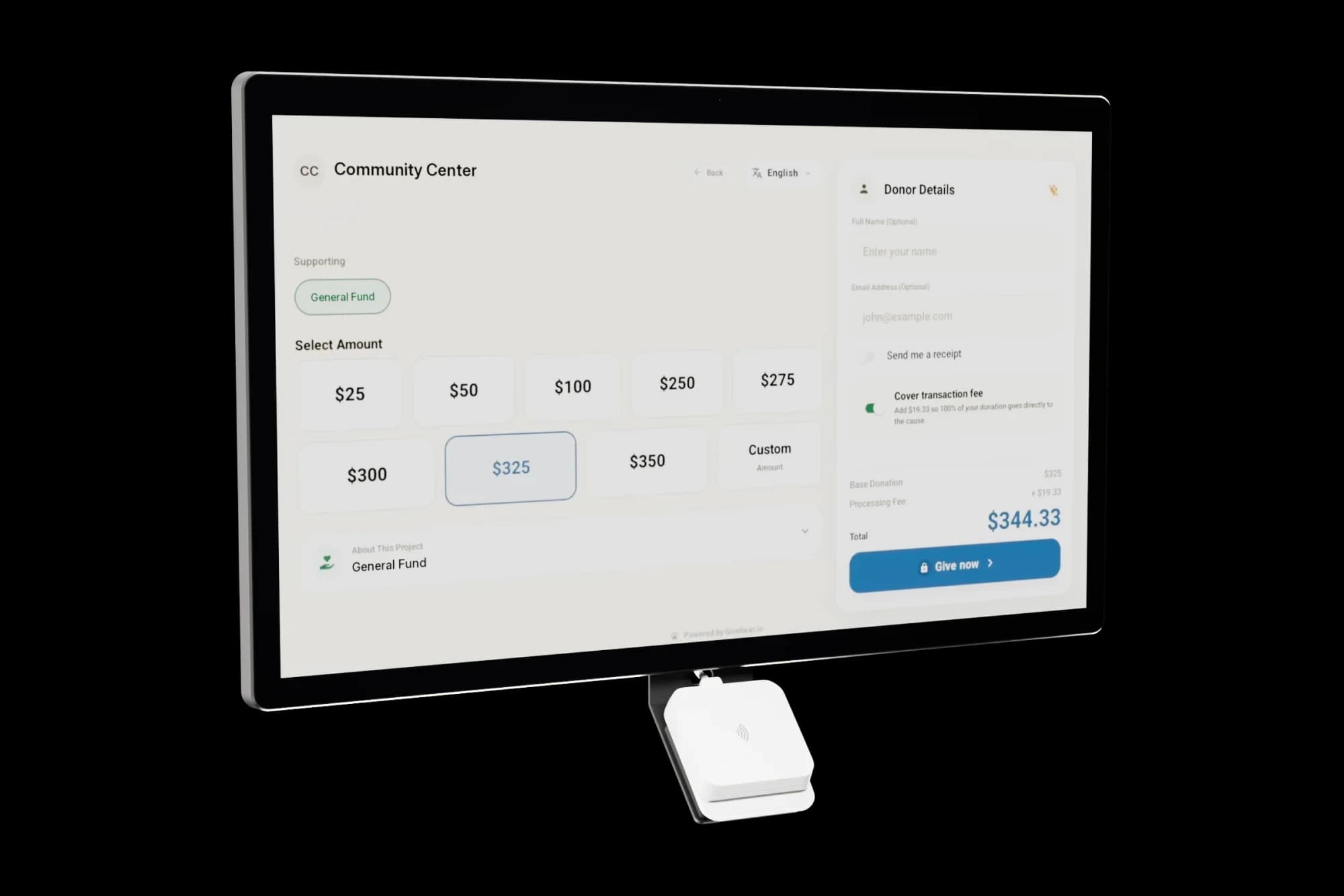
The kiosk. From $999, paid once.
A 21.5" touchscreen with a tap-to-pay reader, on a wall mount or a battery floor stand. Gifts on it carry your plan's platform fee and land in the same funds as online giving.
Common questions
What is the best fundraising software for a volunteer fire department?
Can we take cards and Apple Pay at a boot drive without Wi-Fi at the intersection?
Are donations to our fire department tax deductible?
What does Givebear cost for a fire department?
Related reading
See it with your own funds.
Book a 30-minute walkthrough. No slides and no hard sell: we set Givebear up around how your organization already gives.
- Your funds, set up the way your treasurer reports them
- Where a kiosk would go, and what it costs
- The reports your board will actually see
Rather set it up yourself? Start free
Loading available times
Or open the booking page