Donation kiosks for community centers, clubs, and membership organizations
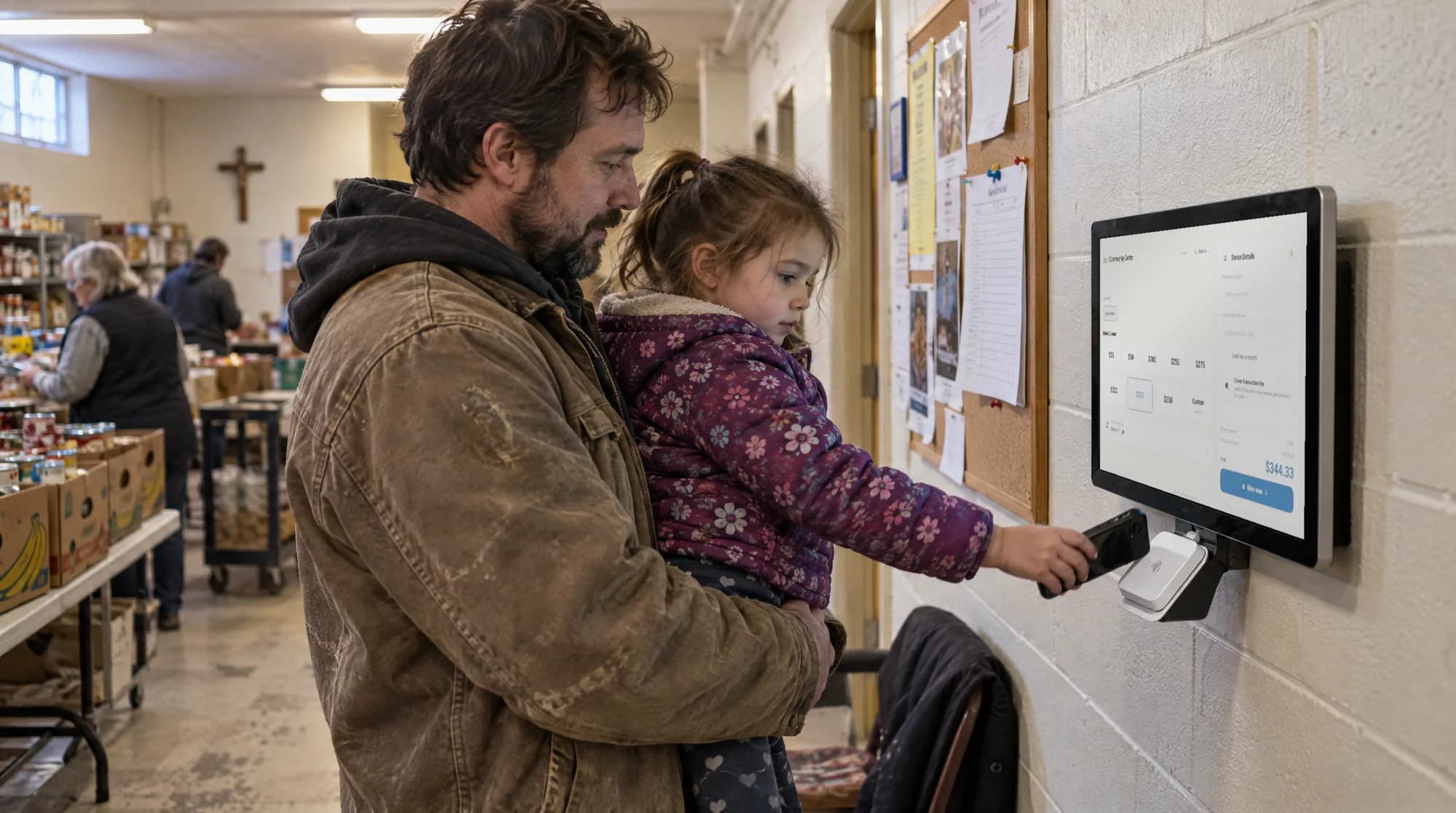
Accept donations, membership renewals, and program fees at community center lobbies and front desks with tap-to-pay kiosks. Separate fund buttons for general operations, youth programs, and capital campaigns keep giving clean.
Last updated July 2026 by Akif
Quick answer
Yes. A donation kiosk in a community center lobby or at the front desk gives members who pass several times a week a standing way to give. Set it up with two to four funds, such as general operations, youth scholarships, and a capital campaign. Members can start a monthly gift at the kiosk, and the same kiosk can go to the annual gala.
Key takeaways
- Place the kiosk on the path to the main activity areas, not in a corner.
- Small regular taps of $10 or $25 add up to real unrestricted revenue over a year.
- Givebear also collects membership dues online at the same flat platform fee as donations.
Who this is for
- Executive directors of community centers, JCCs, YMCAs, and clubs with a busy front desk
- Development staff running a capital campaign alongside the annual fund
- Treasurers who report restricted grants, program fees, and unrestricted gifts separately
- Volunteer-run centers that cannot staff a giving table
How do you turn lobby foot traffic into routine giving?
Put the kiosk on the path people already walk, between the door and the main rooms, not in a corner. A member who passes it twice a week sees it often enough to use it on the day they feel like giving.
Give the screen one clear purpose at a time. A short line about what this month's gifts pay for, such as scholarships for the summer camp, does more than a list of six funds.
A community center sees the same people several times a week and then a few hundred more on gala night. A lobby kiosk covers both: a standing place to give on an ordinary Tuesday, and a fast way to give during the appeal at the annual event.
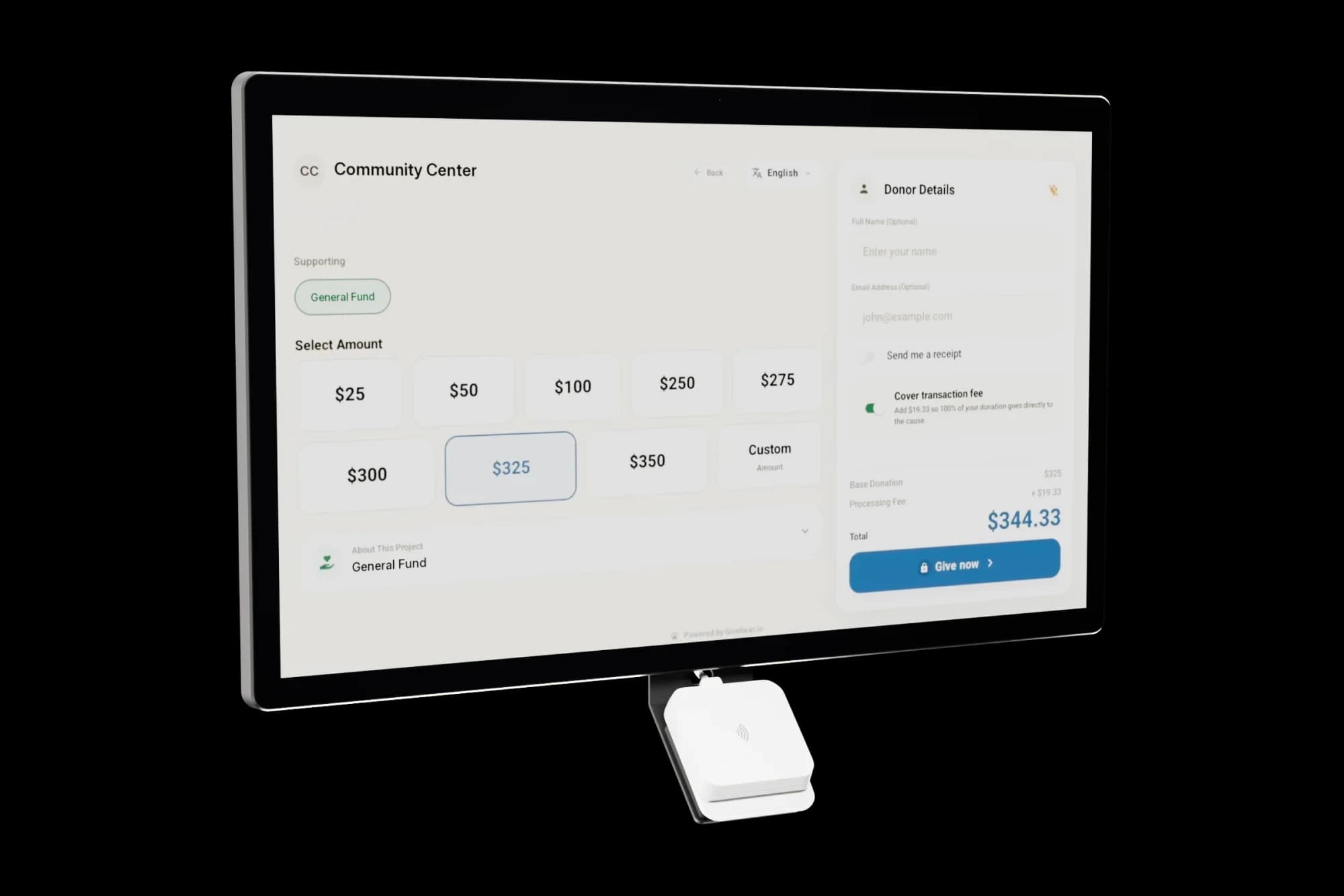
The Givebear kiosk also does more than donations. The same screen can sell membership tiers, sell tickets to a program or event, and check people in, so the front desk is not running a separate card reader for dues and another for gifts. Every payment lands in the same records, split by fund, membership, or event.
How do you manage multiple restricted funds from one kiosk?
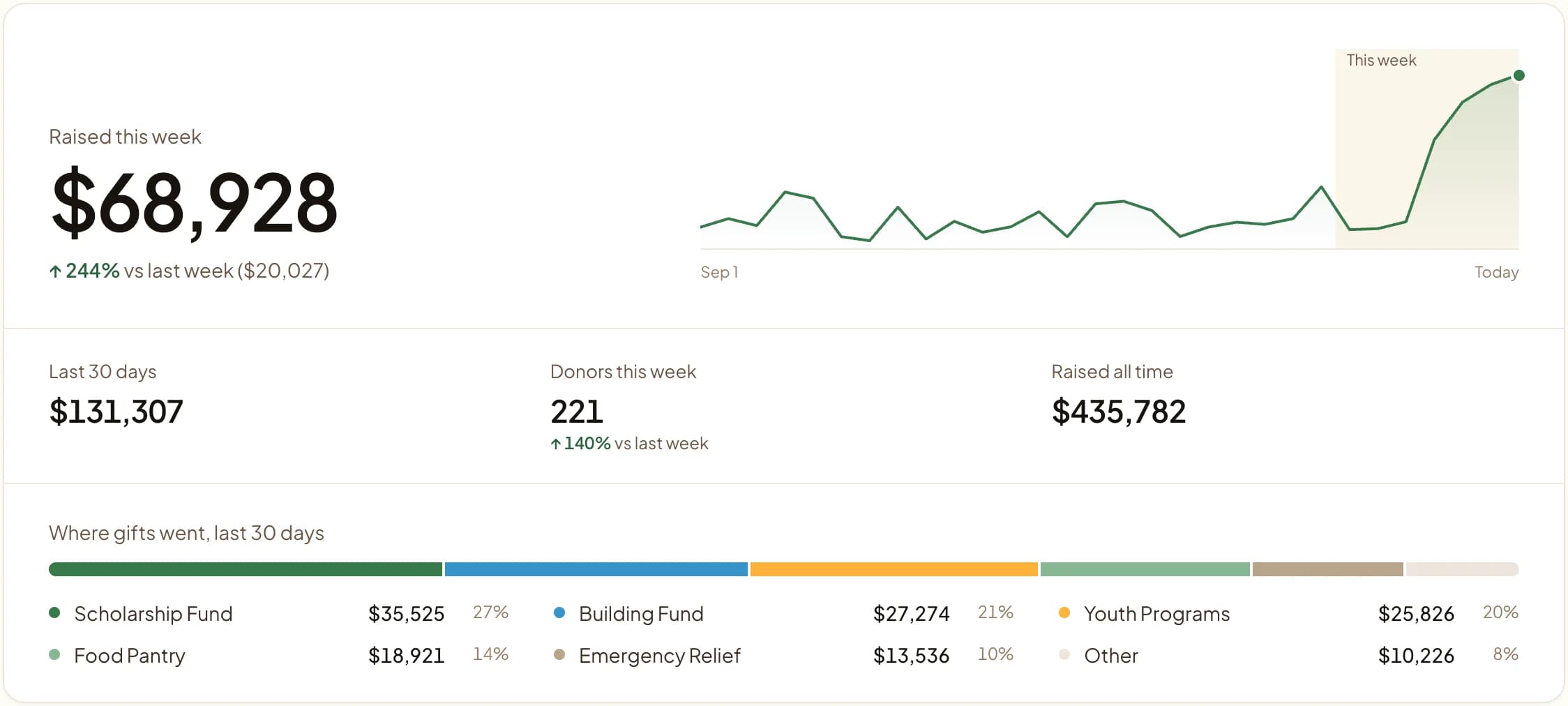
Show the two to four funds that matter right now: for example General Operations, Youth Scholarships, and the Building Fund. During a campaign push, move the building fund to the top; when it closes, remove it from the dashboard without visiting the kiosk.
Each gift is recorded against its fund, so the finance lead can report restricted grant income and campaign totals without sorting transactions by hand.
Annual galas and major event fundraising for community centers
On gala night the kiosk is the quick way to respond to the live appeal: a member taps and is back at the table before the ask ends, and a guest someone brought can give without hunting for a pledge card. Put one kiosk where guests arrive and one near the appeal.
Add a fund for the evening's appeal the day before, put it first on the screen, and take it down afterward. Tickets sold through Givebear for the same event sit in the same records, so the night's report shows ticket income and gifts together.
Setting up recurring giving for community center members
Members already have a recurring relationship with the center, which makes them good candidates for a monthly gift. Even a small share of regular members giving monthly gives the operating budget a base that does not depend on how the gala goes.
After a member picks a fund and amount on the kiosk, they can make it monthly. They get a confirmation email and can later change, pause, or cancel the gift in the donor portal without calling the office.
Practical use cases
- Put the kiosk beside the front desk so a member can renew a membership or make a gift while checking in.
- Add the capital campaign fund to the screen during the campaign and remove it when the goal is met.
- Move the battery floor stand into the hall for the annual gala.
- Offer a monthly gift to regular visitors who already tap a few dollars each week.
Key features
- Donations, membership tiers, event tickets, and check-in on one kiosk
- Several funds on screen, changed from the dashboard
- Monthly giving option at the kiosk
- Email receipts for gifts
- Campaign progress on the giving page
- Reports by fund, membership, and event

The kiosk. From $999, paid once.
A 21.5" touchscreen with a tap-to-pay reader, on a wall mount or a battery floor stand. Gifts on it carry your plan's platform fee and land in the same funds as online giving.
Common questions
How long does it take to set up a lobby kiosk at a community center?
Can a community center kiosk accept both donations and program fees?
What happens if the kiosk loses internet connection during a busy lobby period?
Can members set up recurring giving from the lobby kiosk?
Can members renew their membership at the kiosk?
See it with your own funds.
Book a 30-minute walkthrough. No slides and no hard sell: we set Givebear up around how your organization already gives.
- Your funds, set up the way your treasurer reports them
- Where a kiosk would go, and what it costs
- The reports your board will actually see
Rather set it up yourself? Start free
Loading available times
Or open the booking page