Rotary club fundraising software for meetings, events, and your foundation
Givebear is fundraising software built for Rotary, Lions, and Kiwanis clubs: a tap-to-pay kiosk for weekly meetings and signature events, recurring giving to your club foundation, ticketed galas, and fund routing for scholarship and relief funds.
Last updated July 2026 by Fatih
Quick answer
For a Rotary, Lions, or Kiwanis club, Givebear covers weekly meetings, signature events, and the club foundation: a kiosk on the registration table, tickets for galas and golf outings, recurring member gifts to the foundation, and separate funds for scholarships and relief. It is organized around the club and its foundation rather than individual members' fundraising pages.
Key takeaways
- Unlike Raise for Rotary and other personal-fundraiser tools, there are no individual peer-to-peer pages to manage.
- The battery floor stand works in a park pavilion or a fair booth.
- Receipts go out automatically, so the treasurer is not writing them after each event.
Who this is for
- Rotary clubs and club foundations with weekly meetings and signature events
- Lions clubs raising for sight, hearing, and local projects
- Kiwanis and other clubs funding youth programs and scholarships
A kiosk for the meeting table and the event tent
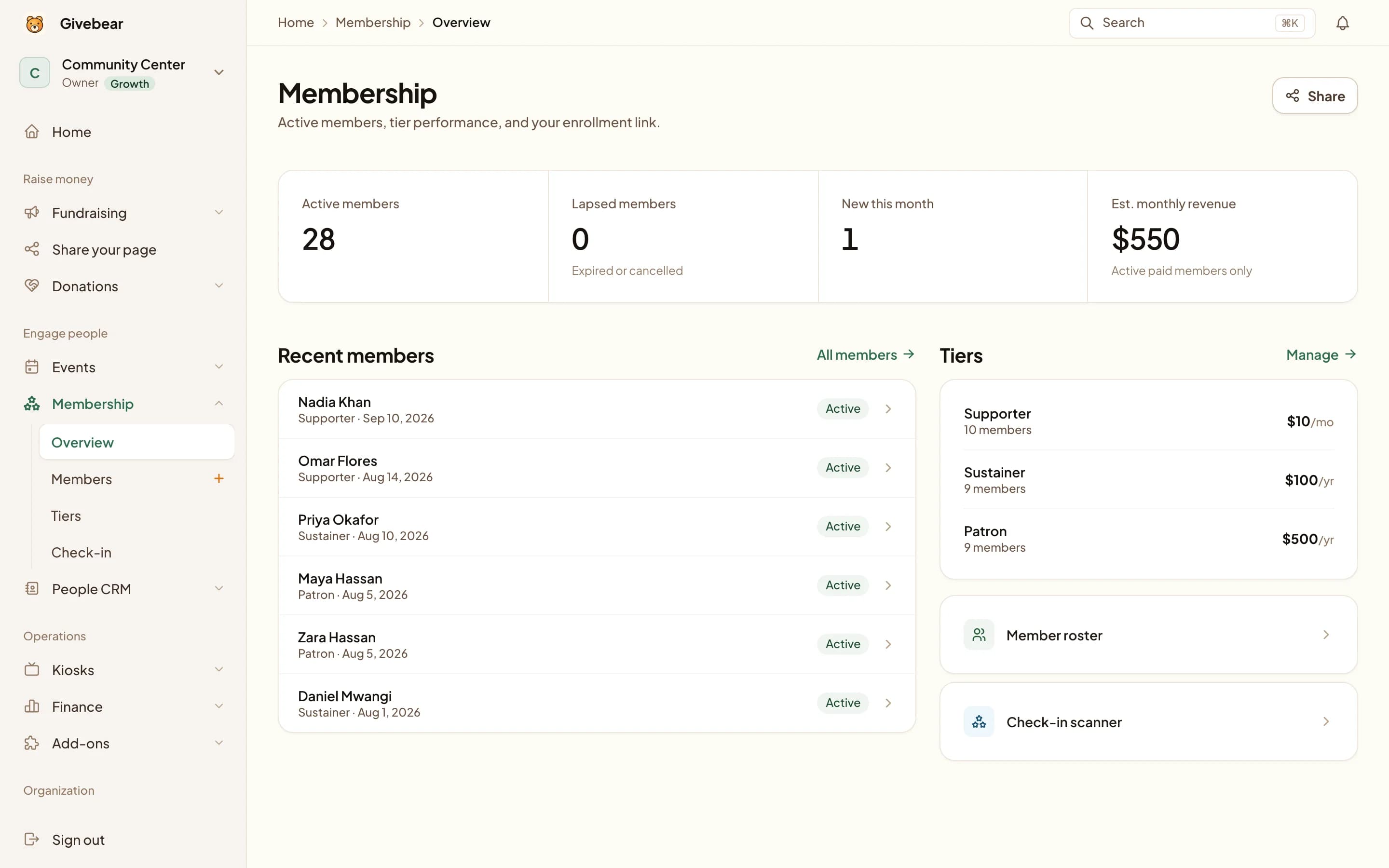
Service club giving happens in person. Put the kiosk by the door at the weekly lunch, at the pancake breakfast registration table, or at the golf outing check-in, and members tap a card or phone. The floor stand runs on a battery for a park pavilion or fair booth.
Each gift is recorded against the fund the member chose, so the treasurer's report needs no tally sheet.
Service clubs raise money at the weekly meeting, at the pancake breakfast and the golf outing, and from members who support the club foundation every year. Givebear covers those: a kiosk on the registration table, recurring giving to the club foundation, ticketed events, and separate funds so scholarship money never mixes with the general account.
Givebear runs giving for the club as an organization. It does not offer individual member fundraising pages, so if your district runs a personal fundraiser tool for the international foundation, keep using it for that.
Giving for the club and its foundation, not individual pages
Recurring donors give to the club foundation in one place, the board sees designated and undesignated giving together, and events run with real tickets instead of a personal donation link.
Scholarship, disaster relief, and project funds are reported separately from the general account.
One flat fee, payments your members already use
Cards, Apple Pay, and Google Pay run through Stripe, settling to the club's own account. There is no tip prompt at checkout.
Givebear charges a flat platform fee from 1.9% to 5.9% depending on plan (one rate online, at kiosks, and on memberships), plus Stripe card processing at cost, with no setup fee and no monthly minimum. Start on the Free plan with the giving page and event tickets, and add a kiosk later.
Practical use cases
- A kiosk on the registration table at the weekly lunch.
- Monthly or yearly gifts to the club foundation.
- Tickets for the gala and golf outing, online and at the door.
- Separate scholarship and disaster relief funds.
Key features
- Kiosk for meetings or a battery floor stand for outdoor events
- Monthly or yearly recurring giving
- Event tickets
- Separate restricted funds
- Giving form for the club website
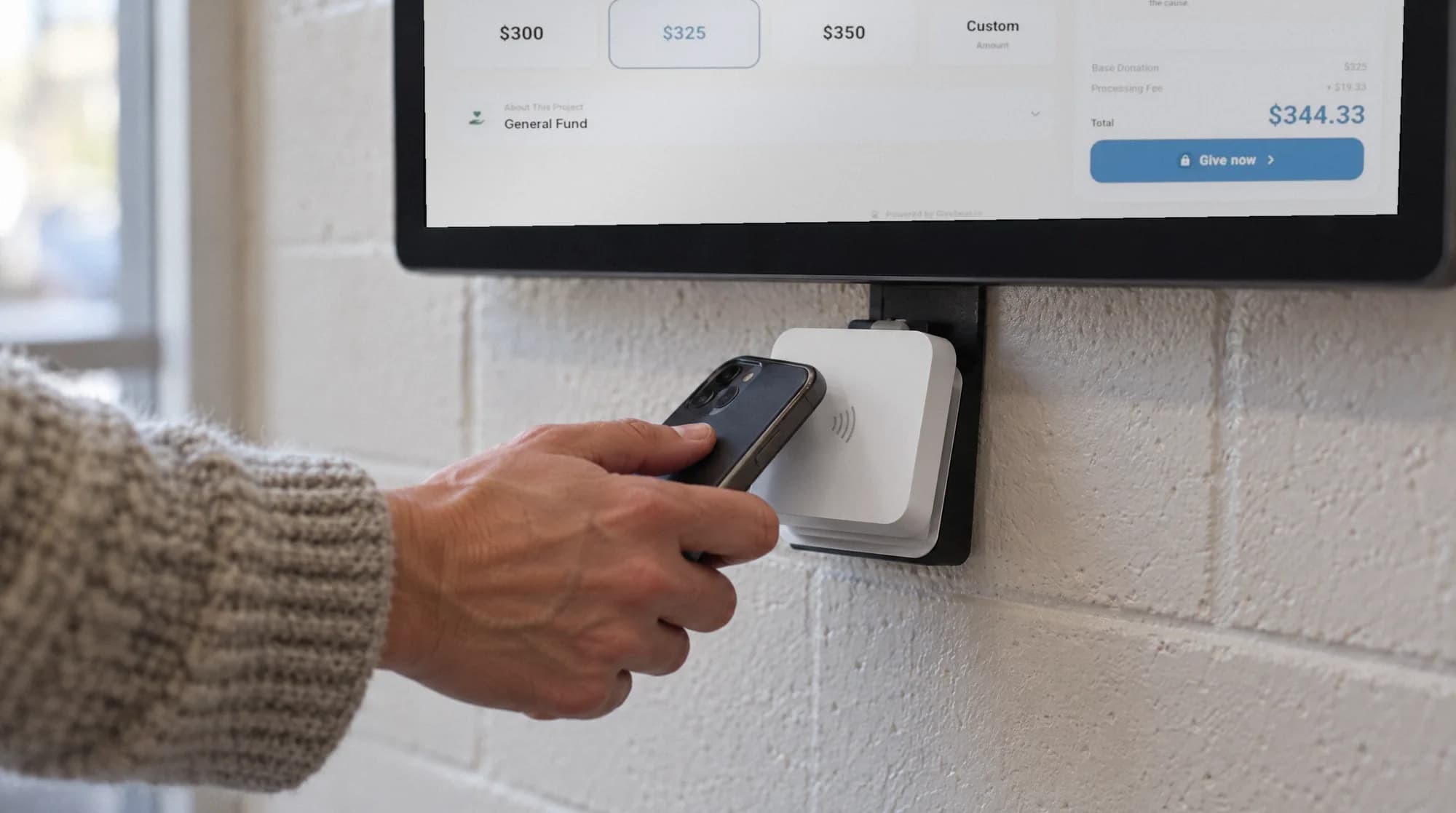
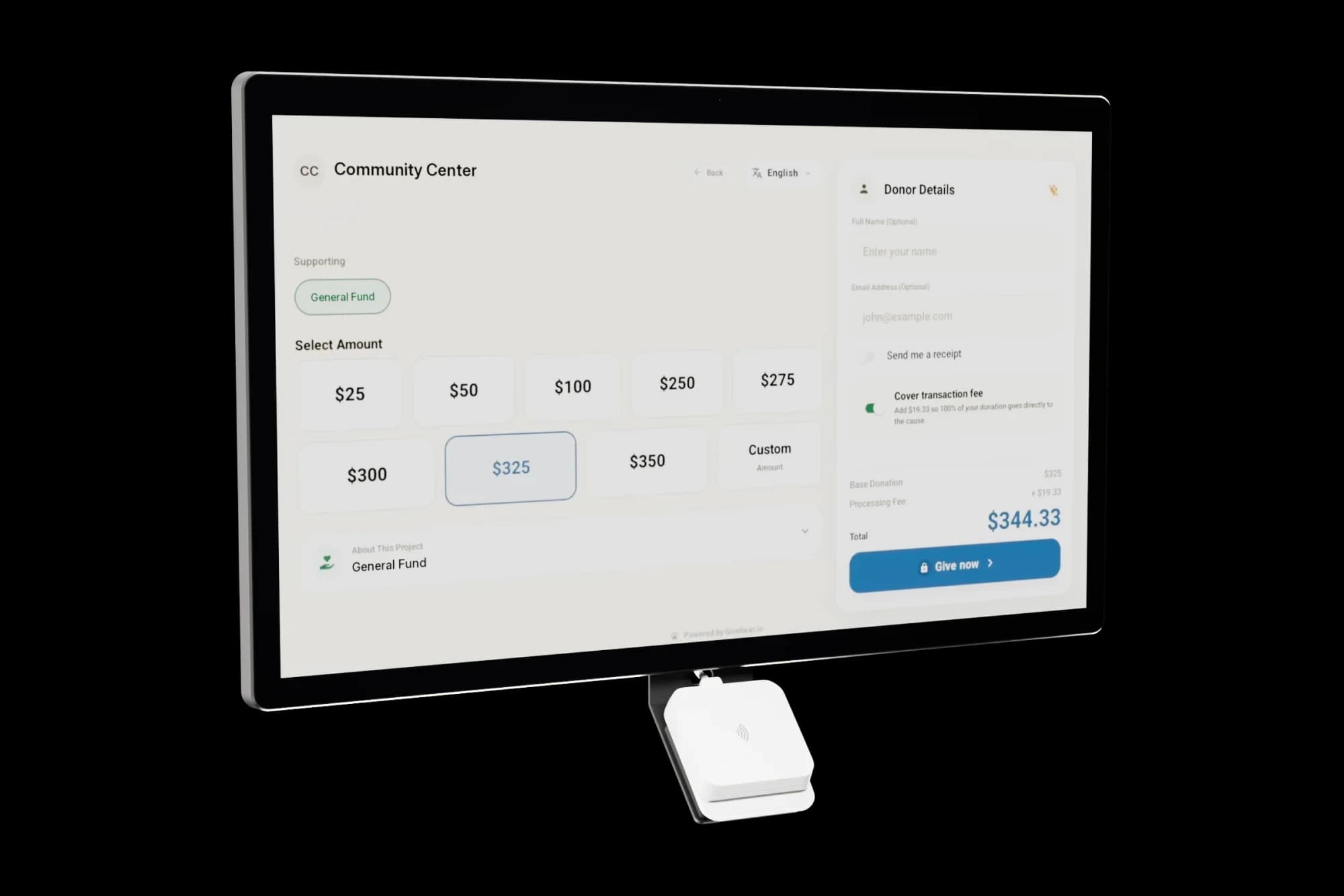
The kiosk. From $999, paid once.
A 21.5" touchscreen with a tap-to-pay reader, on a wall mount or a battery floor stand. Gifts on it carry your plan's platform fee and land in the same funds as online giving.
Common questions
How is this different from Raise for Rotary?
Can we track restricted funds like scholarships separately?
Does the kiosk work at off-site events, not just our meeting room?
Can members set up recurring gifts to the club foundation?
Related reading
See it with your own funds.
Book a 30-minute walkthrough. No slides and no hard sell: we set Givebear up around how your organization already gives.
- Your funds, set up the way your treasurer reports them
- Where a kiosk would go, and what it costs
- The reports your board will actually see
Rather set it up yourself? Start free
Loading available times
Or open the booking page