Run a back-to-school fundraiser without the order forms
Launch a back to school fundraiser with Givebear: tap-to-pay kiosks at back-to-school night, classroom fund routing, recurring family giving, and ticketed events.
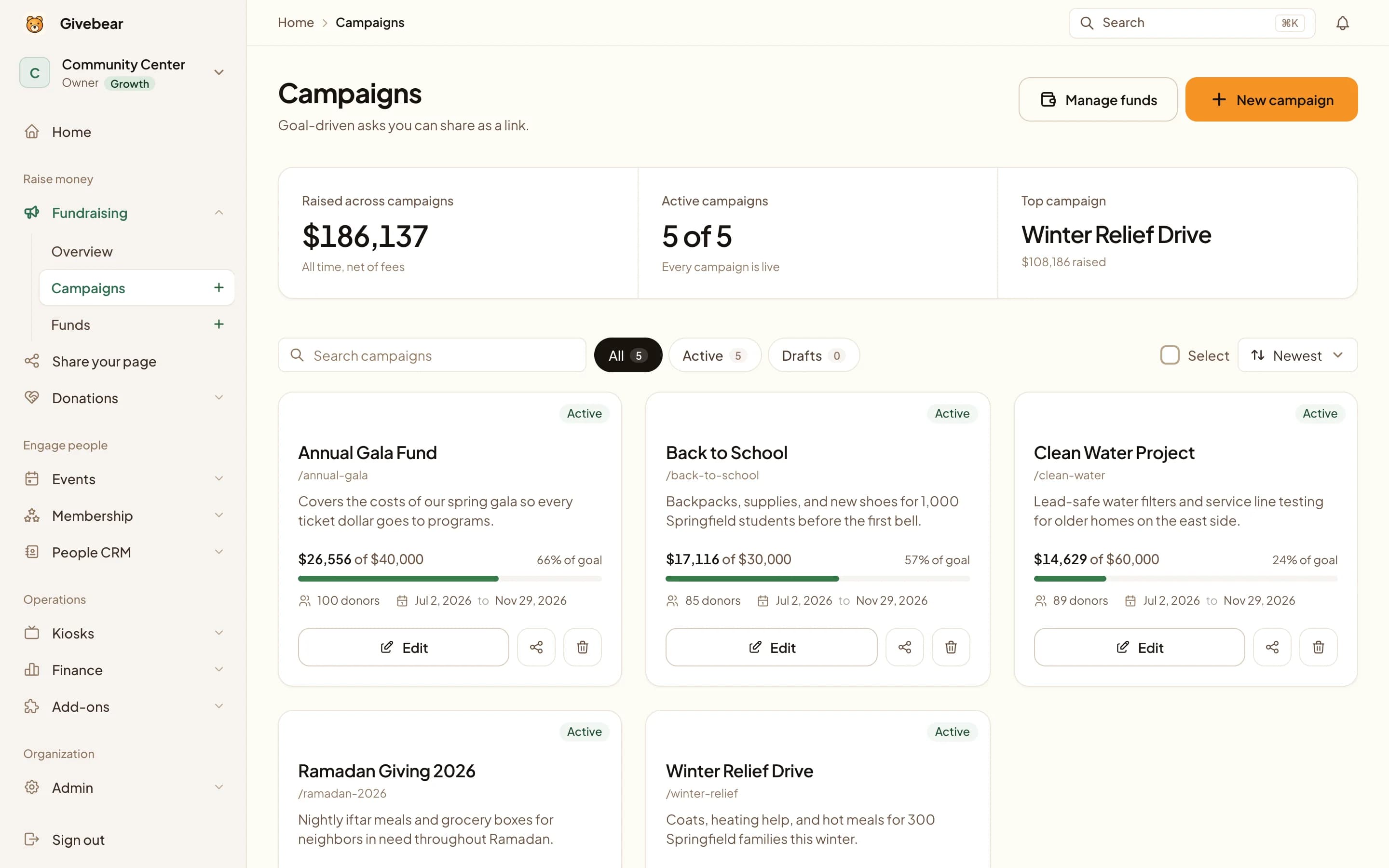
The goal
Raise for a specific classroom, program, or student-support goal during the first six weeks of the school year.
Where Givebear fits
A kiosk at the registration table, a giving form on the enrollment page, and a fund for each classroom or program, with nothing to sell.
What it leaves to you
There are no student or peer-to-peer pages. The school or PTA runs one campaign as the organization.
The plan, phase by phase.
Tick tasks off as you go. Your checklist is saved in this browser, and it works whichever giving platform you use.
Before school starts
Two to three weeks before the first day
Funds, form, and kiosk ready for orientation.
First six weeks
Orientation through mid-term
Ask while families are on campus and paying attention.
Report back
End of the first term
Show families what their gifts bought.
Copy and adapt.
Replace the bracketed details with your own goal, fund and giving link.
Where to send it
- Parent email
- Open house
- Campaign page
- QR signs
- Recurring giving
Launch email
Subject: Help [school] start the year strong This year we are raising [goal] for [classroom or program]. Choose where your gift goes and give here: [giving link]. A monthly gift through the school year helps us plan. Thank you, [name], [school or PTA]
Thank-you message
Thank you for supporting [classroom or program]. Your gift will pay for [specific item]. We will share a photo update at the end of the term.
Why this plan works
The first six weeks of the school year are when families are most engaged and most willing to give. Backpacks are bought, schedules are set, and parents are walking the halls for orientation and back-to-school night. A back to school fundraiser that meets families in those moments, instead of mailing home an envelope, captures support while attention is high and budgets for the year are still being decided.
With Givebear, a school or PTA uses one setup for the whole season: a kiosk at the registration table, a giving form on the enrollment page, and monthly giving so families can spread a gift across the year. Every dollar is routed to the right fund: general operating, a specific classroom, the library, arts, athletics, or a one-time capital need.
The PTA owns the campaign, the donor records, and the receipts; there are no individual student pages to manage. Volunteers can run a table without access to the bank account, and the treasurer can reconcile by fund at the end of the night.
Catch families at back-to-school night and the pickup line
Set a Givebear kiosk on the check-in table during orientation week, a giving window that closes fast, and parents can tap a card or phone to give a suggested amount in the time it takes to find their child's classroom. There is no app to download, no cash to count, and no volunteer handling card numbers. The screen shows your fund options, the family taps, and the receipt is emailed automatically.
The same kiosk earns its keep long after orientation. Park it in the front office or run it at the afternoon pickup line during a fund drive week. Because the hardware is one-time, a back to school fundraiser kiosk keeps working through the fall festival, conferences, and the winter concert. Hardware runs $999 to $1,099, and a freestanding battery option lets you move it anywhere on campus.
Route every gift to the right classroom or program
Givebear lets you publish distinct funds so a parent chooses where their gift lands and your treasurer sees restricted money tracked separately from general operating dollars, because schools rarely raise money into one bucket. The third-grade teachers need supplies, the booster club needs uniforms, and the foundation is saving for a playground. No spreadsheet gymnastics at reconciliation time.
Recurring giving turns one-time enthusiasm into year-round support. A family that loves the music program can commit a monthly amount in September that funds it through May. Totals are reported per fund, and the donor records let volunteers send a specific thank-you instead of a generic blast.
One platform for giving, events, and receipts
A strong fall calendar mixes steady giving with a few signature events. Sell tickets to a trivia night or pancake breakfast through the same Givebear account that runs your donation kiosk and online widget, so registrations, gifts, and donor records all live in one place. Everything stays in the PTA's account.
Each gift gets a receipt, which saves volunteers year-end paperwork and gives families what they need at tax time. Givebear charges a flat platform fee from 1.9% to 5.9% depending on plan (one rate online, at kiosks, and on memberships), plus Stripe card processing at cost, with no setup fee and no monthly minimum, with no tip prompt for families. Start on the Free plan, connect Stripe, and have the campaign live before the first bell.
Practical use cases
- A kiosk at the back-to-school night check-in table, where families wait anyway
- Recurring monthly gifts from parents who want to support a classroom or program across the whole school year
- Fund routing that keeps library, arts, athletics, and field-trip money tracked separately for your treasurer
- Ticketed events like a fall festival, trivia night, or pancake breakfast sold through the same dashboard
Common questions
How is this different from selling wrapping paper or cookie dough?
Can different classrooms or programs collect separately?
Do families need to download anything to give at the kiosk?
Can parents set up monthly giving for the school year?
Is there a peer-to-peer page for each student?
Related reading
See it with your own funds.
Book a 30-minute walkthrough. No slides and no hard sell: we set Givebear up around how your organization already gives.
- Your funds, set up the way your treasurer reports them
- Where a kiosk would go, and what it costs
- The reports your board will actually see
Rather set it up yourself? Start free
Loading available times
Or open the booking page