Ramadan fundraising campaign template and playbook for mosques
A complete campaign framework and operational checklist for mosques and Islamic centers managing Zakat, Sadaqah, Iftar sponsorships, and building campaigns during the holy month of Ramadan.
The goal
Have the Zakat, Sadaqah, Iftar, and building funds set up and tested before the first night, so the busiest nights need no fixes.
Where Givebear fits
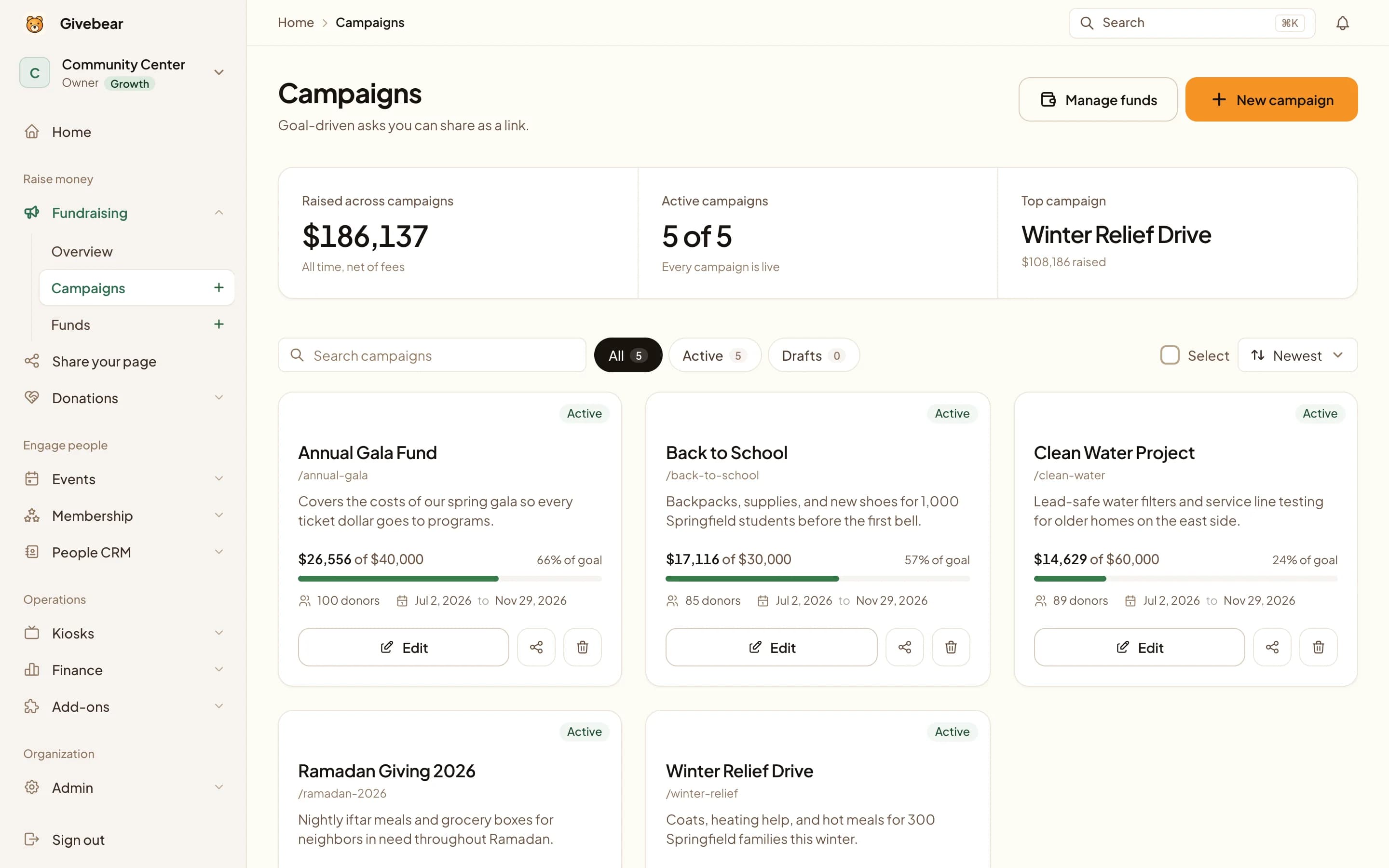
The same funds on the website, QR signs, and lobby kiosks, with daily recurring gifts for donors who want to give on each of the last ten nights.
What it leaves to you
Which funds are Zakat-eligible is for the mosque's qualified leadership to decide. The software records where each gift goes; it is not a source of fiqh.
The plan, phase by phase.
Tick tasks off as you go. Your checklist is saved in this browser, and it works whichever giving platform you use.
Before Ramadan
In Sha'ban
Set the funds and test every way to give before the first night.
Last ten nights
Nights 21 to 30
Ask hardest when attendance and giving peak.
After Eid
The week after Eid
Close each fund and thank donors with results.
Copy and adapt.
Replace the bracketed details with your own goal, fund and giving link.
Where to send it
- Zakat page
- Ramadan campaign page
- QR signs
- Lobby kiosk
- Friday announcement
Launch email
Subject: Ramadan giving at [masjid] is open As-salamu alaykum. This Ramadan our goal is [goal]. You can give your Zakat, Sadaqah, or an Iftar sponsorship here, and each gift goes only to the fund you choose: [giving link] Jazakum Allahu khayran, [name], [masjid]
Thank-you message
Jazakum Allahu khayran for your gift to [fund] this Ramadan. Together the community raised [amount] for [fund], which will [specific outcome]. Your receipt has been emailed to you.
Why this plan works
This template sets up a mosque's Ramadan giving before the month starts: which funds to open, what to test in Sha'ban, how to handle the last ten nights, and what to reconcile after Eid.
Donors in Ramadan give for different obligations, and they expect each gift to be used for the one they chose. Zakat, zakat al-fitr, iftar sponsorship, general sadaqah, and a building fund each need their own fund, so that the treasurer can report on them separately and the board can show the community where each one went.
How should you structure your Ramadan campaign?
Open four or five funds, not fifteen. Too many choices slow donors down, and a single general button pushes donors to write instructions in a memo field that the treasurer has to read and sort by hand.
A common set: zakat al-mal, zakat al-fitr (due before the Eid prayer), iftar sponsorship, general sadaqah for the mosque's running costs, and a building or school fund if one is active. Give iftar sponsorship a fixed suggested amount that matches the real cost of a meal at your mosque, so donors know what their gift covers.
When should Masjid administrators start preparing?
Start in Sha'ban. Confirm Stripe payouts are working, open the funds, publish the giving page, and make one small real gift through the page and one through the kiosk to check that both arrive in the right fund.
Read a test receipt before Ramadan begins: it should carry the mosque's legal name and EIN and name the fund the donor chose. Then show the lobby volunteers how the kiosk works and what to do if the Wi-Fi drops.
Optimizing the last ten nights (including Laylat al-Qadr)
Many donors want to give on each of the last ten nights so that their sadaqah falls on Laylat al-Qadr whichever night it is. Givebear's donation form has a last-ten-nights option that sets up a daily recurring gift which stops on its own after ten payments, so the donor sets it up once.
Promote it before the 20th night, not on the 27th. On the busiest nights, put the kiosk where people leave the prayer hall and ask a volunteer to stand near it.
What should you do the week after Eid?
Export the Ramadan totals by fund. Enter the cash and checks collected during the month against the right donors and funds so each donor's history is complete, and confirm that zakat al-fitr was distributed before the Eid prayer.
Then tell the community what was raised for each fund and what it will pay for. A short thank-you email that states each donor's Ramadan total is useful to them at tax time and keeps the relationship going until next year.
Practical use cases
- Open one Ramadan giving page with separate choices for zakat, zakat al-fitr, iftar sponsorship, and sadaqah.
- Show the same funds on the lobby kiosk so a gift at the door and a gift online land in the same fund.
- Offer a daily gift for the last ten nights that the donor sets up once.
- Put a QR code for the giving page on the prayer timetable and the Friday slides.
Common questions
What giving categories should a standard Ramadan campaign page include?
Should Ramadan kiosk donations and online portal donations route to the same funds?
How do we handle Zakat al-Fitr distribution using the platform?
Can donors set up daily recurring donations during the last ten nights?
See it with your own funds.
Book a 30-minute walkthrough. No slides and no hard sell: we set Givebear up around how your organization already gives.
- Your funds, set up the way your treasurer reports them
- Where a kiosk would go, and what it costs
- The reports your board will actually see
Rather set it up yourself? Start free
Loading available times
Or open the booking page