What is text to give? How text giving works and where it fits
Text to give lets supporters donate by texting a keyword to a number. How short codes work, what text giving costs, and when text beats QR or a kiosk.
Last updated July 2026 by Fatih
Quick answer
Text to give lets someone donate by texting a keyword to a number. The reply contains a link to a donation page where they finish the gift, so card details never travel by SMS. It works best when a keyword can be read aloud or shown on a slide, during a service, gala, or broadcast. In a lobby or at the door, a QR code or a tap kiosk is usually quicker.
Key takeaways
- Vendors use text to give and text to donate loosely, so check exactly what the flow is before buying.
- Compare SMS charges and platform fees together; bundled pricing is hard to compare otherwise.
- Givebear does not offer text-to-give keywords; it uses QR codes and kiosks for the same moments.
Who this is for: Nonprofit operations leads comparing giving vendors who see 'text to give' and 'text to donate' used interchangeably and need to know what is actually being sold; Development directors planning broadcast asks: giving days, telethons, radiothons, livestreams, and stage appeals where the call to action must survive being read aloud; Communications staff deciding whether a campaign's printed and on-screen materials should carry a text keyword, a QR code, or both; Treasurers and finance leads pricing the per-gift cost of a text channel against QR codes, online forms, and a lobby kiosk
Text to give is a donation channel where a supporter sends a keyword by SMS to a phone number (usually a shared short code) and receives back a link to a mobile donation form, or in the original carrier-billed version, adds a small fixed gift directly to their phone bill. Its value is clearest in a broadcast moment: a nonprofit operations lead prepping a giving-day livestream gets one overlay graphic and maybe ten seconds of the host's attention for the ask, a URL read aloud dies in that moment, and 'text RELIEF to a five-digit number' survives it. That moment is what text to give exists for.
The terminology is muddier than the technology. Strictly, text to give meant carrier billing: a fixed $5 or $10 gift charged to the donor's phone bill. Text to donate means the SMS only carries a link, and the actual payment happens on a card form at any amount. Nearly every product sold today under the text-to-give name is technically text to donate, which matters because it changes what you are evaluating: not the SMS itself, but the donation form behind the link, the keyword routing in front of it, and whether the resulting gift lands in the same donor database as the rest of your giving.
Text giving is also the channel most often bought out of habit rather than fit. It earns its place in broadcast moments (telethons, radio asks, stage appeals in large venues) and with remote supporters who can hear a number but cannot scan or tap anything. It is outperformed by QR codes on printed materials and by donation kiosks in lobbies, where the gift can finish in seconds without the donor's phone. And its price spans the full range: Txt2Give offers its core text giving product free (per txt2give.co, verified June 2026), which resets what any other vendor's monthly fee has to justify.
How do text to give and text to donate differ?
The original text to give was carrier billing. The donor texted a keyword, confirmed with a reply, and a fixed gift (typically $5 or $10) was added to their monthly phone bill. It powered the famous disaster appeals: the 2010 Haiti earthquake response raised tens of millions of dollars this way, ten dollars at a time. The mechanics imposed hard limits, though: amounts were capped, funds passed through carrier programs and could take up to 90 days to reach the organization, and the gift arrived with no donor name, no email, and no receipt trail to build on.
Text to donate replaced the billing mechanism with a link. The supporter texts a keyword, the platform replies with a URL, and the payment happens on a mobile card form at whatever amount the donor chooses, settling on normal card timelines with a full donor record attached. Nearly everything sold today as text to give is text to donate under the hood. When a vendor demo skips past this, ask directly: does the gift complete inside the message thread or on a web form, who appears as the merchant of record, and where does the donor record live afterward?
How do short codes, long codes, and keywords route a gift?
A short code is a five or six digit number leased through a central registry. Dedicated codes are expensive enough that most giving platforms lease one and share it across all of their customer organizations, using the keyword to tell them apart: GALA belongs to one nonprofit, HOPE to another. The cheaper alternative is a registered ten digit local number (10DLC in carrier terms), which looks like an ordinary phone number and carries lower messaging volume. The donor-facing flow is identical either way: text the keyword, receive the link.
The keyword doubles as the attribution layer. An organization can run YOUTH and BUILDING as separate keywords on the same number, each routing to its own fund and reporting line, which is how one text number supports several simultaneous campaigns. A first-time donor completes the card form once; platforms that store payment methods then accept bare amounts ('text 25 to give $25') for every gift after that. Two pieces of compliance are not optional: carriers require working STOP opt-out handling, and the 'message and data rates may apply' disclosure exists because the donor's carrier may charge for the texts themselves.
What does text giving cost across the market?
The market has three price shapes. Standalone subscription products were the norm for a decade: aware3's legacy text-to-give plan ran $109 per month before the brand was folded into FACTS (Nelnet) on March 1, 2024 (per factsmgt.com, verified June 2026), and that price was typical of its era. Bundled suites fold text into a broader plan: Planning Center includes Text2Give in Giving tiers that run from $0 for 10 donations a month up to $239 per month unlimited (per planningcenter.com, verified June 2026). And at the floor sits Txt2Give, whose core product is free (per txt2give.co, verified June 2026).
The subscription is only one of three cost layers. Card processing applies to every text-initiated gift exactly as it does online, since the payment is a card payment that happens to start from an SMS. The donor's own carrier may charge standard message rates. The third layer is harder to see on a pricing page: fragmentation. A text product that keeps its gifts in a separate system means a donor who texts in March and gives at an event in June exists twice, and year-end statements require a merge. With a free dedicated product on the market and suites bundling the feature, a standalone monthly fee for text alone now needs a specific justification.
Text, QR, or kiosk: which fits each giving moment?
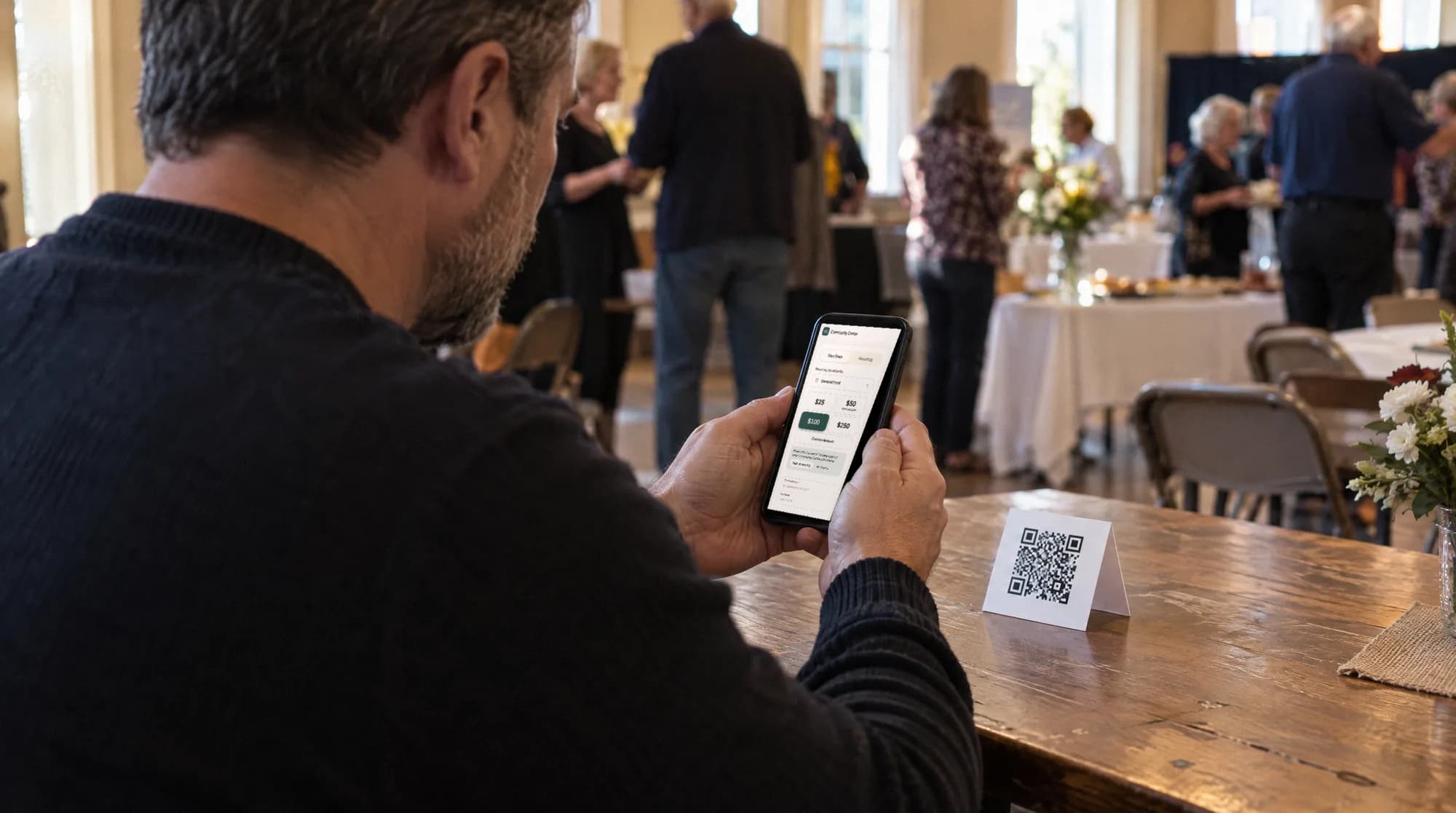
Each channel owns the moments where it asks the least of the donor. Text wins when the supporter can hear or remember a number but cannot scan or tap anything: radio, podcasts, telethons, and stage asks in rooms too large for a screen QR code to be scannable. QR codes win on printed materials and close-range screens (mailers, posters, event programs, slides) where the code is physically in front of the donor and scanning beats typing. A donation kiosk wins the lobby: the walk-up gift completes on the organization's own hardware in a few taps, card in hand, no donor phone involved at all.
Givebear covers the QR, online, and kiosk sides of that mix from one donor database: QR campaigns and online giving run at a flat platform fee from 1.9% to 5.9% depending on plan (one rate online, at kiosks, and on memberships), plus Stripe card processing at cost, with no setup fee and no monthly minimum, and a lobby kiosk is a one-time purchase of $999 to $1,099 with no monthly device subscription. Text is the one channel it leaves to dedicated providers, and the honest pairing is a free one: run Txt2Give (or a text feature already bundled in software you pay for) for broadcast moments, and route every other giving moment through channels that complete the gift in fewer steps.
An honest test before buying a text giving product
List the asks your organization actually made in the last twelve months and mark the ones where the audience was remote and could not scan or tap: broadcast segments, radio interviews, large-venue appeals, phone-a-thons. That count is the size of your text opportunity. If the list is mostly lobby traffic, services, events you host, and printed mailers, then a keyword would be a channel without a moment: QR codes and a kiosk already cover those with fewer donor steps.
If broadcast moments are real for you, adopt text deliberately: pick a free or bundled product, keep one stable keyword per long-running fund (signage and muscle memory outlive campaigns), and insist that text gifts land in the same donor records as everything else. Then judge the channel the only way that means anything: count its gifts after 90 days. Text giving works best as a way in for remote donors alongside your other channels.
Practical use cases
- Put a keyword and short code in a telethon lower-third or livestream overlay so remote viewers can give during the ask instead of after it.
- Give radio and podcast audiences a number they can remember and act on at the next stop, since there is nothing on air to scan or tap.
- Let donors in the back rows of a large venue respond to a stage appeal by typing five digits, when the QR code on the screen is too far away to scan.
- Turn repeat supporters into one-text givers: once a payment method is saved, a follow-up gift is as short as texting an amount to the same number.
Key features
- A keyword per campaign so GALA and RELIEF route to different funds automatically
- An auto-reply link that opens a mobile donation form preloaded with the right campaign
- Saved payment methods so a returning donor's gift is one text with an amount
- Automatic receipts by text and email with the organization and fund named
- Required compliance handling: STOP opt-outs and carrier disclosures managed by the platform
- Reporting that joins text gifts to the same donor records as online and in-person giving
Common questions
How does text to give work for donors?
How much does text to give cost a nonprofit?
What is the difference between text to give and text to donate?
Is text to give secure and PCI compliant?
More in Glossary
See it with your own funds.
Book a 30-minute walkthrough. No slides and no hard sell: we set Givebear up around how your organization already gives.
- Your funds, set up the way your treasurer reports them
- Where a kiosk would go, and what it costs
- The reports your board will actually see
Rather set it up yourself? Start free
Loading available times
Or open the booking page