Add a donation button to your Wix site in two lines
Add a Wix donation button or inline giving form with two lines of code. No Wix app, no Velo. Exact Editor and Studio click-path, plan limits, and Stripe checkout.
Your campaign
Community fund
67% funded
Choose an amount
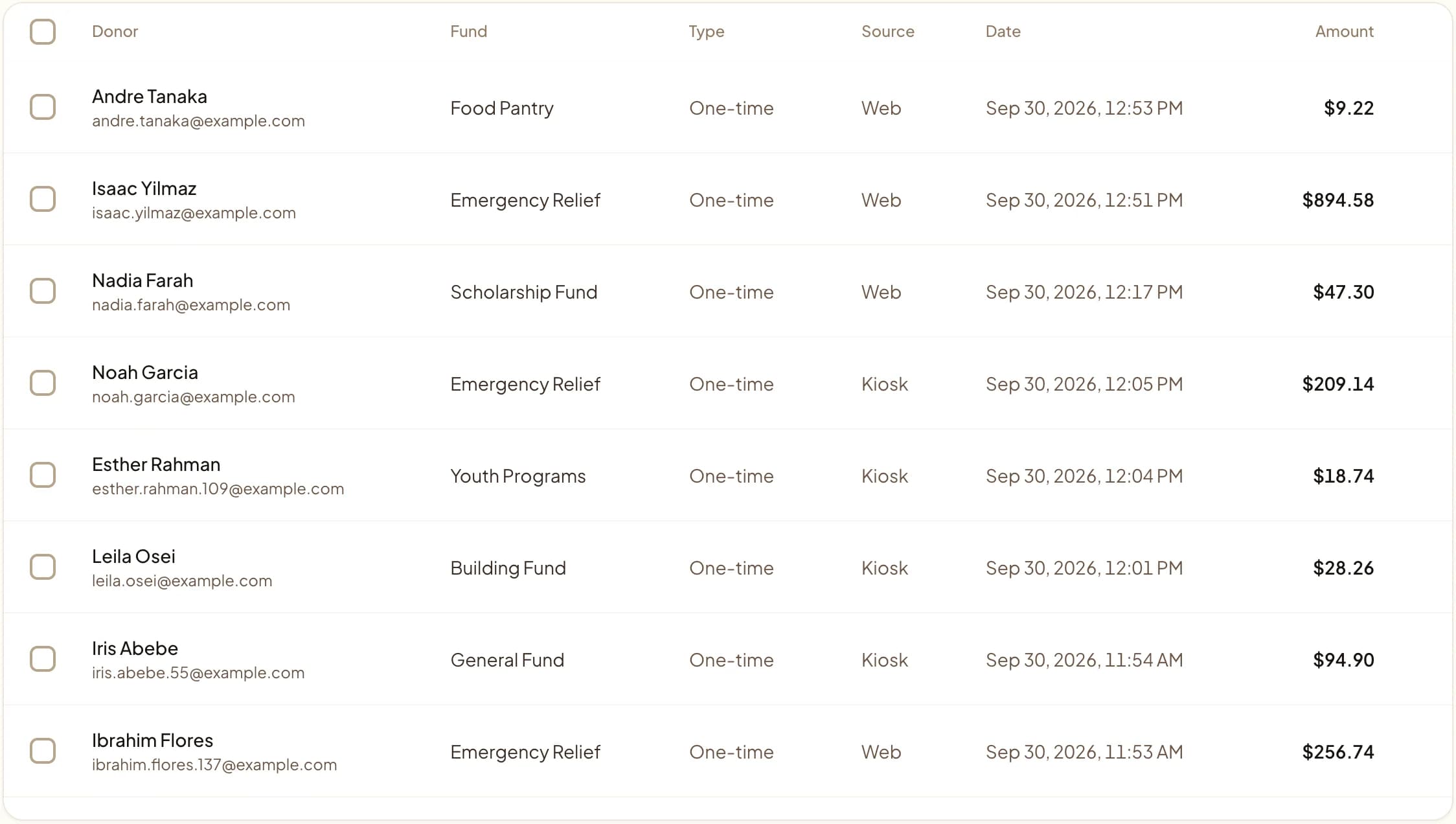
Web, kiosk, and QR gifts land in one dashboard.
Last updated July 2026 by Akif
Quick answer
To add a donation button to Wix, add an HTML embed element and paste Givebear's two lines: a script tag and a tag marking where the button or inline form should appear. No Wix app or Velo code is needed. If custom code is not available on your plan, point a regular Wix button at your hosted Givebear donation page.
Key takeaways
- The embed works in Wix Studio and the classic Wix Editor; the page covers both click paths.
- An inline form keeps donors on your page, while a button opens the form when clicked.
- Payments run through Stripe and settle into your organization's own account.
Who this is for
- Nonprofits running their main site on the classic Wix Editor
- Teams that rebuilt on Wix Studio and want a giving block in a section
- Churches and mosques collecting recurring and one-time gifts online
- Wix admins who do not want to touch Velo or hire a developer
How do you add the donation button in the classic Wix Editor?
Open your site in the classic Wix Editor and click Add Elements (the plus icon on the left rail). Choose Embed & Social, then Embed Code, then Embed HTML. Wix drops an empty box onto the page with an Enter Code button.
Click Enter Code, paste the data-givebear-embed div and the async script tag, then click Update. Resize the box so it is wide enough for the form and tall enough that nothing is cut off, position it where you want the donate button, and click Publish. The form mounts after the page loads.
Wix wraps every custom embed in a sandboxed iframe, so the trick to a clean Wix donation button is picking the right variant and giving it room to render. With Givebear there is no Wix app to install and no Velo code to write: you paste exactly two lines into an Embed HTML element and the form mounts after the page loads, inheriting your site fonts so it looks native to your theme.
Here is the whole snippet. Drop <div data-givebear-embed data-organization-id="YOUR_ORG_ID"></div> followed by <script src="https://givebear.io/sdk/givebear.js" async></script> into a Wix Embed HTML box, draw the box tall enough, and publish. Swap data-givebear-embed for data-givebear-button to get a modal launcher, or data-givebear-card for a suggested-amounts card. Optional data-fund-id, data-campaign-id, data-accent-color, and data-button-text attributes let you tune each placement without editing code anywhere else.
Because Wix sandboxes every HTML element at a fixed size, the inline form behaves more predictably on Wix than a popup button. Below are the click paths for the classic Editor and for Wix Studio, and what to do when your plan blocks custom code.
Wix Studio vs the classic Wix Editor
If you rebuilt on Wix Studio, the path is the Add panel, then Embed, then the HTML iFrame or Embed Code element. Open its code panel, paste the same two lines, and place the element inside a responsive section with a sensible minimum height so it reflows on mobile.
The snippet is identical across both products, so you do not maintain two versions. Studio gives you better control over breakpoints and section height, which matters because Wix never makes the embed iframe itself responsive: you set the room it gets.
When custom code is blocked: the hosted fallback
Some Wix setups restrict custom scripts: sites still on a free plan without a connected domain, certain Wix ADI builds, and locked-down templates. In those cases the Embed HTML element may not load the script for live visitors.
When that happens, skip the embed and link your Wix donate button or menu item directly to a hosted Givebear giving page. Donors get the same Stripe checkout and the same fund routing, with no custom code on the Wix side. Givebear charges a flat platform fee from 1.9% to 5.9% depending on plan (one rate online, at kiosks, and on memberships), plus Stripe card processing at cost, with no setup fee and no monthly minimum.
Practical use cases
- A donate button in your Wix header that opens a giving modal
- An always-visible donation form embedded on a campaign landing page
- A suggested-amounts card on a building-fund or zakat appeal page
- Fund-specific giving blocks placed across several Wix pages
Key features
- Two-line embed with no Wix app, marketplace plugin, or Velo code required
- Inline form inherits your Wix and Wix Studio site fonts automatically
- Cards plus Apple Pay and Google Pay handled through Stripe checkout
- Three variants: full inline form, modal button, or suggested-amounts card
- Route gifts with data-fund-id and data-campaign-id on each placement
- Hosted giving page fallback for Wix plans that block custom scripts

Common questions
How do I add a donation form to Wix?
Do I need a premium Wix plan or a connected domain to publish the donation button?
Does the embed work in Wix Studio as well as the classic Editor?
Do I need Velo or any developer to set this up?
Related reading
See it with your own funds.
Book a 30-minute walkthrough. No slides and no hard sell: we set Givebear up around how your organization already gives.
- Your funds, set up the way your treasurer reports them
- Where a kiosk would go, and what it costs
- The reports your board will actually see
Rather set it up yourself? Start free
Loading available times
Or open the booking page