Hospital foundation fundraising software built for lobby giving
Hospital foundation fundraising software with lobby tap-to-pay kiosks, grateful-patient recurring giving, and service-line and memorial fund routing. Donor giving only.
Last updated July 2026 by Fatih
Quick answer
Givebear is giving software for hospital foundations, not clinical or patient-record software. It puts a donation kiosk in lobbies and waiting areas, lets donors direct gifts to a service line, a memorial fund, or a campaign such as a new NICU, and supports monthly gifts from grateful patients. Payments go to the foundation's own Stripe account, and receipts are sent automatically.
Key takeaways
- Families are most likely to give while they are still in the building.
- Wall-mount kiosks suit permanent lobbies; the battery floor stand moves to galas and receptions.
- No tip prompt sits between a grateful family and the foundation.
Who this is for
- Hospital and health-system foundations running grateful-patient and annual giving
- Development teams managing service-line, memorial, and capital funds
- Community and rural hospital foundations adding lobby and event giving
Turn the lobby and waiting room into a giving moment
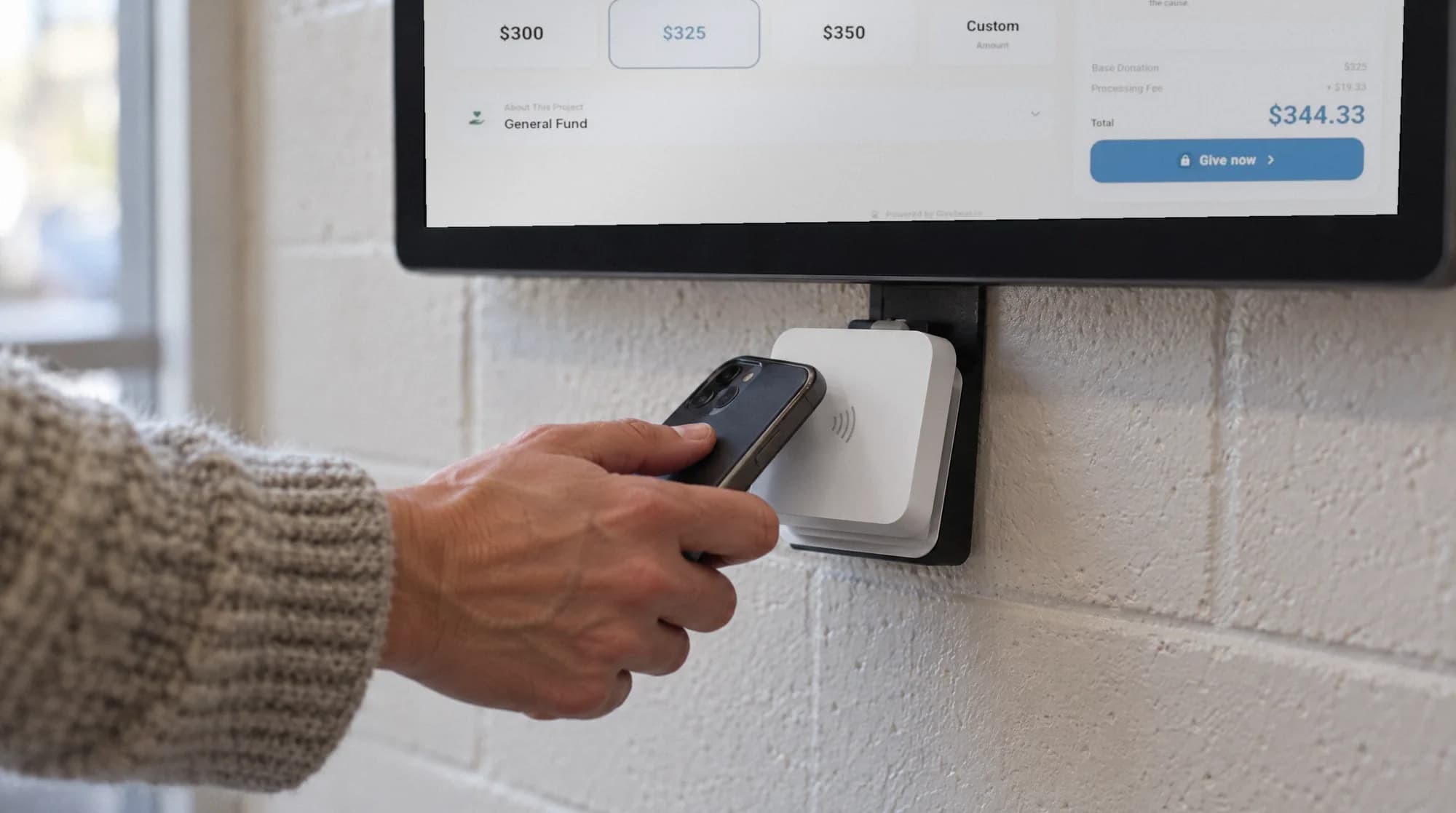
A sign that says "give" rarely captures gratitude. A kiosk in the main lobby, by the gift shop, or in a surgical waiting area lets a visitor give with a card or phone while they still have the reason in front of them.
Wall-mount it for a permanent spot, or use the floor stand for a gala, a ribbon cutting, or a campaign reception. Every screen offers your foundation's own funds.
A hospital foundation raises from grateful families, memorial gifts, and capital campaigns. Gratitude is highest while a family is still in the building, and a kiosk in the main lobby, by the gift shop, or in a family waiting area gives them a way to act on it before they leave.
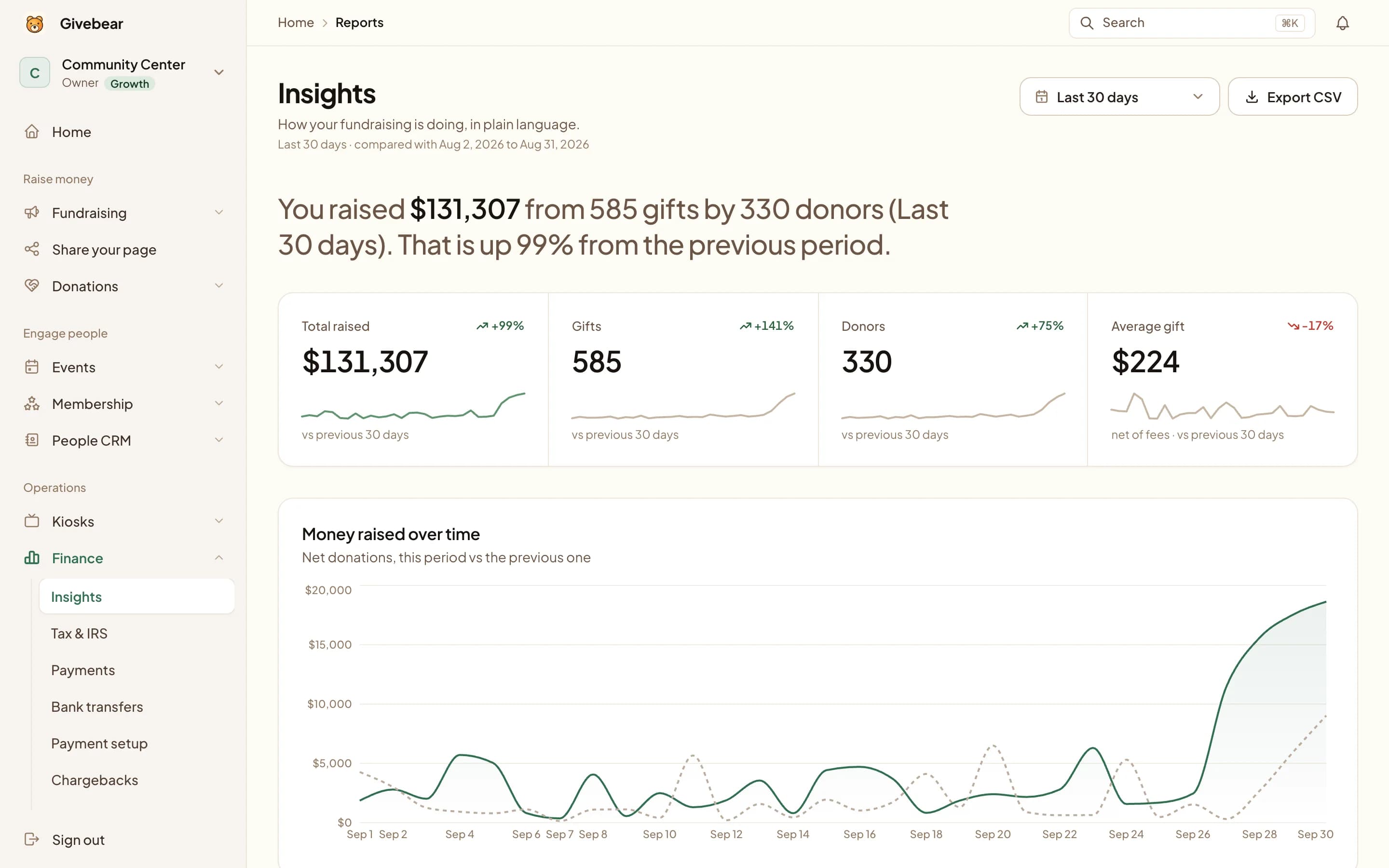
Every gift goes to the fund the donor chooses: a service line, a memorial fund, a campaign such as a new NICU, or the general fund. Each is reported separately for the finance team and the board. The kiosk and the giving form on the foundation's website use the same funds and the same donor records.
Honor donor intent across every fund
Foundations depend on designated giving. Donors can send a gift to a service line, a memorial fund, a named campaign, or the general fund, and each restricted balance is tracked on its own.
Monthly grateful-patient gifts, one-time memorial gifts, and campaign gifts sit in one set of donor records with receipts sent automatically.
One payment stack, your own Stripe account
Cards, Apple Pay, and Google Pay run through Stripe on the kiosk and online, settling to the foundation's own Stripe account. There is no tip prompt to the platform at checkout.
Givebear charges a flat platform fee from 1.9% to 5.9% depending on plan (one rate online, at kiosks, and on memberships), plus Stripe card processing at cost, with no setup fee and no monthly minimum.
Gift shop, auxiliary, and tribute giving
Auxiliaries and volunteer guilds often raise from the gift shop and lobby tables, and a kiosk next to the register gives a shopper a way to add a gift. Recognition walls and family waiting areas are other natural spots.
For a memorial or tribute, open a fund in the person's name. The kiosk records only the donor's contact and gift details for receipts; it never touches patient records or clinical systems.
Practical use cases
- A kiosk in the main lobby with the general fund, a current campaign, and a memorial fund.
- A kiosk at the gift shop for the auxiliary's appeal.
- A battery floor stand at a capital campaign reception.
- A monthly gift started by a grateful family.
Key features
- Lobby kiosk or battery floor stand for events
- Service-line, memorial, and campaign funds reported separately
- One-time and monthly giving
- Giving form for the foundation website
- Email receipts and donor records

The kiosk. From $999, paid once.
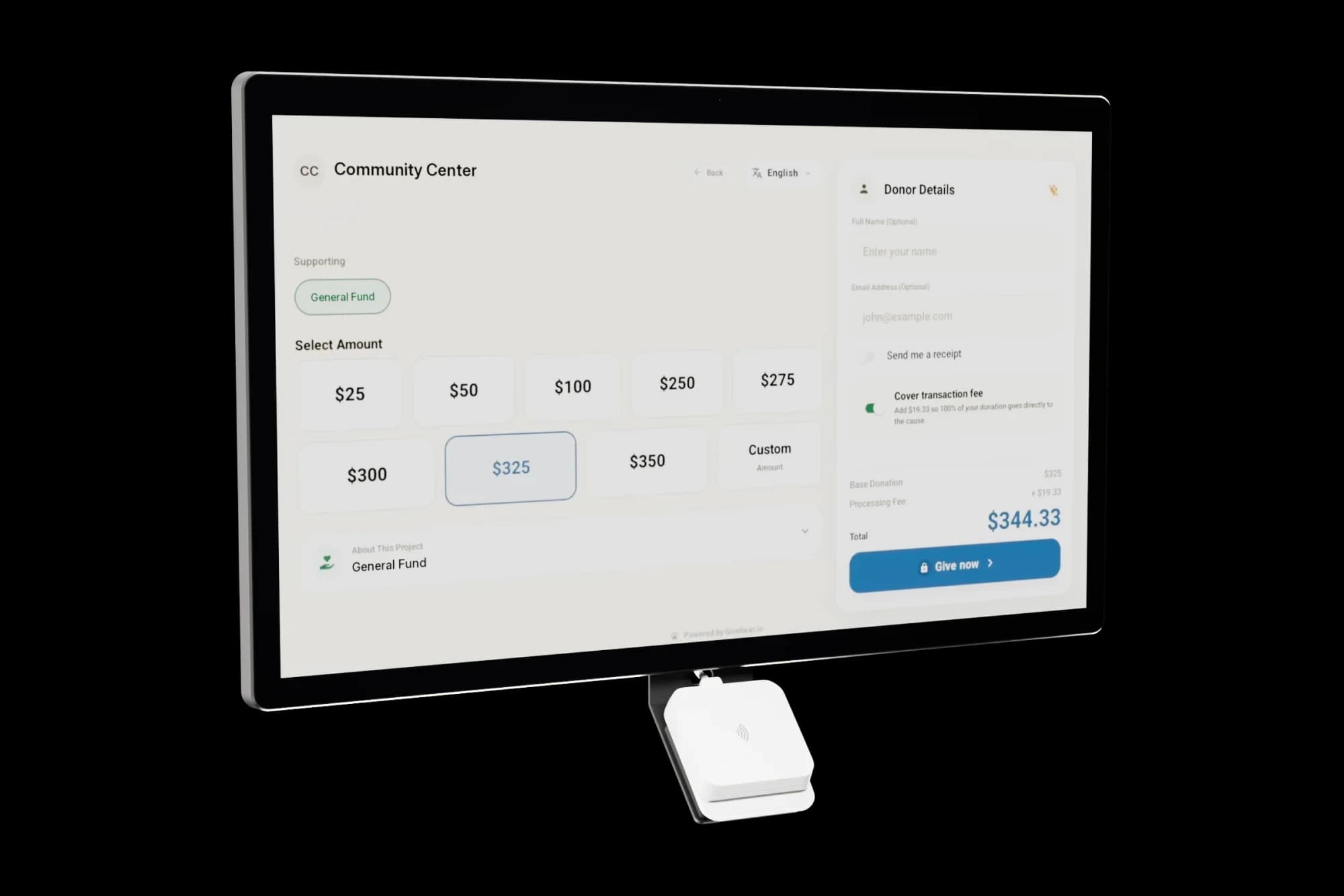
A 21.5" touchscreen with a tap-to-pay reader, on a wall mount or a battery floor stand. Gifts on it carry your plan's platform fee and land in the same funds as online giving.
Common questions
Is this clinical or patient-records software?
Can donors direct gifts to a specific service line or memorial fund?
Where do hospital foundations put the donation kiosk?
Does using the kiosk raise patient privacy concerns?
Related reading
See it with your own funds.
Book a 30-minute walkthrough. No slides and no hard sell: we set Givebear up around how your organization already gives.
- Your funds, set up the way your treasurer reports them
- Where a kiosk would go, and what it costs
- The reports your board will actually see
Rather set it up yourself? Start free
Loading available times
Or open the booking page